website builders

Webflow vs Elementor: Which Website Builder Fits You?
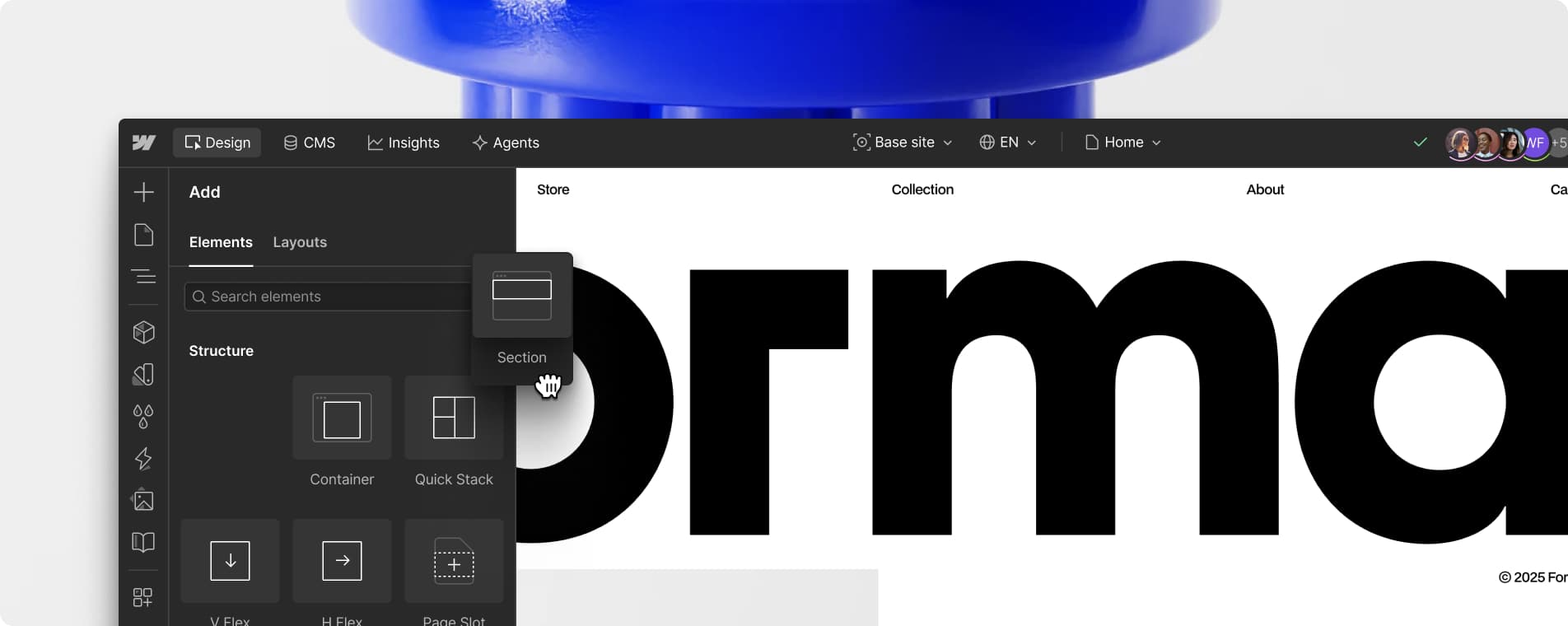
If you’re building a small business website and already own two tabs — one for Webflow, one for Elementor — you’re not alone. Both let you design visually without writing code, both are popular with freelancers and agencies, and both can produce a genuinely professional site. But they solve the problem in very different ways, …

Read More

Framer vs Wix for Small Business Websites: Which Wins?

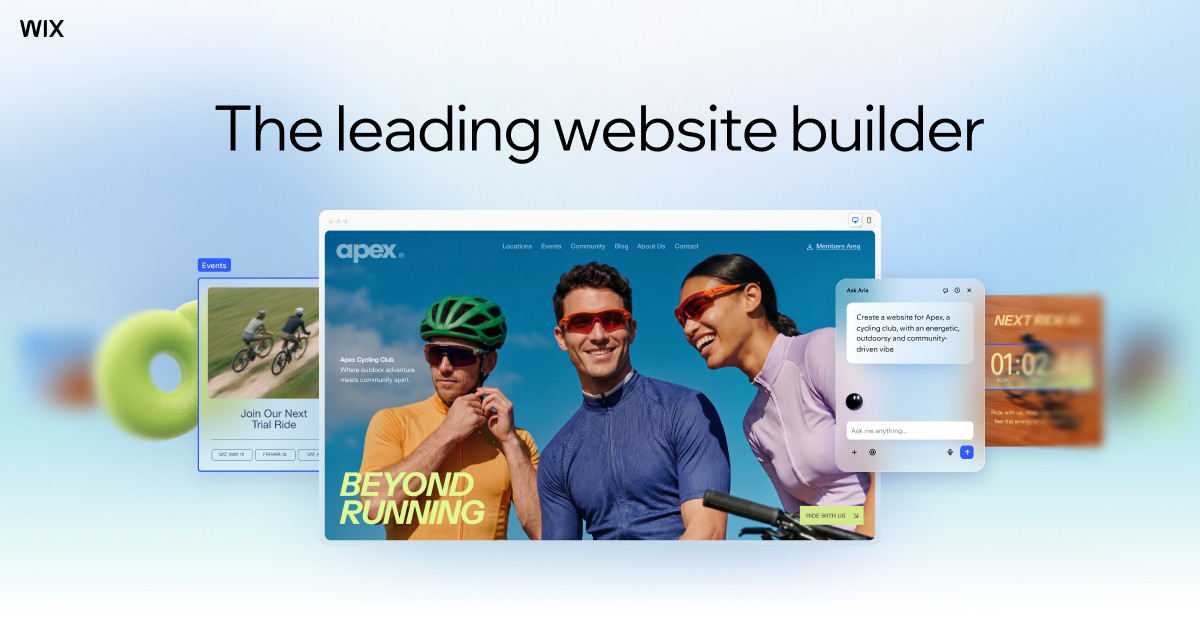
If you’re choosing a website builder for a small business, Framer and Wix are two of the most talked-about options in 2026 — but they’re built for different people. Framer is a design-forward tool that started as a favorite of professional designers, while Wix is the all-in-one builder millions of small businesses have used for …

Read More

Wix vs Squarespace vs Webflow: Which Should You Choose?

Choosing a website builder feels like a small decision until you’re six months in, your site is live, and moving it means rebuilding it. Wix, Squarespace and Webflow are three of the best-known options. They look similar in ads, but they are built for different kinds of people. This guide explains who each platform suits, …

Read More

Should You Keep Your Domain Separate From Your Website Builder?

When you build a site on Wix, Squarespace, Shopify, or a similar platform, you’re usually offered a domain name in the same checkout flow. It’s convenient — one bill, one dashboard, done in five minutes. But that convenience can quietly cost you flexibility later, especially if you ever want to switch platforms, add email, or …

Read More

Signs Your Website Builder Is Quietly Limiting Growth

Drag-and-drop website builders like Wix and Squarespace are great at getting a business online fast, but the same walled-garden design that makes them easy also puts a ceiling on how far a site can grow. Most owners don’t notice the ceiling until they’re already bumping into it — a plugin they can’t install, a page …

Read More

What to Ask Before Choosing a Website Builder (Avoid Lock-In)

Signing up for a website builder takes ten minutes. Realizing you can’t get your content out of it can take years off your patience. Most people pick a builder based on templates and price, then find out later that the design, layout, and even the written content are trapped inside a proprietary editor with no …

Read More

How to Switch Website Builders Without Losing SEO Rankings

Rankings don’t live in your website builder — they live in your domain, your content, and the links pointing at your pages. That means you can move from one platform to another without tanking your traffic, but only if you treat the migration as an SEO project, not just a design refresh. This guide walks …

Read More

Do You Really Own Your Wix or Squarespace Website?

You spent weeks building your site on Wix or Squarespace, wrote every word of copy yourself, and picked out every photo. So it’s yours, right? The honest answer is more complicated than yes or no, and it matters more than most business owners realize — until the day they want to switch platforms, hire a …

Read More

How to Add an Online Store to Your Existing Website

If your small business website already gets visitors, you don’t need to rebuild it from scratch to start selling online. Several tools let you bolt a shopping cart, product catalog, and checkout onto the site you already have — whether it’s built on WordPress, Squarespace, Wix, or plain HTML. This guide walks through the fastest, …

Read More

Best No-Code Website Builders for Small Business Owners

You don’t need to hire a developer or learn to code to get a professional website live this week. No-code website builders let you drag, drop, and customize your way to a working site, and the best ones now include AI tools that can rough out a full layout from a short description of your …

Read More