
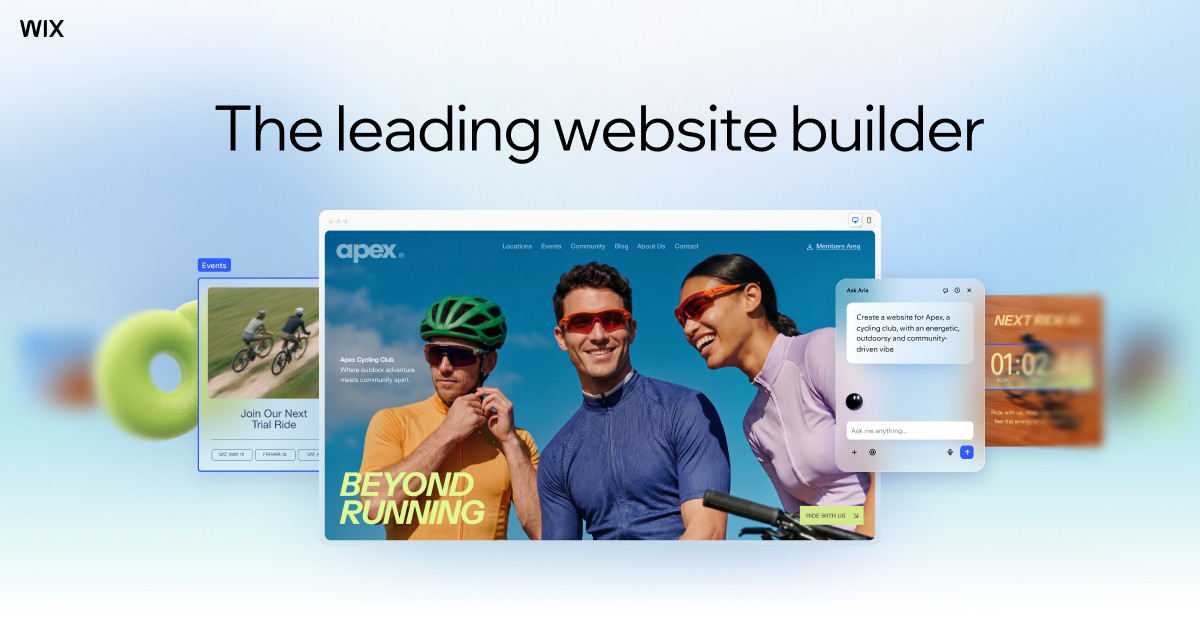
You spent weeks building your site on Wix or Squarespace, wrote every word of copy yourself, and picked out every photo. So it’s yours, right? The honest answer is more complicated than yes or no, and it matters more than most business owners realize — until the day they want to switch platforms, hire a developer, or move to a custom design and discover how much is actually locked in.
Table of Contents
This guide breaks down exactly what you own, what the platform owns, and what you can and can’t take with you if you ever decide to leave.

Quick Answer
You own the content you create — your text, images, logos, and brand — on both Wix and Squarespace. But you don’t own the website itself: the design, the template, the underlying code, and the hosting all belong to the platform, and neither one lets you export a fully working copy of your site to run elsewhere. In practice, you’re renting the house even though the furniture is yours.
What You Own vs. What the Platform Owns
Both Wix and Squarespace state clearly in their terms of service that you retain ownership of your original content — your written copy, uploaded photos, videos, and any designs or logos you created yourself. Neither company claims your intellectual property.
That said, both also require you to grant them a broad, non-exclusive license to host, display, reproduce, and in some cases promote that content as part of running their service. This is standard for hosted platforms and isn’t unusual, but it’s worth actually reading before you assume ‘I own it’ means ‘I control every use of it.’
What you don’t own is everything that makes the site function: the template, the visual editor’s underlying code, the layout engine, and the hosting infrastructure. That’s the platform’s proprietary product. You’re granted a license to use it to build and publish your site, not a copy of it you can take elsewhere. This is the core difference from something like a self-hosted WordPress.org site, where you own and control the actual files and code.
Can You Actually Take Your Site With You?
This is where the ownership question gets real. Wix is a closed platform — there’s no one-click ‘export my entire site’ button. You can pull out specific pieces of data: store products and orders as a CSV file, CMS Collection content as CSV, and blog posts as an XML file. But the design, layout, and interactive functionality stay on Wix. If you cancel or switch builders, that visual work doesn’t travel with you.
Squarespace offers an official export as a WordPress-compatible XML file, but it’s limited: it only pulls in one blog if you run multiple, and it covers basic page text and blog content — not your design, CSS, navigation, or the visual layout that makes the site look the way it does. You also can’t export from one Squarespace site and import directly into another Squarespace site.
Your domain name is a separate story, and it’s the one piece of real portability you have. If you register or point a custom domain to either platform, you can transfer that domain to another registrar later — Wix and Squarespace both support transferring domains out. Just note ICANN rules generally lock a domain from transferring for 60 days after it’s first registered, transferred, or has its contact information changed, so plan ahead if a move is on the horizon.
Tips / Common Mistakes
Register your domain in an account you control, or at minimum know the login for the registrar — don’t let a web designer or agency register it in their own name. Losing access to your domain is far more damaging than losing your site design.
Keep an offline backup of your actual content — copy your page text into a document, and periodically download your image library — so you’re never fully dependent on a platform’s limited export tools if you need to rebuild elsewhere.
Read the content license section of the terms of service at least once, especially if your site includes original photography, video, or branding you’d be unhappy seeing used in platform marketing.
Don’t assume ‘I own my content’ means ‘I can move my site.’ They’re two different things. If long-term portability matters to your business, a self-hosted option gives you more control over the underlying files, at the cost of more setup and maintenance responsibility.
If you’re planning a full redesign or a move to a developer-built site down the road, treat your Wix or Squarespace site as content storage, not a permanent home — and budget time to manually rebuild the design rather than expecting to export it.
Explore more: More web development guides.
Website ownership on Wix and Squarespace FAQs
Does Wix or Squarespace own my photos and writing?
No. Both platforms state in their terms of service that you retain ownership of your original content. They do require a license to host and display it as part of the service, but they don’t claim it as their own.
Can I export my entire Wix or Squarespace site to another platform?
Not as a complete, working copy. You can export specific content — like blog posts, CMS data, or store products — but the design, layout, and code stay tied to the platform you built on.
If I leave Wix or Squarespace, do I keep my domain name?
Yes, as long as you control the domain registration. Both platforms allow you to transfer a domain to another registrar, though ICANN rules can delay a transfer for 60 days after certain domain changes.
Is a self-hosted website more ‘owned’ than one built on Wix or Squarespace?
In terms of control, yes. With self-hosted platforms like WordPress.org, you own and control the actual site files and can move hosts freely. Wix and Squarespace give you content ownership but keep the underlying site infrastructure proprietary.
Should platform lock-in stop me from using Wix or Squarespace?
Not necessarily — both are solid, well-supported options for many small businesses. Just go in knowing you’re trading some long-term portability for ease of use and built-in hosting, and plan your domain and content backups accordingly.
Build It With GTStudios
Need help with your website, app, or small-business tech? GTStudios builds web, apps, and software for small businesses. See how GTStudios can help.
Want dev news in your inbox? Subscribe to the free newsletter.
Images: wix.com.