
If you’re building a small business website and already own two tabs — one for Webflow, one for Elementor — you’re not alone. Both let you design visually without writing code, both are popular with freelancers and agencies, and both can produce a genuinely professional site. But they solve the problem in very different ways, and picking the wrong one can mean months of fighting your tools instead of running your business.
Table of Contents
This guide breaks down what each platform actually is, how they differ on cost, hosting, design flexibility, and maintenance, and which one makes more sense depending on the kind of business and site you’re running.
Quick Answer
Choose Webflow if you want an all-in-one, hosted platform with clean code output, strong CMS features, and no WordPress maintenance to worry about — it suits marketing sites, portfolios, and content-driven businesses willing to pay a bit more for less upkeep. Choose Elementor if you’re already on WordPress (or want the flexibility and massive plugin ecosystem WordPress offers), want a lower upfront cost, and don’t mind handling hosting, updates, and security yourself.
What Each Platform Actually Is
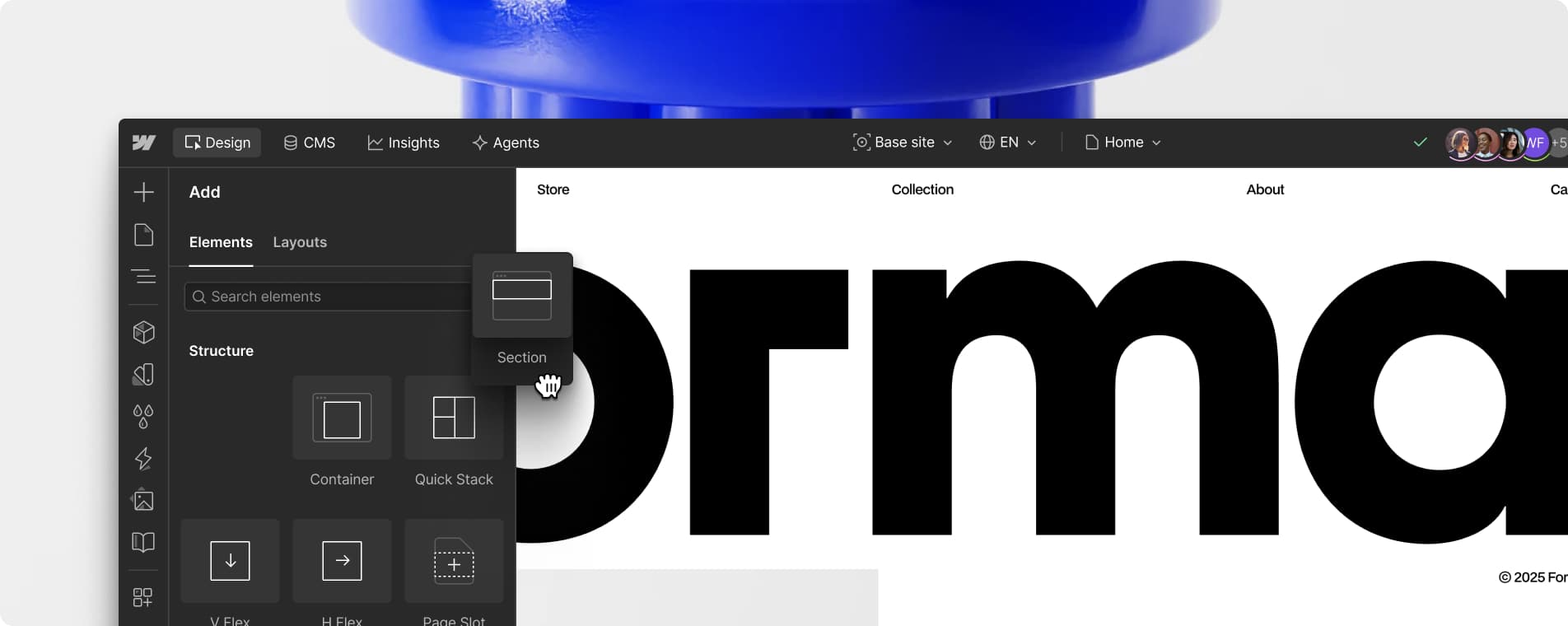
Webflow is a standalone, hosted website builder and CMS. You design visually in its browser-based editor, and Webflow hosts the site, handles the server infrastructure, and outputs clean HTML/CSS/JS behind the scenes. There’s no separate hosting account to manage and no WordPress core, themes, or plugins to update — Webflow runs the whole stack.
Elementor is a page-builder plugin that runs on top of WordPress. You still need WordPress installed somewhere (via a hosting provider, or a managed WordPress host) and Elementor adds the drag-and-drop visual editing layer on top of it. That means you inherit everything WordPress is good at — a huge plugin ecosystem, flexible hosting choices, and full ownership of your files — but also everything that comes with running WordPress: updates, security patches, and occasional plugin conflicts.
Elementor has a free core version usable on any WordPress install, plus paid Elementor Pro tiers that add the Theme Builder, popup builder, forms, and more widgets. Webflow has a limited free starter plan for testing, with paid site plans required to use a custom domain and unlock full features.
Cost, Hosting, and What’s Included
Webflow bundles hosting into its pricing. Site plans run roughly in the teens to mid-$20s per month (billed annually) for most small business sites, with higher CMS-heavy or ecommerce plans costing more. That price covers hosting, SSL, CDN, and backups — there’s nothing else to buy to get a live site.
Elementor’s cost is split in two: you pay separately for WordPress hosting (commonly a few dollars to a few tens of dollars a month depending on the host and traffic) and for Elementor Pro itself, which is sold per year and scoped by number of sites — a single-site license is relatively inexpensive, with higher tiers covering multiple sites for agencies and freelancers. Add up hosting plus the Pro license and total cost is often comparable to or cheaper than Webflow for a single small site, but it scales differently as you add sites or need premium plugins.
Because WordPress hosting is a competitive market, Elementor users have more flexibility to shop around for cheaper or higher-performance hosting. Webflow users don’t have that choice, but they also never have to think about server management, uptime, or hosting renewals.
Design Control, Ease of Use, and Ecosystem
Webflow gives you far more granular design control — it exposes CSS-level settings (spacing, flexbox, grid, interactions/animations) through a visual interface, which is powerful but has a steeper learning curve for non-designers. If you want pixel-precise layouts and custom animations without writing code, Webflow’s editor is built for that.
Elementor is generally quicker to pick up for beginners, especially if you’re already comfortable with WordPress. Its drag-and-drop widgets, pre-built templates, and Theme Builder make it fast to assemble a professional-looking page, though achieving the same level of design precision as Webflow usually takes more effort or custom CSS.
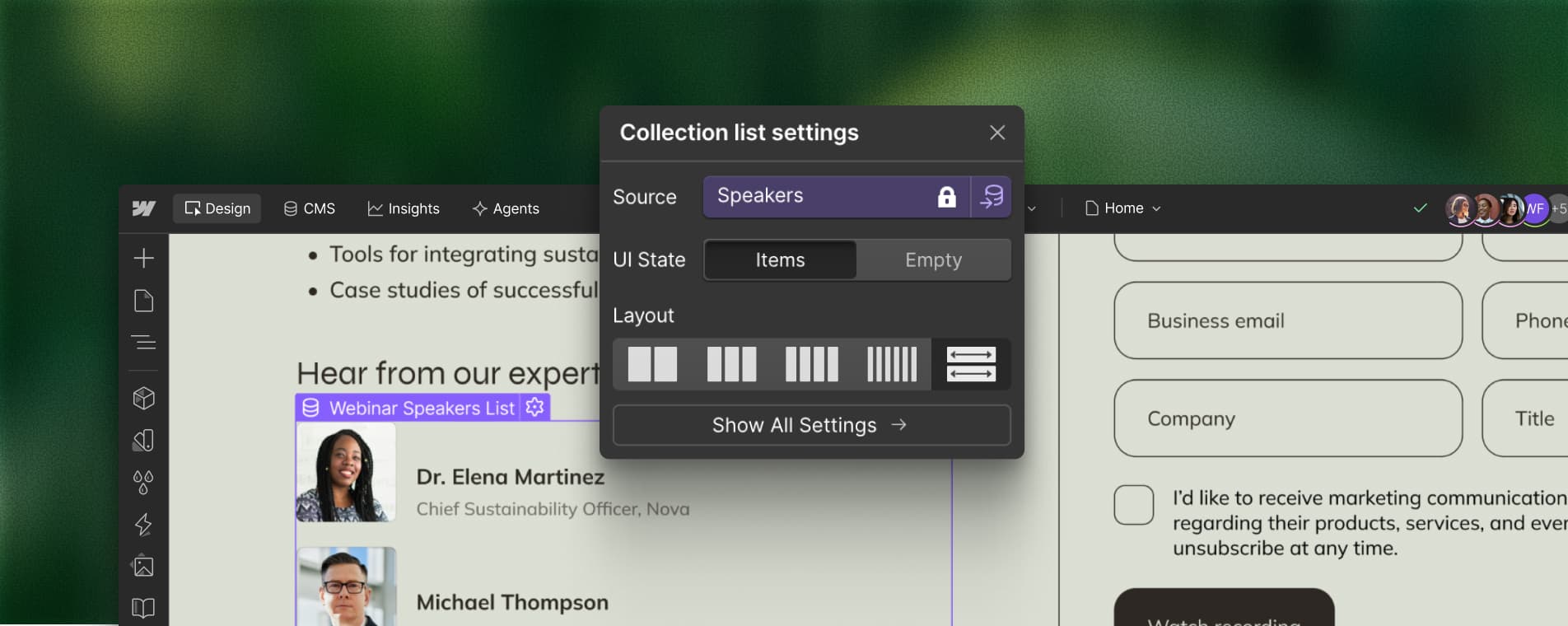
Elementor’s biggest advantage is the WordPress plugin ecosystem — SEO tools, booking systems, membership plugins, and ecommerce (via WooCommerce) can all be added on top. Webflow’s ecosystem is smaller but growing, with its own native CMS, ecommerce, and a marketplace of templates and apps; for most small business needs it’s sufficient, but highly specialized functionality is more likely to already exist as a WordPress plugin.
Tips / Common Mistakes
Don’t choose based on price alone — factor in your own time. Webflow’s higher monthly cost often buys back hours you’d otherwise spend on WordPress updates and security patches.
If you need a blog or frequently updated content, check CMS capabilities on both: Webflow’s CMS is built in and flexible out of the box, while Elementor relies on WordPress’s native post/page system plus any custom fields you set up.
Test page load speed before committing. Elementor sites can get bloated if you stack too many plugins; Webflow sites are generally fast by default but can slow down with excessive custom interactions.
If you’re not technical and don’t have ongoing budget for a developer, Elementor’s WordPress maintenance (backups, plugin updates, security) is easy to neglect — budget for a maintenance plugin or service if you go that route.
Try before you buy: both platforms offer free tiers or trials, so build a sample page in each before picking the one you’ll be stuck with for the next few years.
Explore more: more small business tech comparisons.
Webflow vs Elementor FAQs
Is Webflow or Elementor better for SEO?
Both can produce SEO-friendly sites. Webflow outputs clean, fast-loading code by default and has built-in SEO fields; Elementor relies on WordPress SEO plugins (like Yoast or Rank Math) but benefits from WordPress’s mature SEO plugin ecosystem. Neither has an inherent SEO advantage — site structure and content matter more than the builder.
Can I switch from Elementor to Webflow later (or vice versa)?
Not easily. Webflow and WordPress/Elementor use fundamentally different systems, so there’s no one-click migration — moving means rebuilding pages and migrating content manually or with a third-party service. It’s worth choosing carefully upfront rather than planning to switch.
Do I need coding skills for either platform?
No — both are visual, no-code builders. Elementor is generally considered the easier starting point for complete beginners, while Webflow has more depth (and a slightly longer learning curve) for those who want finer design control.
Which is cheaper for a small business site?
It depends on scale. For a single small site, Elementor Pro plus budget WordPress hosting can be cheaper than Webflow’s all-in-one plans. For multiple sites or sites needing more storage/traffic, the total cost comparison shifts and should be checked against current pricing pages for both.
Build It With GTStudios
Need help with your website, app, or small-business tech? GTStudios builds web, apps, and software for small businesses. See how GTStudios can help.
Want dev news in your inbox? Subscribe to the free newsletter.
Images: Webflow.