
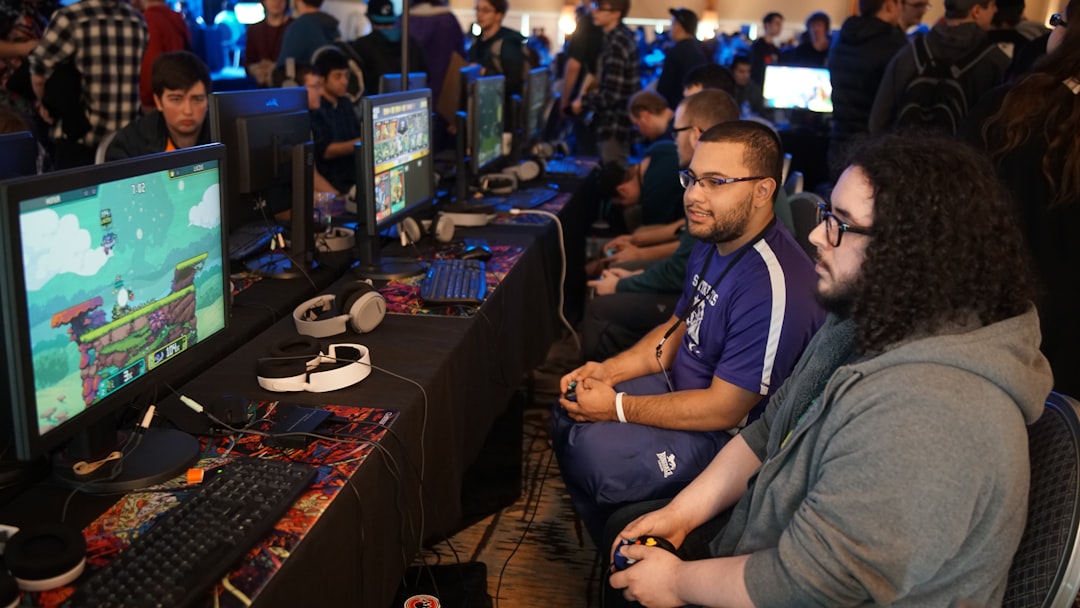
Steam Next Fest is one of the most powerful wishlist-building opportunities available to indie developers — a week-long event Valve runs three times a year (typically February, June, and October) where unreleased games showcase playable demos to millions of Steam users. If you time it right and prepare properly, a single Next Fest can meaningfully accelerate your launch trajectory.
Table of Contents
The catch: you only get one shot. Valve allows each game to participate in exactly one Next Fest, so the choices you make — when to enter, how polished your store page is, whether your demo lands — all carry outsized weight. This guide walks you through how to make the most of it, step by step, based on official Steamworks guidance and data from developers who’ve run the numbers.
Quick Answer
To maximize wishlists at Steam Next Fest, release a polished demo at least two to four weeks before the event, optimize your store page capsule art and tags before registration closes, and build creator and press outreach momentum ahead of the first day. The algorithm heavily favors games that arrive with existing wishlist momentum — Next Fest amplifies what you already have, so the preparation window before the event matters just as much as the week itself.
Step 1: Confirm Eligibility and Register Early
Before anything else, confirm your game qualifies. To participate, you need a Steamworks developer account in good standing, a published and public base-game store page, a playable demo live by the time the fest opens, and a release date set after the edition you’re entering concludes. Your game must not yet be released on Steam, and it cannot be a prologue or preview of an existing released title.
Critically, each game may only participate in one Next Fest — ever. That means if you enter the June edition and your demo underperforms, you don’t get a second attempt in October. Choose your edition deliberately: give yourself enough runway to ship a genuinely polished demo and enough pre-event time to build wishlist momentum before the fest opens.
Registration happens through your game’s App Landing Page in Steamworks. After completing the registration checklist, you should see a green checkmark confirming your spot. Valve also runs a press preview period roughly 10 days before the event opens, during which journalists can access participating demos — you need your demo submitted for review well before that window. The official Steamworks documentation for each edition lists exact submission and review deadlines; check the partner.steamgames.com docs for your target edition and build those dates into your calendar immediately.
Step 2: Prepare Your Store Page and Demo Before the Event
Here is the most counterintuitive insight borne out by developer data: the majority of wishlists generated during Next Fest come from players who never download or play your demo. Your store page — capsule art, trailer, tags, screenshots — is doing the conversion work for most visitors. That means polishing your demo is necessary, but it is not sufficient. Treat your store page as the primary product you are shipping for Next Fest.
For capsule art, lead with visual clarity: show the game’s genre and tone at thumbnail scale. Your trailer should open with gameplay within the first five seconds — not a logo card or a cutscene. Screenshots should represent the core loop, not edge-case moments. Tags matter too: Steam uses them to route your game into the correct Next Fest subcategory pages, so review your genre and theme tags and align them carefully with how players actually search for games like yours.
For the demo itself, aim for a runtime of roughly 15 to 25 minutes — enough to communicate your core hook without overstaying. End the demo at a moment of momentum, when the player is engaged and wants to see what comes next. That is when the wishlist impulse is strongest. Release the demo publicly two to four weeks before Next Fest opens, not on the first day of the event. An earlier release gives you time to patch critical bugs, collect player feedback, accumulate download counts that Steam reads as a quality signal, and give streamers a chance to cover it before the festival crowd arrives.
Inside the demo, add a visible feedback link in the main menu or pause screen, create a dedicated demo sub-forum in Steam Discussions, and make it clear to players whether the demo will remain available after the fest ends. These small details build goodwill and improve conversion.
Step 3: Build Creator and Press Outreach Before Day One
Steam’s algorithm during Next Fest heavily favors games that already have traffic flowing in. The practical implication: you need to bring your own crowd. Waiting passively for Next Fest to discover your game for you is the most common mistake developers make.
Start building a targeted list of content creators and press outlets at least six to eight weeks out. Focus on creators who regularly cover your specific genre — a large general gaming channel is often less effective than a smaller channel with a highly engaged audience that specifically loves your game type. Reach out with a code or early demo access and a short, personalized pitch. Give them enough lead time to actually play and schedule content.
Valve shares the list of participating Next Fest games with press contacts approximately 10 days before the event opens, which is another reason to have your demo ready early. Journalists who discover your game during that press preview window can publish coverage that hits right when the event goes live — a meaningful traffic spike precisely when the algorithm is watching.
Step 4: Execute During the Festival Window
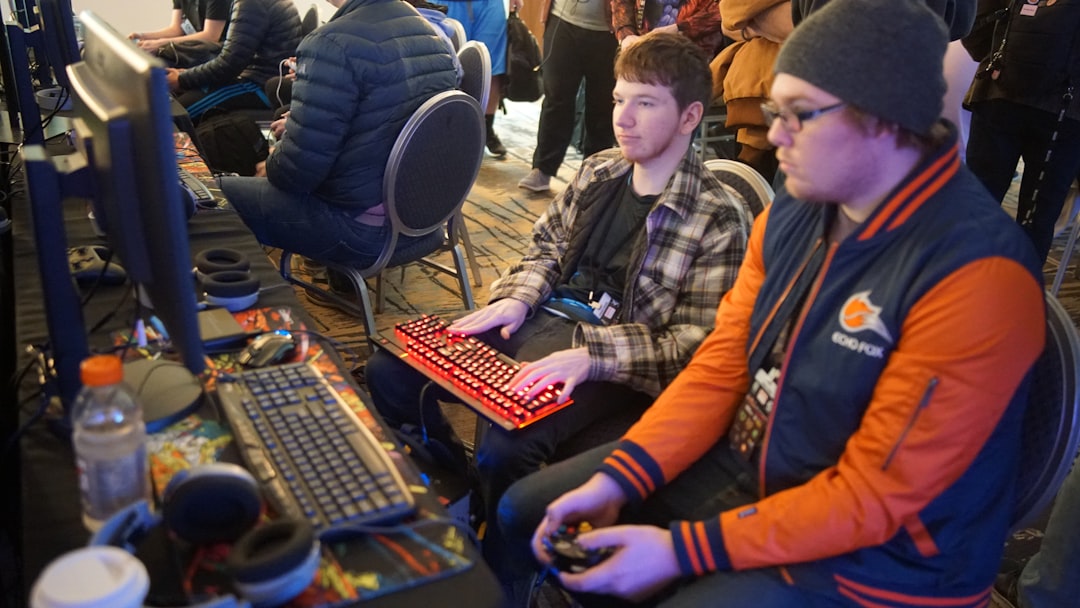
The opening 24 to 48 hours of Next Fest matter most. During this window, all participating games receive roughly equal placement across the event pages. After that, Steam’s algorithm starts surfacing games based on engagement, wishlist velocity, and demo download activity — which means strong early performance compounds quickly.
If you plan to livestream — which Valve actively encourages — test your setup before the event opens. Use an RTMP-compatible streaming tool if you want webcam integration or more control over your broadcast. Enable broadcast chat by default so viewers can see that you are present and available. During the stream, take questions from chat, share stories about development, and keep the energy interactive. Developer livestreams where the creator is visibly engaged outperform passive playthroughs.
Monitor your forums and Discord daily during the event. Respond to bug reports quickly and ship hotfixes if needed. Developers who patch critical issues mid-fest and announce it publicly often see a secondary spike as players return to try the updated build. Track your wishlist count each day so you can identify which days drove the most traffic and understand which external sources were sending players your way.
Tips and Common Mistakes
Don’t save Next Fest for when your game is ‘almost ready.’ The data strongly suggests that games entering with a healthy existing wishlist count earn significantly more during the event than games entering cold. Build that baseline first through social media, devlogs, Discord, and prior press coverage — then use Next Fest to amplify it. If your store page and social presence are not ready, postpone to a later edition rather than burning your one participation slot on an underprepared launch.
Don’t launch your demo on the first day of Next Fest. This is a widely reported mistake. A demo that goes live the morning the event opens has zero reviews, zero feedback-driven fixes, and no existing community discussion. Players are more likely to wishlist a demo that has community momentum behind it. Releasing two to four weeks early gives you all of that.
Don’t ignore your capsule art and tags in favor of pure demo polish. Given that most wishlisters never play the demo, time spent improving your key art and trailer is likely to convert more than an extra hour of gameplay content. Run your capsule past fresh eyes — ideally people unfamiliar with the game — and ask them what genre they think it is. If their answer doesn’t match your intent, iterate.
Finally: leave your demo up after the event ends. Players frequently discover games through Next Fest VODs, YouTube videos, and recommendations weeks after the event closes. A demo that disappears the day Next Fest ends cuts off that long tail of organic discovery.
Explore more: Game Development guides and tutorials.
Steam Next Fest FAQs
Can I participate in Steam Next Fest more than once?
No. Valve’s official policy is that each game may only participate in one Steam Next Fest. Choose your edition carefully — once you register and participate, that opportunity is gone regardless of results.
Do I need a demo to participate in Steam Next Fest?
Yes. A publicly playable demo is a hard requirement. Your demo must be live by the time the event opens, and Valve requires you to submit the demo build for review before a deadline that is typically several weeks before the fest starts. Check the Steamworks documentation for your specific edition for exact dates.
When is the best time to release my demo before Next Fest?
Most developers and analysts recommend releasing your demo two to four weeks before the event opens. This gives you time to gather player feedback, ship fixes, accumulate community discussion, and give content creators a chance to cover it ahead of the festival — all of which contribute to stronger performance when Next Fest actually begins.
How do I register for Steam Next Fest?
Registration is handled through your game’s App Landing Page in Steamworks, not through your demo’s page. Navigate to the specific Next Fest edition’s documentation page on partner.steamgames.com to find the registration link and checklist for that edition.
Does leaving the demo up after Next Fest help?
Yes, generally. Players continue discovering games through YouTube VODs, Twitch clips, and word of mouth long after the event closes. A demo that remains available captures that organic discovery traffic. Unless you have a specific strategic reason to remove it before launch, leaving it live is typically the better choice.
Build It With GTStudios
Need help shipping your app, game, or small-business tech? GTStudios builds web, apps, and games. See how GTStudios can help.
Photo by Stem List on Unsplash.