
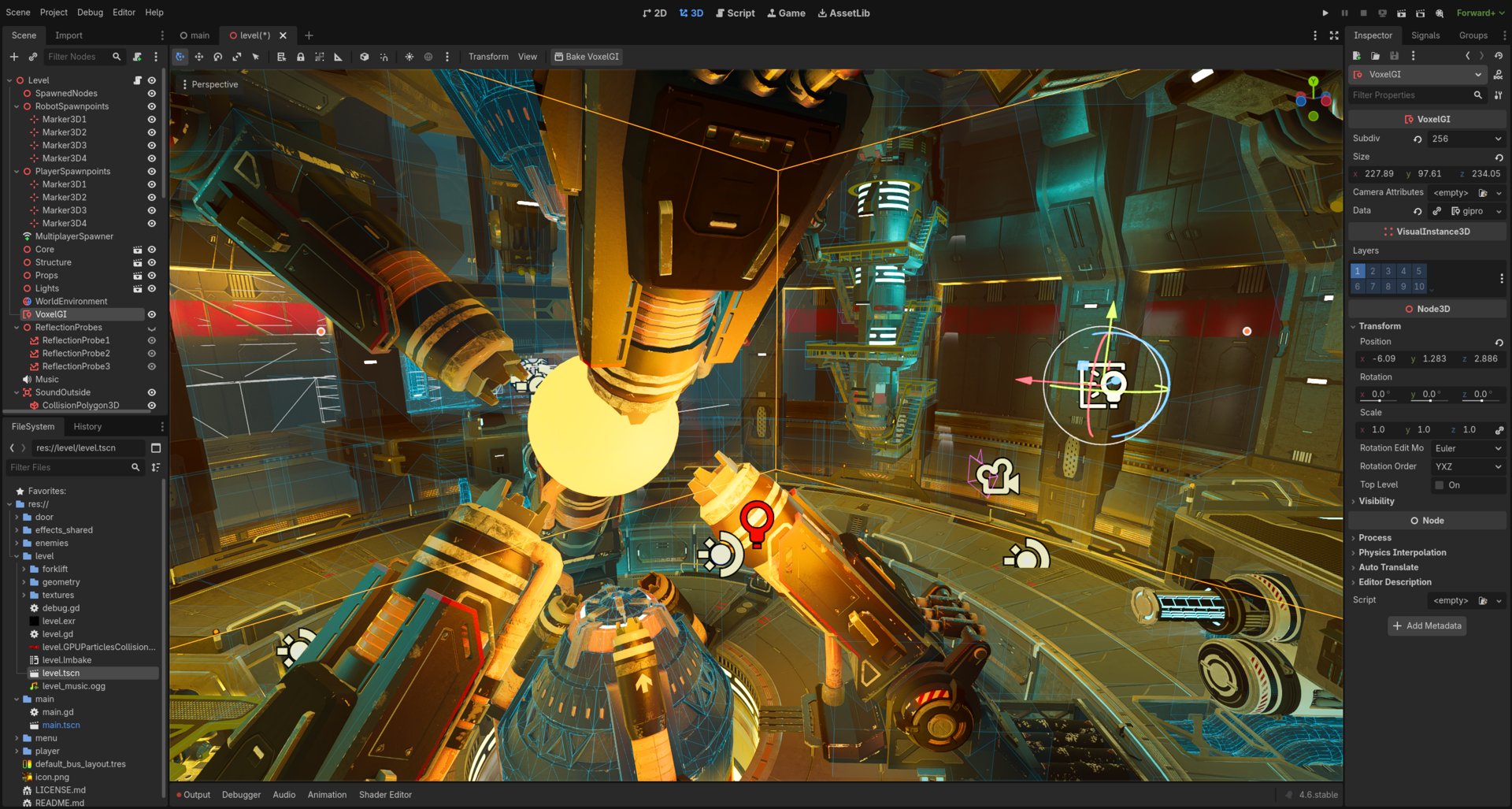
Godot 4.6 ships with a surprisingly capable built-in networking stack, and you do not need a paid backend or third-party middleware to get a working online game off the ground. Using GDScript and three core systems — ENetMultiplayerPeer for connections, MultiplayerSpawner for syncing who’s in the game, and MultiplayerSynchronizer for keeping positions and state consistent — you can go from zero to a playable online prototype in a single session.
Table of Contents
This tutorial walks through every step: creating the host and client peers, spawning players across the network, syncing movement, and calling remote functions with Godot’s @rpc decorator. By the end you will understand the mental model well enough to extend it into a real game. Everything here applies to Godot 4.6, the current stable release as of early 2026, and works with the free, open-source editor on Windows, macOS, and Linux.
Quick Answer
To add multiplayer to a Godot 4 game: create an ENetMultiplayerPeer, call create_server() or create_client() on it, assign it to multiplayer.multiplayer_peer, then use MultiplayerSpawner to replicate player scenes and MultiplayerSynchronizer to keep properties (like position) in sync across all peers. Use @rpc-decorated functions for one-off events like collecting an item or dealing damage.
Step-by-Step: Building Your First Multiplayer Game
Step 1 — Plan your architecture first. For a beginner project, start with client-server rather than peer-to-peer. One player acts as the server (host) and all others connect as clients. The server has authority over game state; clients send inputs and receive updates. Deciding this upfront saves painful refactoring later — multiplayer bolted on after 50 scenes is a nightmare.
Step 2 — Create a Network Manager. Add a new scene (NetworkManager.tscn) with a plain Node as its root and attach a GDScript. In that script, create your peer: var peer = ENetMultiplayerPeer.new(). To host, call peer.create_server(1234, 4) — port 1234, max 4 players — then set multiplayer.multiplayer_peer = peer. To join, call peer.create_client(“SERVER_IP”, 1234) and assign it the same way. Connect multiplayer.peer_connected and multiplayer.peer_disconnected signals to track who joins and leaves.
Step 3 — Set up MultiplayerSpawner. Add a MultiplayerSpawner node to your main game scene and point its Spawn Path at the node where players will live (e.g., /root/Game/Players). Add your player scene to its Auto Spawn List in the inspector. When the server instances a player scene and adds it under that path, Godot automatically replicates the spawn to every connected client. Call set_multiplayer_authority(peer_id) on each spawned player node so the right peer controls the right character.
Step 4 — Add a MultiplayerSynchronizer. Inside your Player scene, add a MultiplayerSynchronizer node. In its inspector, configure the Replicated Properties list — add position (and rotation if relevant). Now when the authority peer moves, those property values automatically sync to all other peers every network tick. No manual send/receive code needed for continuous state.
Step 5 — Use @rpc for events. For discrete actions (a jump, picking up a coin, taking damage) use RPC calls instead of the synchronizer. Decorate a function with @rpc(“any_peer”, “call_local”, “reliable”) and call my_function.rpc() to invoke it on every peer simultaneously. Use “reliable” for important state changes and “unreliable” for high-frequency data like a cursor position where a dropped packet is acceptable.
Step 6 — Test with multiple instances. In Godot’s editor, open the Run menu and set the number of instances to 2 (or more) under Debug > Run Multiple Instances. Launch the project and you’ll see separate windows — one can host and one can join on localhost. The built-in Debugger’s Network tab shows RPC calls and peer activity in real time, which is invaluable for catching timing bugs.
Core Concepts Every Godot Multiplayer Dev Needs
Multiplayer Authority is the key idea. Every node has an authority peer — the peer whose inputs and logic are trusted for that node. By default the server (peer ID 1) owns everything. After spawning a player, call player_node.set_multiplayer_authority(peer_id) to hand control to that player’s machine. Inside scripts, guard input-handling code with if not is_multiplayer_authority(): return so only the owning peer processes local input.
RPC vs. Synchronizer — know which to use. The MultiplayerSynchronizer is ideal for continuous state: position, health bar value, animation state. It sends delta updates automatically. The @rpc system is better for events: a door opening, a bullet firing, a score update. Mixing both for the same property causes conflicts — pick one per piece of data and stick with it.
Godot 4.6 offers three transport backends. ENetMultiplayerPeer (UDP-based, the default) is what you want for desktop games — it handles reliable and unreliable channels, packet sequencing, and bandwidth management out of the box. WebSocketMultiplayerPeer works for HTML5 exports where UDP is unavailable, but adds latency. WebRTCMultiplayerPeer enables true peer-to-peer connections and works in the browser natively, but requires you to run your own signaling server.
Godot’s built-in multiplayer works best for small sessions of two to eight players — cooperative games, party games, couch-style online play. Above roughly 40 concurrent users per server you will hit stability limits. If you need matchmaking, lobbies, or sessions beyond that scale, look at GodotSteam for Steam-based games, GD-Sync (available on the Godot Asset Library) for cloud infrastructure, or Nakama as an open-source self-hosted game server.
Common Mistakes (and How to Avoid Them)
Mixing sync methods for the same property breaks everything. If you sync position through MultiplayerSynchronizer and also send it via RPC, the two systems fight each other and you get jitter or teleporting. Choose one approach per property and never cross the streams.
Forgetting to validate on the server is the most dangerous mistake. In any_peer RPC mode, any connected client can call your server-side functions. Always check that the action is legal before applying it — verify the caller owns the object, has enough resources, or is in the right game state. Never trust the client.
Passing non-serializable types in RPCs crashes silently. RPCs only accept Godot built-in types: int, float, String, Vector2, Vector3, Array, Dictionary, and a few others. Passing a custom class or a Node reference will fail. Convert objects to Dictionaries before sending them across the network.
Building without testing multiplayer until late is the most common beginner trap. Networking assumptions bleed into your scene structure and script logic. Add the Network Manager in the first hour of a project, even if you just connect two blank scenes. Discovering that your architecture is incompatible with multiplayer after building 30 levels is extremely painful to fix.
For smooth movement, do not snap clients directly to the server position. Instead, lerp toward it each frame: position = lerp(position, target_position, 10.0 * delta). This hides network jitter and makes movement feel natural even at 100ms+ latency.
Explore more: Game Development tutorials and guides.
Godot 4 Multiplayer FAQs
Do I need a dedicated server to run Godot 4 multiplayer?
No — for small games one player can host (listen server) and others connect directly. Godot also supports exporting a headless server build for Linux so you can run a dedicated server on a VPS, but it is not required to get started.
What version of Godot should I use for multiplayer in 2026?
Use Godot 4.6 (or the latest stable 4.x release). The high-level multiplayer API with MultiplayerSpawner and MultiplayerSynchronizer matured significantly from the 4.0 release and 4.6 includes further stability improvements. Avoid Godot 3.x for new multiplayer projects — the API is quite different.
Can I make a Godot 4 multiplayer game for the browser?
Yes. For HTML5/browser exports, switch your peer from ENetMultiplayerPeer to WebSocketMultiplayerPeer or WebRTCMultiplayerPeer, since browsers cannot use raw UDP. WebSocket is simpler to set up; WebRTC enables true peer-to-peer but requires a signaling server.
Build It With GTStudios
Need help shipping your app, game, or small-business tech? GTStudios builds web, apps, and games. See how GTStudios can help.
Photo: Gflare / CC0, via Wikimedia Commons.