
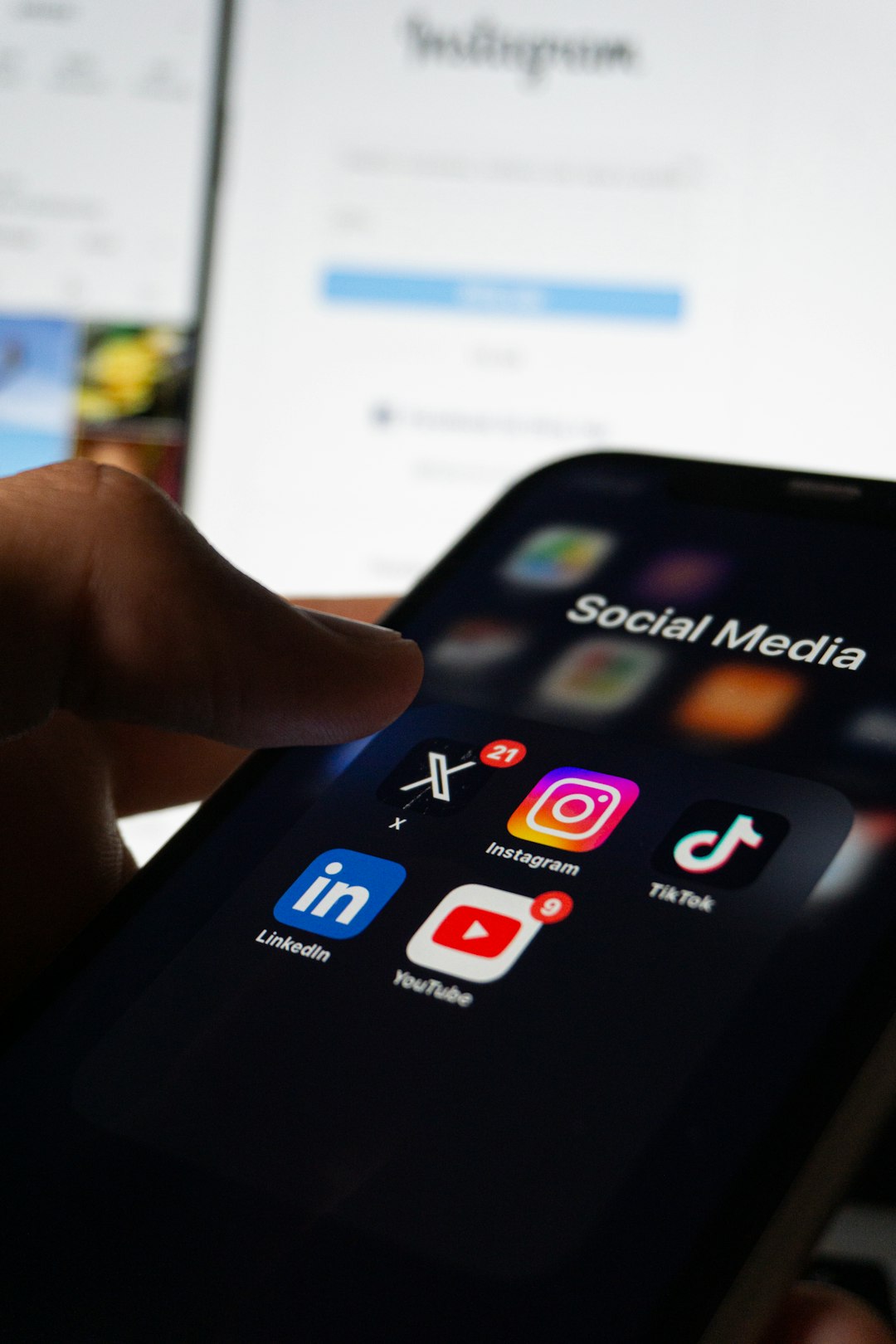
Most local business owners don’t need a 40-page marketing plan. They need a short, honest answer to three questions: which platforms are worth their time, what to actually post, and how to keep it up without burning out. You can answer all three in about three to four hours if you sit down and work through them in order instead of jumping straight to “post something.”
Table of Contents
This guide walks through that process step by step, using free or low-cost tools you likely already have access to. By the end, you’ll have a one-page strategy document, a list of content ideas, and a simple weekly routine you can actually stick to.
Quick Answer
Pick one or two social platforms where your actual customers already spend time, claim and fully complete your Google Business Profile, batch-create two to three weeks of simple content (photos of your work, staff, customers, and behind-the-scenes shots), schedule it with a free tool like Meta Business Suite, and set a recurring 30-minute weekly slot to post, respond to comments, and check reviews. That’s the whole strategy — the rest is just consistency.
Step 1: Choose Your Platforms (30 minutes)
Don’t try to be everywhere. For most local businesses — restaurants, salons, contractors, retail shops, gyms — the right starting point is Google Business Profile plus one or two of Facebook, Instagram, or TikTok, depending on who your customers are and what you sell. Google Business Profile isn’t technically ‘social media,’ but it’s the single highest-leverage listing you have: it shows up directly in local search and Maps results, and it supports its own posts, photos, and Q&A.
If your customers are mostly local adults searching for a service (plumber, dentist, accountant, home services), prioritize Google Business Profile and Facebook. If you’re visual and product- or experience-driven (restaurant, boutique, salon, fitness studio, florist), add Instagram. If your audience skews younger or you can show your work in short clips (barbershop, food, fitness, auto detailing), TikTok is worth a test. Write down your two picks and move on — the platform choice is not the hard part.
Meta Business Suite (business.facebook.com) is worth setting up regardless, since it’s free and lets you manage and schedule posts for both your Facebook Page and connected Instagram account from one dashboard, with a calendar view and suggested posting times based on when your audience is active.
Step 2: Set Up Google Business Profile and a Content Bank
Before writing a single caption, claim or verify your Google Business Profile at google.com/business if you haven’t already. Fill in every section you can: categories, business description, complete and accurate hours (including holiday hours), services or products, photos, attributes, and links to your website and booking page. A complete profile does more for local visibility than a perfect social feed, and it’s a one-time task, not an ongoing content commitment.
Next, spend 30-45 minutes on your phone taking photos and short video clips: your storefront or workspace, products or finished jobs, staff at work, and a few customer interactions (with permission). You don’t need professional photography — clear, well-lit, real photos consistently outperform polished stock imagery for local audiences because they build trust and recognition. Save everything into one phone album or a free Canva folder so you have a bank to pull from.
Canva’s free plan is enough to design your posts: unlimited designs and thousands of templates, with the ability to share finished graphics straight to your accounts. Its Content Planner tool, which lets you schedule and auto-publish posts ahead of time, is reserved for Canva Pro and Business subscribers — on the free plan, stick with Meta Business Suite for scheduling and use Canva purely for design.
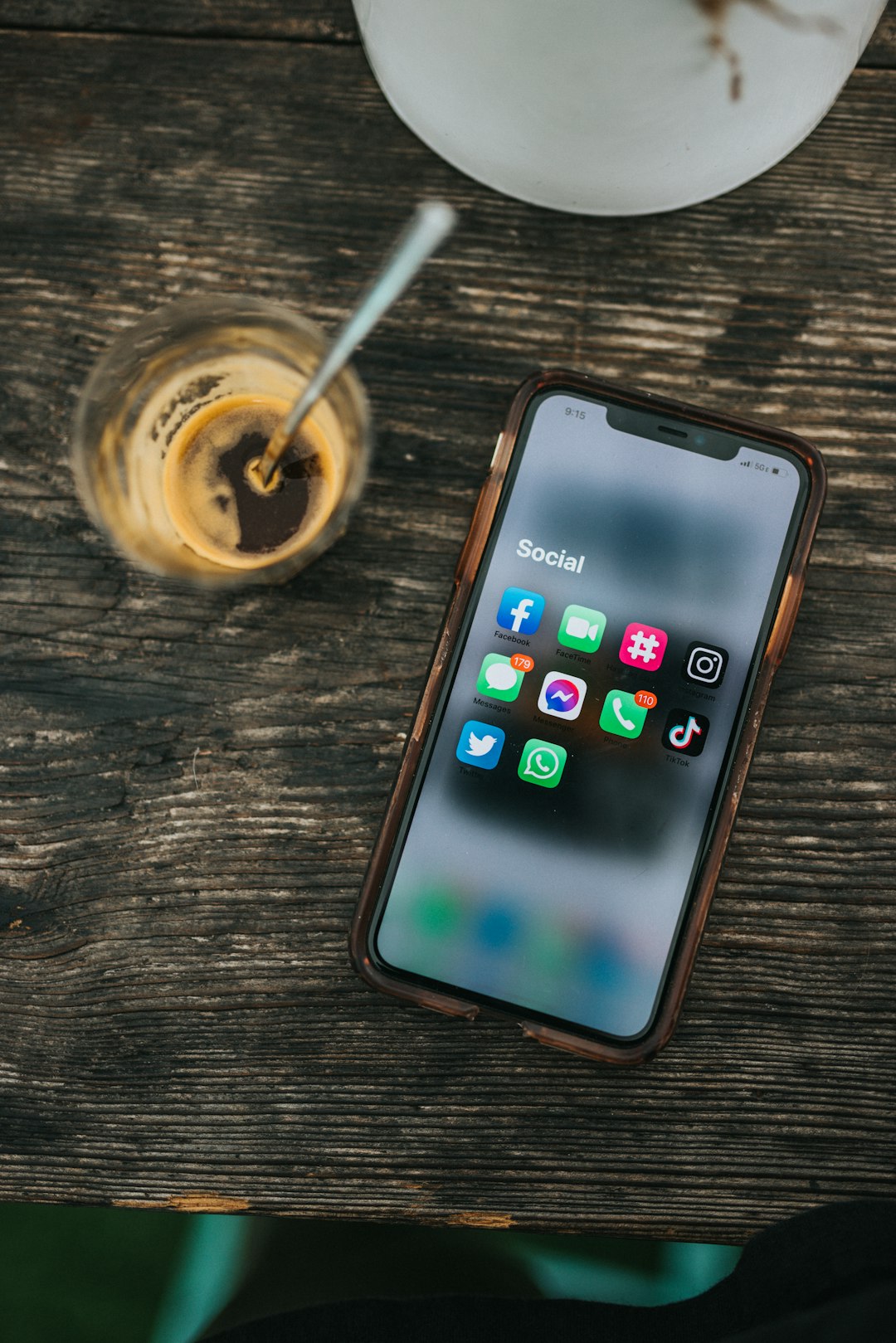
Step 3: Plan and Schedule Two to Three Weeks of Posts
With your platforms picked and content bank ready, map out a simple rotation you can repeat every week: one post showing your work or product, one post featuring your team or ‘behind the scenes,’ one post that’s promotional (an offer, new arrival, or seasonal push), and one post that invites interaction (a question, poll, or customer shoutout). Four post types, rotated weekly, is enough variety to avoid feeling repetitive without requiring constant new ideas.
Batch-write captions for two to three weeks in one sitting rather than daily — it’s faster and keeps your voice consistent. Design the graphics in Canva, then load everything into Meta Business Suite and set the publish times, since it schedules to Facebook and Instagram for free without requiring a paid plan. For Google Business Profile, plan to post at least once a week; even a short update, offer, or photo keeps the listing active and signals to Google that the business is current.
Set a single recurring calendar block — 30 minutes, same time each week — to reply to comments and messages, check and respond to new reviews, and glance at basic insights (which posts got saves, shares, or calls). Responding to reviews and messages promptly matters more for local trust than posting frequency, so protect this time even if you skip a content day.
Tips / Common Mistakes
Don’t spread yourself across four or five platforms at launch — a strategy you can maintain on two platforms beats a strong start you abandon on five after a month. Don’t skip the Google Business Profile setup in favor of Instagram; it’s often the higher-traffic asset for local search and takes less ongoing effort. Avoid posting only promotions — a feed that’s all sales offers gets ignored, while a mix of work, people, and offers builds an audience that actually engages. Finally, don’t wait for perfect photos or a big campaign idea before starting; a real, slightly imperfect photo posted consistently will outperform a beautiful post that never gets made because you were waiting for the right shot.
Explore more: More digital strategy guides.
Social media strategy for local business FAQs
How many social media platforms does a local business actually need?
One or two, plus a complete Google Business Profile. Most local businesses see better results maintaining two platforms consistently than spreading thin across four or five.
What should I post if I don’t have a big budget for photos or video?
Real phone photos of your work, product, team, and customers (with permission) are usually enough. Consistency and authenticity typically matter more to local audiences than production quality.
How often should a local business post on social media?
A realistic, sustainable cadence — often a few times a week on your main platform and at least once a week on Google Business Profile — beats an ambitious daily schedule that gets abandoned after a few weeks.
Is Google Business Profile part of a social media strategy?
It should be. While it’s a business listing rather than a traditional social network, it supports posts, photos, and customer Q&A, and it often drives more local visibility than social platforms alone.
Can I schedule posts for free, or do I need a paid tool?
Yes — Meta Business Suite is free and schedules posts to Facebook and Instagram. Canva’s free plan is great for designing graphics, but its scheduling Content Planner feature requires a Canva Pro or Business subscription.
Build It With GTStudios
Need help with your website, app, or small-business tech? GTStudios builds web, apps, and software for small businesses. See how GTStudios can help.
Photo by Berke Citak on Unsplash.