
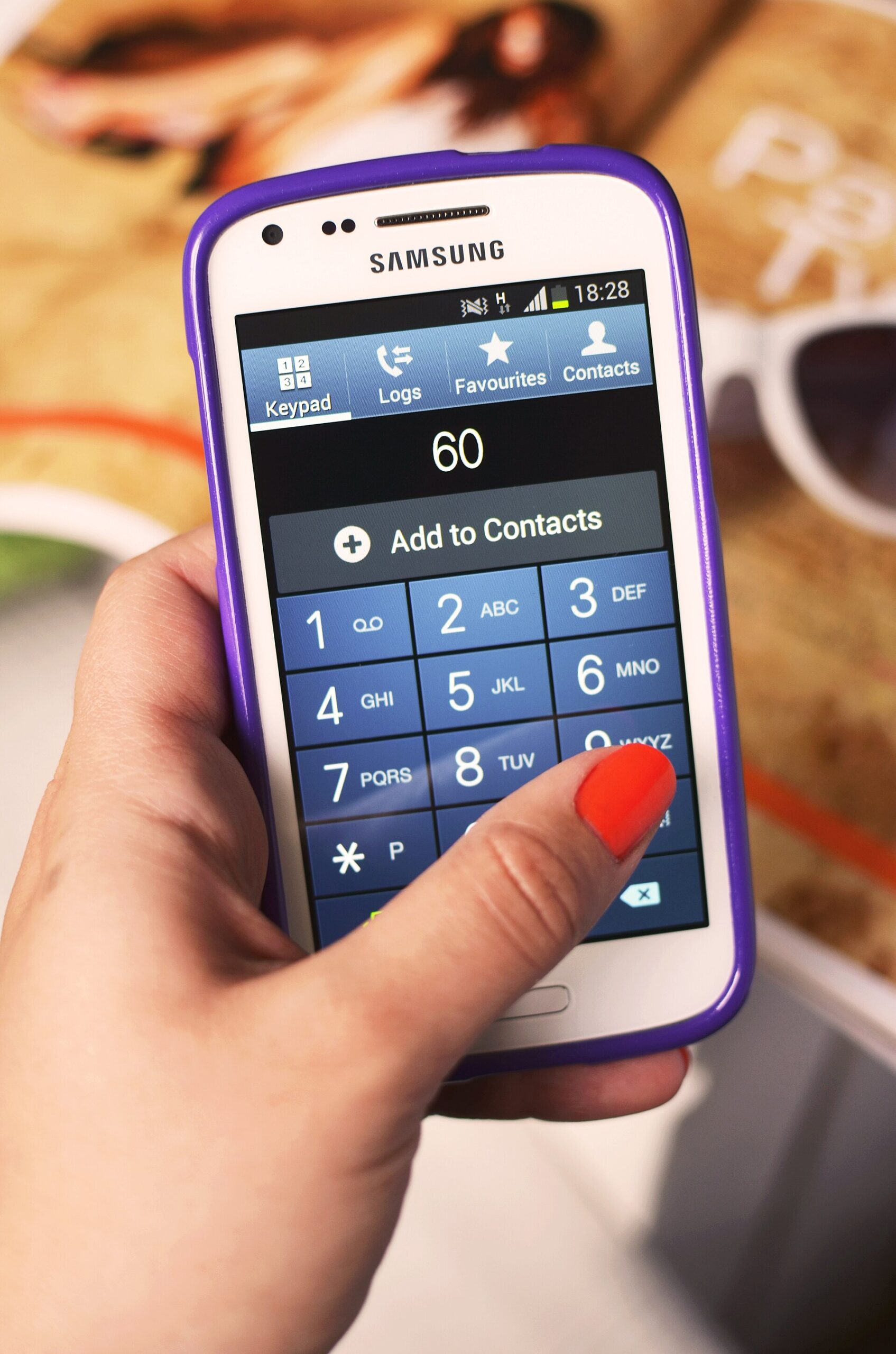
If someone visits your site on their phone and has to copy your number, switch apps, and paste it into the dialer just to call you, you’ve already lost some of them. A click-to-call button removes that friction: one tap and the phone is dialing.
Table of Contents
This guide gives you the exact click-to-call code to copy, explains how to format the number so the link dials correctly, shows how to turn the link into a real call button (including a sticky call-us bar for mobile), and covers tracking and the mistakes that quietly break these links on real devices.
Quick Answer
A click-to-call link is a normal HTML anchor whose href uses the tel: scheme, followed by the number in international format: <a href="tel:+15551234567">Call Us: (555) 123-4567</a>. On a phone, tapping it opens the dialer with the number filled in. On a desktop, it opens a calling app if one is set up, and otherwise does nothing harmful, so it is safe to use site-wide.
Click-to-Call HTML Code (Copy and Paste)
Here is the minimum click-to-call HTML:
<a href="tel:+15551234567">Call Us: (555) 123-4567</a>The href is what the phone dials. The text between the tags is only what people read, so the two don’t have to match. Show the number in a friendly format for humans and keep the href clean. You can also make the link text a call to action such as “Call now” or “Talk to a person”, but showing the number itself usually works better because visitors can see what they are about to dial.
You can put this link anywhere HTML is allowed: a page template, a header or footer widget, a WordPress custom HTML block, a page builder button, or an image. To turn an image or icon into a call link, wrap it in the same anchor tag.
How to Format the Phone Number in a tel: Link
Use the full international format in the href: a plus sign, the country code, then the digits with no spaces, dashes, dots, or parentheses. For a US number, that is tel:+15551234567. Including the country code means the link dials the exact number correctly no matter where the visitor is or which carrier they use, and it works for international visitors too.
The tel: specification (RFC 3966) technically allows visual separators like hyphens, dots, and parentheses, and MDN’s own examples include them. Stripping them is still the safer habit, because it removes any chance of a browser, dialer app, or call-tracking script mishandling the number.
Extensions: the RFC defines an ;ext= parameter (for example tel:+15550100;ext=123), but real-world support varies. Many developers instead add a comma or the letter p after the number to insert a pause before the extension digits, such as tel:+15551234567,123. Test whichever you use on both iPhone and Android, and consider simply linking to a main line if the extension is unreliable.
Turn the Link Into a Call Button (CSS)
A bare tel: link looks like blue underlined text. To make a proper call button, give the anchor a class and style it:
<a class="call-btn" href="tel:+15551234567">Call (555) 123-4567</a>

.call-btn {
  display: inline-block;
  padding: 14px 24px;
  background: #1a7f37;
  color: #fff;
  font-weight: 700;
  font-size: 1.1rem;
  border-radius: 8px;
  text-decoration: none;
}
Keep the tap target comfortably large (a common accessibility guideline is at least 44 by 44 pixels), use strong color contrast, and add a small phone icon (an inline SVG works well) next to the text so the button is recognizable at a glance. If you just want to style every phone link on the site consistently, the CSS attribute selector a[href^="tel:"] targets all of them at once.
Add a Sticky Call Us Button for Mobile
The most effective placement for a call us button on a website is a bar fixed to the bottom of the screen on small viewports, so it stays reachable without scrolling back up:
.call-bar { display: none; }

@media (max-width: 768px) {
  .call-bar {
    display: block;
    position: fixed;
    left: 0; right: 0; bottom: 0;
    z-index: 1000;
    text-align: center;
    padding: 16px;
    background: #1a7f37;
    color: #fff;
    font-weight: 700;
    text-decoration: none;
  }
}
Add <a class="call-bar" href="tel:+15551234567">Call Us</a> just before the closing body tag. Leave some bottom padding on your page so the bar doesn’t cover your footer content. On desktop, the same media query hides the bar; place a normal call button or plain number in the header next to your other contact options, since desktop visitors are less likely to place a call from a browser tab.
Does Click-to-Call Work on Desktop?
It depends on the device. Phones dial directly. On computers, MDN notes that the result varies: the operating system may hand the number to an installed calling app (such as FaceTime or Skype), offer to save the number to contacts, or send it to a paired phone, and if nothing is configured, clicking may do nothing. It won’t break your page.
Because desktop behavior is unpredictable, always show the number as visible text, not only as a button label, so desktop visitors can read it and dial from their own phone. You can also show the clickable button only on mobile with a media query and leave plain text on larger screens.
Why a Click-to-Call Button Is Worth Adding
For local and service businesses, many visitors arrive on a phone, and calling is often faster than filling out a form or browsing several pages. A tappable number meets that intent directly instead of forcing a copy-paste detour, and every step you remove between “interested” and “contacted” is one less chance for someone to get distracted.
It also signals that a real person is reachable, which matters most for contractors, clinics, restaurants, and agencies where trust and immediacy drive the decision. And once your number lives in a tel: link, you can measure exactly how many visitors tap it and from which pages, which is impossible with plain text.
Tracking Click-to-Call Clicks in GA4
The most dependable method is Google Tag Manager. Create a trigger that fires on link clicks where the Click URL contains tel:, attach a GA4 event tag to it (for example, an event named click_to_call), test it in GTM preview mode and GA4 Realtime, then mark the event as a key event in GA4 once data is flowing. Relying on GA4’s built-in click event filtered by a tel: link URL has been reported as unreliable, so GTM is the safer route. You can then see call clicks by page, device, and traffic source.
If you use a call-tracking service with dynamic number insertion, confirm that its script updates both the visible number and the tel: href. Note that a click is not the same as a completed call: it records intent to call, not a connected conversation.
Common Click-to-Call Mistakes
Formatting characters in the href. Spaces, dashes, and parentheses can cause a misdial or a dialer that opens with a mangled number on some device and app combinations. Keep the href to a plus sign and digits.
Missing the country code. Without +1 (or your country code), the link may behave differently for visitors traveling or using international carriers.
Tracking parameters on the tel: URI. Adding a query string such as ?utm_source=... behaves inconsistently across devices and dialers. Keep the href clean and track with GTM instead.
Not testing on a real phone. A link can look fine in browser dev tools but fail on iOS Safari or a specific Android browser. Tap-test on real devices before shipping.
Overusing the button. Use it in the header, a sticky mobile bar, the footer, and near strong calls to action such as contact or pricing sections, not in every paragraph.
Tiny or low-contrast buttons. A call button that is hard to see or hit with a thumb defeats the purpose.
Add It Without Code (WordPress and Page Builders)
In WordPress or most page builders, add a button or text link and set its URL to tel:+15551234567. That is all the HTML does. If you’d rather not touch code, dedicated plugins such as Call Now Button add a floating call button for you. Also consider adding your phone number to your LocalBusiness structured data so search engines can associate the number with your business.
click-to-call button FAQs
What is the correct HTML for a click-to-call button?
Use an anchor tag with the tel: scheme and the number in international format with no spaces or symbols: Call (555) 123-4567. Add a CSS class with padding, a background color, and rounded corners to make it look like a button.
How do I make a click-to-call link?
Does click-to-call work on desktop computers?
Sometimes. Phones open the dialer directly. On desktops, the link may open a calling app such as FaceTime or Skype, prompt you to choose an app, or do nothing if none is configured. It won’t break the page, so it is safe to use, but always show the number as readable text too.
Can I track how many people click my call button?
Yes. In Google Tag Manager, create a click trigger where the Click URL contains tel:, send a GA4 event such as click_to_call, and mark it as a key event in GA4. This records taps on the button, not completed calls. For connected-call data you need a call-tracking service.
Should I include the country code and formatting in the phone number link?
Include the country code and a plus sign in the href (tel:+15551234567), but leave out spaces, dashes, and parentheses. Put the human-friendly formatting only in the visible link text.
How do I add an extension to a click-to-call link?
The tel: standard (RFC 3966) defines an ;ext= parameter, such as tel:+15550100;ext=123. Many sites use a comma or p after the number to add a pause before the extension instead. Support varies by device, so test on both iPhone and Android.
How do I show the call button only on mobile?
Wrap the button in a class that is hidden by default and shown inside a CSS media query such as @media (max-width: 768px). Desktop visitors then see plain text while phone users see the tappable button.
Build It With GTStudios
Need help with your website, app, or small-business tech? GTStudios builds web, apps, and software for small businesses. See how GTStudios can help.
Want dev news in your inbox? Subscribe to the free newsletter.