
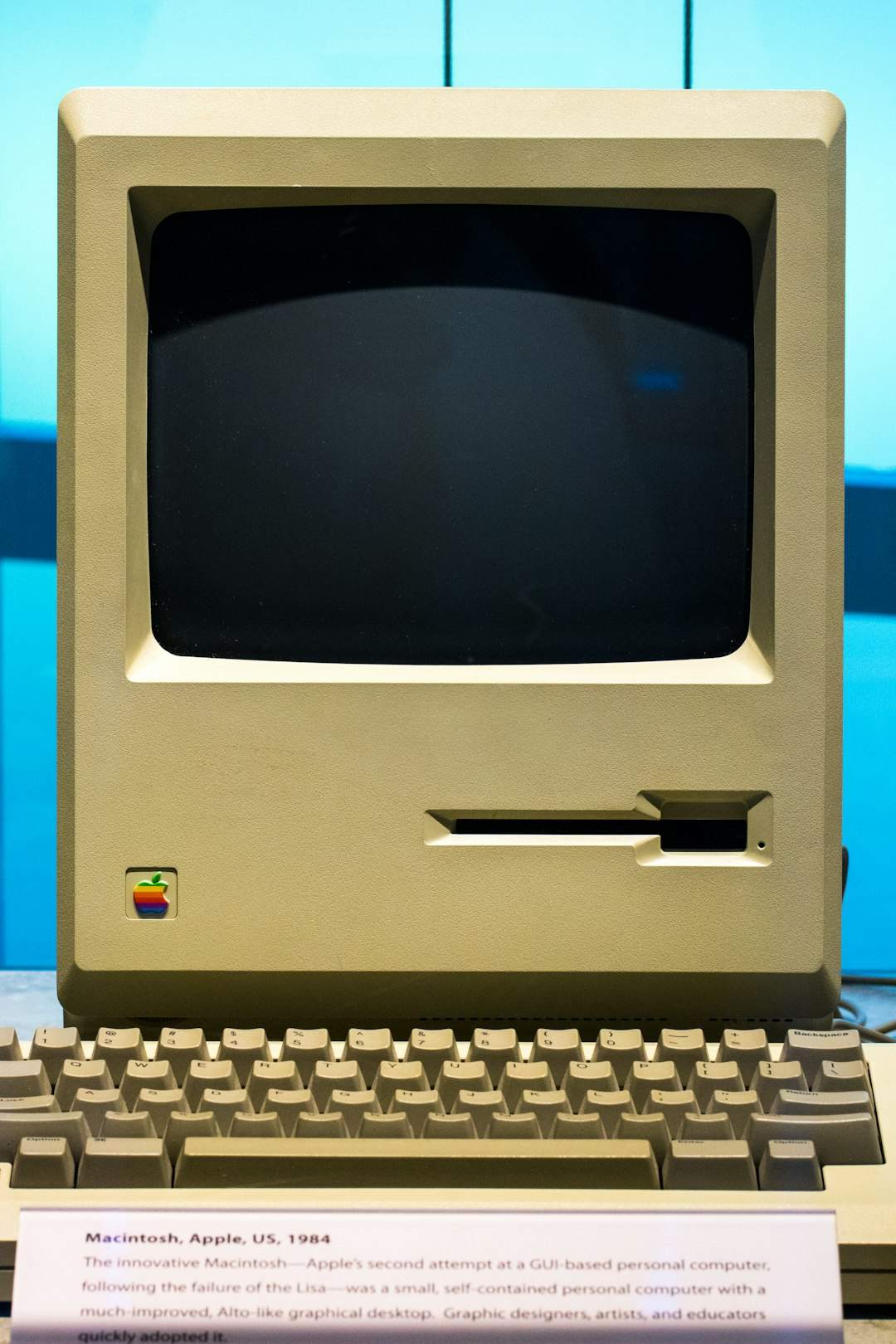
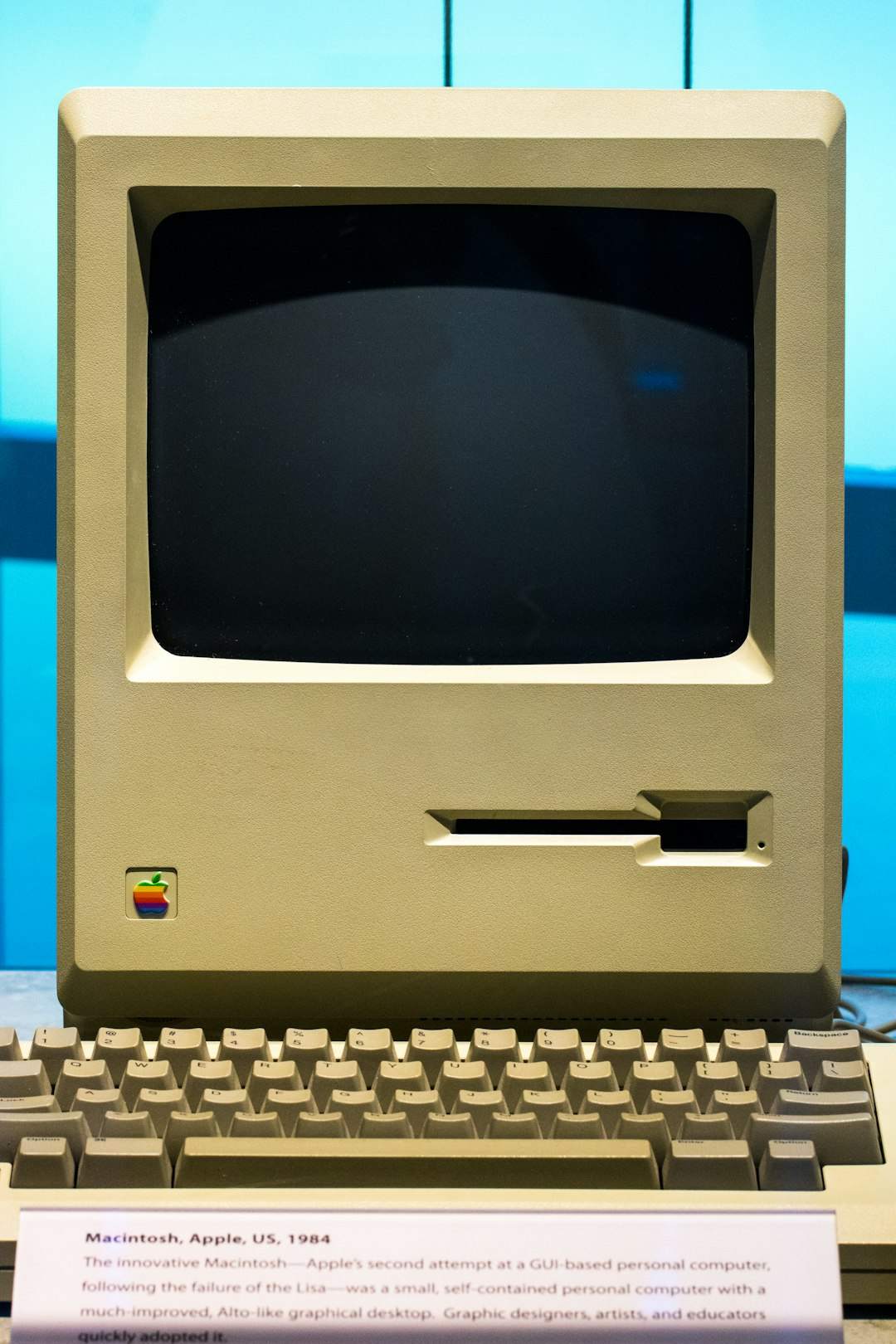
You’ve probably clicked away from a business website within seconds of landing on it — clunky layout, tiny text, a design that feels frozen in an earlier era of the internet. If so, you already know the answer to this question from the customer’s side. The real issue is recognizing it from the business owner’s side, before it costs you a sale.
Table of Contents
This guide breaks down exactly how an outdated website damages trust, the specific signs to check on your own site today, and what to prioritize first if a full redesign isn’t in the budget right now.
Quick Answer
Yes. An outdated website hurts credibility because visitors use design and usability as a proxy for how trustworthy and competent a business is — fairly or not, people assume a neglected site means a neglected business. The fix doesn’t always require a full rebuild; often it’s a focused update to speed, mobile layout, and visual polish.
Why Design Gets Read as a Trust Signal
Most visitors can’t evaluate your actual product quality, licensing, or customer service history in the few seconds they spend deciding whether to stay on your site. So they substitute something they can judge instantly: how the site looks and feels. A dated layout, inconsistent fonts, tiny unoptimized images, or a design that clearly hasn’t been touched since mobile phones were an afterthought all signal ‘this business isn’t paying attention.’ Visitors then extend that same assumption to your pricing, your service quality, and whether your contact info is even current.
This effect is especially strong for businesses competitors can easily compare against. If a visitor is choosing between you and a competitor with a clean, fast, modern site, an outdated design can lose the decision before they’ve read a word of your actual content.
The Warning Signs Worth Checking Right Now
Start with mobile. Pull up your site on your phone and try to complete the action a real customer would — book a call, request a quote, find your hours. If you have to pinch-zoom, scroll sideways, or tap tiny links repeatedly, that’s a direct credibility hit, since the majority of visits to most small-business sites now happen on mobile.
Check load speed next. Run your homepage through a free tool like Google PageSpeed Insights or Lighthouse. A slow-loading site doesn’t just annoy people — it reads as unreliable, the digital equivalent of a store with a flickering sign out front.
Look at your visual details: stretched or pixelated images, a copyright year in the footer that’s several years stale, broken links, or a design built around desktop-only layouts from years ago. Also check whether your site runs on HTTPS by loading it and looking at the address bar — don’t rely on the old ‘look for the padlock’ advice, since Chrome dropped that icon in favor of a small tune (sliders) icon, and other browsers use their own variations now. What still matters everywhere is the inverse signal: if a browser shows an explicit ‘Not Secure’ warning next to your address, that’s a hard red flag and one of the fastest ways to lose a visitor’s trust instantly.
Finally, check your contact and social proof. Dead social media links, an outdated address or phone number, or testimonials that reference services you no longer offer all tell visitors nobody’s minding the store.
Tips / Common Mistakes
Don’t assume a redesign has to mean starting from zero. Often the highest-impact fixes are targeted: compress and update images, fix mobile layout issues, update stale copy and contact details, and make sure your site loads quickly. These are usually a few days of focused work, not a months-long rebuild.
Avoid chasing every new design trend just to look ‘current’ — a website that’s trying too hard to look trendy can feel just as untrustworthy as one that’s stale. Aim for clean, fast, and easy to use over flashy.
A common mistake is treating the website as a one-time project instead of ongoing maintenance. Set a recurring reminder — quarterly is reasonable for most small businesses — to review speed, mobile usability, broken links, and whether the content still reflects what you actually offer.
If budget is tight, prioritize in this order: mobile usability and load speed first (these affect every visitor and your search rankings), then visual polish and outdated content, then deeper structural or platform changes.
Explore more: more web development guides.
Outdated website credibility FAQs
How quickly do visitors judge a website’s credibility?
Research on first impressions consistently shows it happens almost instantly — within the first few seconds of landing on a page, often before a visitor reads any actual content. That snap judgment is based heavily on visual design and how quickly the page loads.
Can an outdated website actually hurt my search rankings, not just first impressions?
Yes. Search engines factor in mobile-friendliness, page speed, and security (HTTPS) as part of how they evaluate a site, so an outdated site can rank lower in addition to converting fewer visitors who do find it.
Do I need a full redesign, or can I just update parts of my site?
A partial refresh is often enough. Fixing mobile layout, speed, outdated images, and stale content addresses most of the credibility damage without the cost and downtime of a full rebuild.
How often should a small business update its website?
There’s no fixed rule, but reviewing your site every few months for broken links, outdated info, and performance issues — with a more thorough design refresh every couple of years — keeps most small-business sites from feeling stale.
Build It With GTStudios
Need help with your website, app, or small-business tech? GTStudios builds web, apps, and software for small businesses. See how GTStudios can help.
Want dev news in your inbox? Subscribe to the free newsletter.
Photo by Jason Leung on Unsplash.