
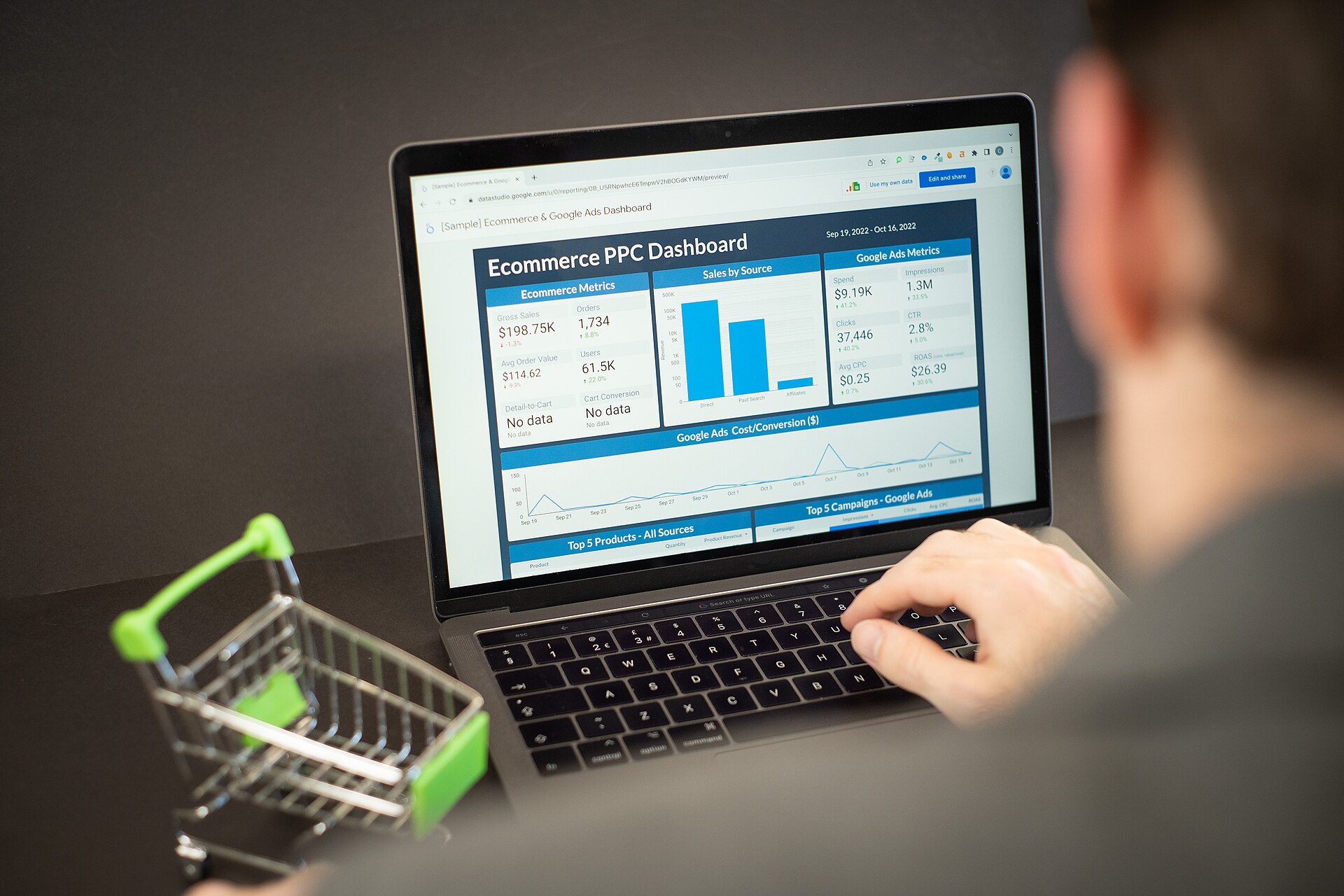
You launched the new site expecting compliments, and instead your analytics dashboard looks like it fell off a cliff. A traffic drop right after a redesign is one of the most common (and most fixable) problems in web development — it almost always traces back to a handful of well-known culprits, not some mysterious Google penalty.
Table of Contents
This guide walks through the real reasons redesigns tank organic traffic, how to diagnose which one hit you, and the exact fixes developers and site owners use to recover — often within a few weeks of catching the problem.
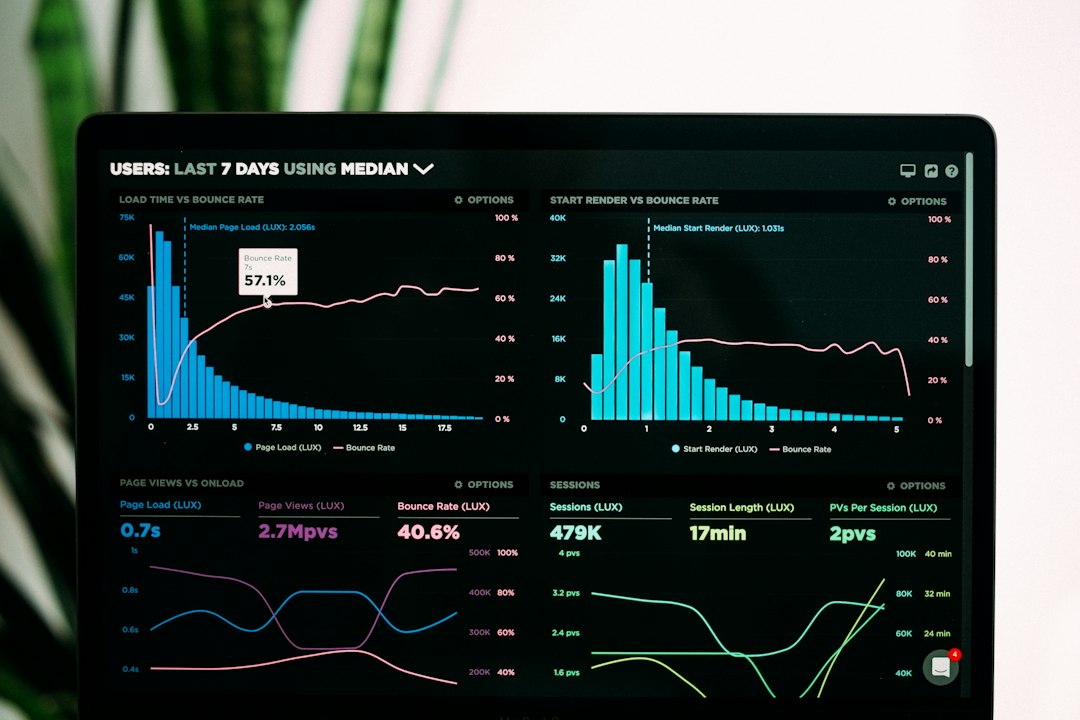
Quick Answer
Traffic drops after a redesign almost always come down to one of these: old URLs changed without 301 redirects, page titles/meta descriptions/headings were rewritten or stripped during the rebuild, internal links or navigation to key pages were removed, or the new site is slower and less crawlable than the old one. Check Google Search Console’s Pages and URL Inspection reports first — they’ll usually point straight at the cause.
How to Diagnose the Cause
Start in Google Search Console. Open the Pages report under Indexing and look for a spike in ‘404 not found’ or ‘Page with redirect’ errors dated right around your launch. A jump in 404s means URLs changed and nothing is redirecting the old paths to the new ones — this is by far the most common cause of a post-redesign crash, because search engines and every external link pointing at your old pages suddenly hit dead ends.
Next, use the URL Inspection tool on five or six of your previously top-performing pages (pull the list from Search Console’s Performance report, filtered to before the launch date). Check whether each one is still indexed, whether the indexed URL matches the new one, and whether the title and meta description shown match what you intended — redesigns frequently overwrite these with generic CMS defaults or a design template’s placeholder text.
Then compare page-by-page in Search Console’s Performance report: sort by clicks in the weeks before launch, then check the same URLs after. If specific pages lost rankings while others held steady, look at what changed on those exact pages — removed content, a heading that got demoted or deleted, or a navigation link that no longer points to them. If the drop is site-wide and sudden, redirects or a noindex/robots.txt mistake are the more likely cause.
Finally, run your new site through Google’s PageSpeed Insights and compare Core Web Vitals to what you had before (if you saved a baseline) or to a competitor. A redesign that adds heavier JavaScript, unoptimized images, or render-blocking scripts can quietly push load times up enough to affect both rankings and user behavior, even without any URL or content changes.
Fixing the Most Common Causes
Broken or missing redirects: build a one-to-one redirect map — every old URL pointing to its closest new equivalent, not a blanket redirect to the homepage. Google’s own site-migration documentation specifically calls out mass-redirecting everything to the homepage as a mistake, since it collapses distinct pages’ relevance into one and confuses both users and search engines. Use 301 (permanent) redirects, not 302s, so link and ranking signals carry over. Keep the redirects live for the long term — there’s no downside to leaving them in place indefinitely.
Stripped or changed metadata: pull your old titles, meta descriptions, and heading tags from a backup, an SEO plugin’s export, or a cached crawl, and restore or rewrite them deliberately on the new templates rather than letting the CMS auto-generate them. Check that H1 tags weren’t duplicated or removed and that schema/structured data markup (reviews, FAQs, breadcrumbs, etc.) carried over into the new templates — it’s easy for a new theme or page builder to drop this silently.
Lost internal links and navigation: if the new nav menu, footer, or related-content modules no longer link to pages that used to get traffic from bookmarks or your homepage, add those links back in. Google has noted that removing internal links to previously prominent pages signals those pages are less important, which can drag down their rankings even if the content itself is unchanged.
Performance regressions: compress and lazy-load images, defer non-critical JavaScript, and check that the new host or CDN caching setup wasn’t left on default settings. If the redesign switched CMS or frameworks entirely, re-test Core Web Vitals rather than assuming the new stack is automatically faster.
Once fixes are live, resubmit your XML sitemap in Search Console and request indexing on a handful of your most important pages via URL Inspection to speed up recrawling — full recovery typically takes anywhere from a few weeks to a couple of months depending on how often Google crawls your site.

Tips and Common Mistakes
Always crawl and export your full URL list, top-performing pages, and current metadata before a redesign goes live — recovering from a launch-day mistake is far easier with a ‘before’ snapshot to compare against. Launching without this baseline is the single biggest reason redesign traffic drops take weeks to diagnose instead of hours.
Don’t change your URL structure and your visual design at the same time unless you have to — bundling a URL migration with a redesign multiplies the number of things that can go wrong and makes the cause harder to isolate if traffic drops.
Watch for accidental ‘noindex’ meta tags left over from a staging environment — pushing a redesign live straight from a dev or staging build often carries these over by mistake, and a noindex tag tells Google to actively remove that page from its index. A leftover staging robots.txt file is a related but different risk: it blocks Google from crawling your pages, which stops new or updated content from getting indexed, but it does not by itself deindex pages that are already indexed — those can keep showing up in search results (often with no description) until Google recrawls and re-evaluates them. Check both files separately after launch.
Some short-term dip is normal even with a clean migration, since search engines need to recrawl and re-evaluate the new pages — give it two to four weeks of steady indexing before assuming something is broken, but investigate immediately if you see 404 spikes or a sudden cliff rather than a gradual dip.
Explore more: More web development guides.
Website traffic drop after redesign FAQs
How long does it take to recover traffic after a redesign?
If the fixes (redirects, metadata, internal links) go live quickly, many sites recover within a few weeks to a couple of months as search engines recrawl and re-index the new pages. The exact timeline depends on how often your site is crawled and how large the site is.
Will 301 redirects fully preserve my old rankings?
301 redirects are the best tool available for carrying over ranking signals to a new URL, but they don’t guarantee an identical ranking — search engines still re-evaluate the new page on its own content, speed, and links. A one-to-one redirect map gives you the best chance of a clean transfer.
Can a redesign hurt SEO even if the URLs didn’t change?
Yes. Even with identical URLs, a redesign can hurt rankings by rewriting or removing title tags and meta descriptions, deleting content, stripping schema markup, removing internal links to key pages, or slowing the site down with heavier scripts and unoptimized images.
Does blocking pages in robots.txt remove them from Google?
No. Robots.txt only tells Google not to crawl a page — it doesn’t remove pages that are already indexed, and a blocked page can even stay indexed (sometimes with no description) if other sites link to it. To actually remove a page from search results, use a noindex meta tag or response header, or take the page down entirely.
What’s the first thing I should check if traffic dropped after launch?
Open Google Search Console’s Pages report and look for a spike in 404 errors around your launch date. That single check identifies the most common cause — URL changes without redirects — faster than almost any other diagnostic step.
Build It With GTStudios
Need help with your website, app, or small-business tech? GTStudios builds web, apps, and software for small businesses. See how GTStudios can help.
Want dev news in your inbox? Subscribe to the free newsletter.
Photo: Zuko.io Images / CC BY 2.0, via Wikimedia Commons.