
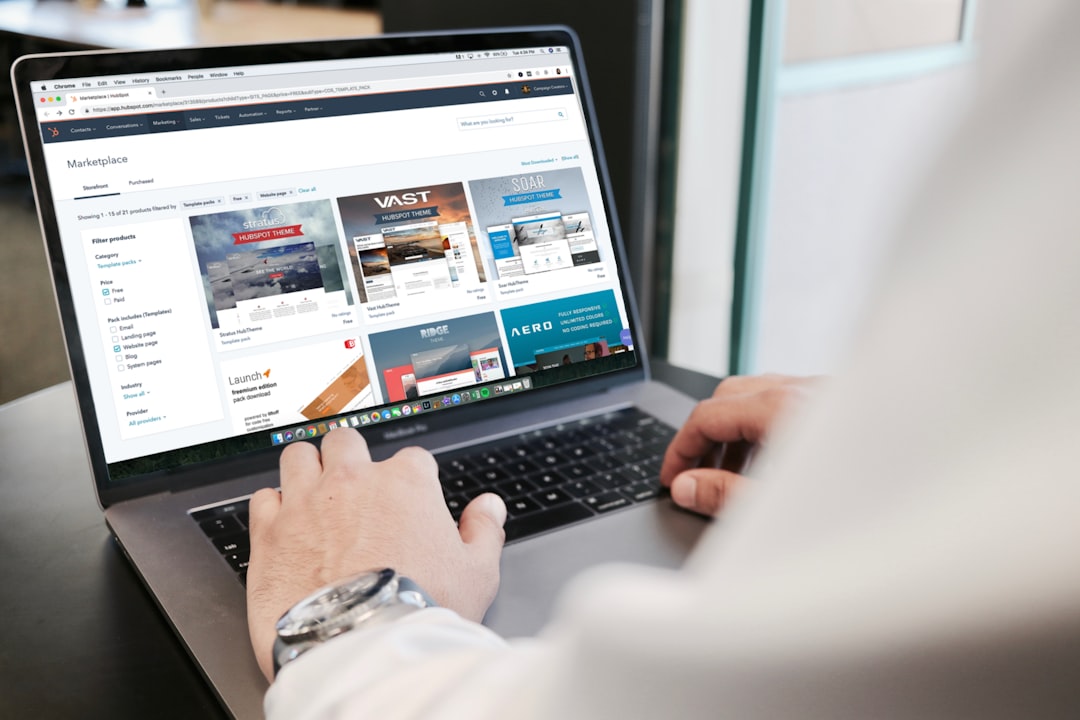
Signing up for a website builder takes ten minutes. Realizing you can’t get your content out of it can take years off your patience. Most people pick a builder based on templates and price, then find out later that the design, layout, and even the written content are trapped inside a proprietary editor with no real export option.
Table of Contents
This guide covers the specific questions to ask (or research) before you commit, so that if your business outgrows the platform, changes direction, or just gets a better offer elsewhere, moving your site is an inconvenience instead of a full rebuild.
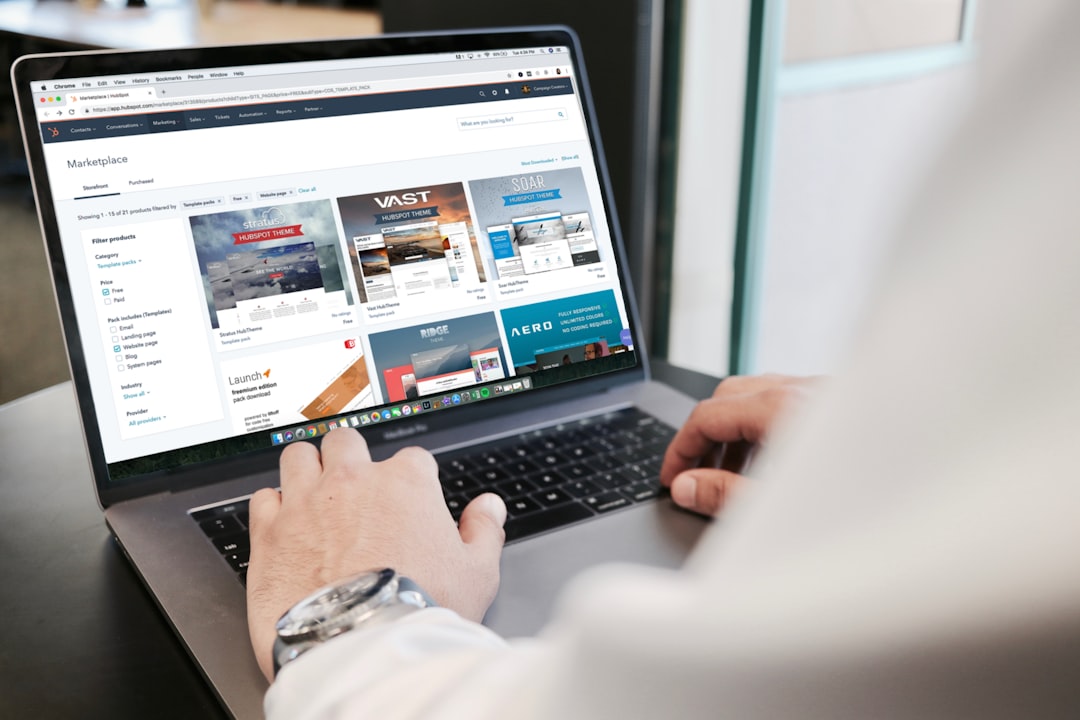
Quick Answer
Before signing up, ask a builder (or check its help docs) about four things: whether you can export your content and design, whether you’ll own your domain outright, what your real cost looks like after any introductory pricing ends, and what happens to your site if you cancel. If a platform can’t give a straight answer on exporting your own content, assume you can’t take it with you.
Questions to Ask About Content, Design, and Code
Start with the basics: can you export your pages, blog posts, and images in a usable format, or only as a plain-text or XML dump that strips out layout and design? Drag-and-drop builders like Wix render your site through their own editor and hosting system, so there’s typically no way to download the actual design, animations, or page structure to use anywhere else — only the raw text and media you uploaded. Squarespace allows some content export (via XML for posts and pages) but the layout, styling, and custom code don’t come with it.
Ask specifically: ‘If I close my account or switch platforms in two years, what exactly can I take with me?’ A platform built on open standards, like self-hosted WordPress, keeps your files and database in formats you control, so migrating (even a full theme rebuild) is a known, well-documented process. A closed, all-in-one builder usually means starting the design from scratch elsewhere, even if your text and images survive.
Questions to Ask About Domains, Accounts, and Contracts
Confirm who actually owns the domain name. Reputable builders register the domain in your name and let you transfer it out, but you should still ask directly and check the account settings for a transfer/unlock option before you need it. Note that even when a domain is yours, ICANN rules impose a 60-day lock on transferring a domain to a new registrar right after initial registration (or after certain account changes) — factor that window into any planned move.
Ask about pricing after the intro period: many builders advertise a low first-year rate that increases at renewal, so get the actual renewal price in writing or from the pricing page rather than assuming the sign-up price is permanent. Also ask what happens to your site, email, and any store data (products, orders, customer records) if you downgrade or cancel — on ecommerce platforms like Shopify, you can typically export products, customers, and orders as CSV files, but analytics history and some app-specific data usually don’t come with you.
Finally, check the terms of service for the content-ownership clause. Most builders state that you retain ownership of your content but grant the platform a license to host and display it — that’s standard and fine. What matters more is whether that license or any other terms restrict how you can reuse your own text and images elsewhere.

Tips and Common Mistakes
The most common mistake is locking into a multi-year contract for a discounted rate before actually testing the export process — try exporting a page or your content list during any free trial, before you’ve invested real time building the site. Another mistake is assuming ‘you own your content’ means you own the design too; ownership of your words and photos doesn’t mean the layout, template, or custom code can travel with you.
Also watch for third-party apps, plugins, or integrations (booking systems, forms, chat widgets) that only work inside that builder’s ecosystem — replacing several of these individually is often the most time-consuming part of switching platforms, more so than the pages themselves. If you’re not sure you’ll stay on a platform long-term, favor month-to-month billing over an annual or multi-year plan until you’ve used the site in production for a few months.
Explore more: more web development guides.
Website builder lock-in FAQs
Can I export a Wix or Squarespace site to another platform?
Not as a full working copy. You can generally copy your written content and download your images manually, but the page design, layout, and any custom code are built and rendered inside the platform’s own editor, so they don’t transfer. Moving off these builders usually means rebuilding the design on the new platform.
Do I actually own the domain name I register through a website builder?
Usually yes — most builders register the domain under your name and account, and you can transfer it to another registrar later. Confirm this in your account settings, and remember that ICANN’s 60-day transfer lock applies right after a domain is first registered or its registrant information changes.
What’s the safest way to avoid getting locked into a website builder?
Test the export options during a free trial before building your full site, avoid multi-year contracts until you’ve used the platform in production, and confirm the renewal price (not just the intro price) in writing. Also check whether any apps or plugins you rely on are exclusive to that builder’s ecosystem.
Build It With GTStudios
Need help with your website, app, or small-business tech? GTStudios builds web, apps, and software for small businesses. See how GTStudios can help.
Want dev news in your inbox? Subscribe to the free newsletter.
Photo by Campaign Creators on Unsplash.