
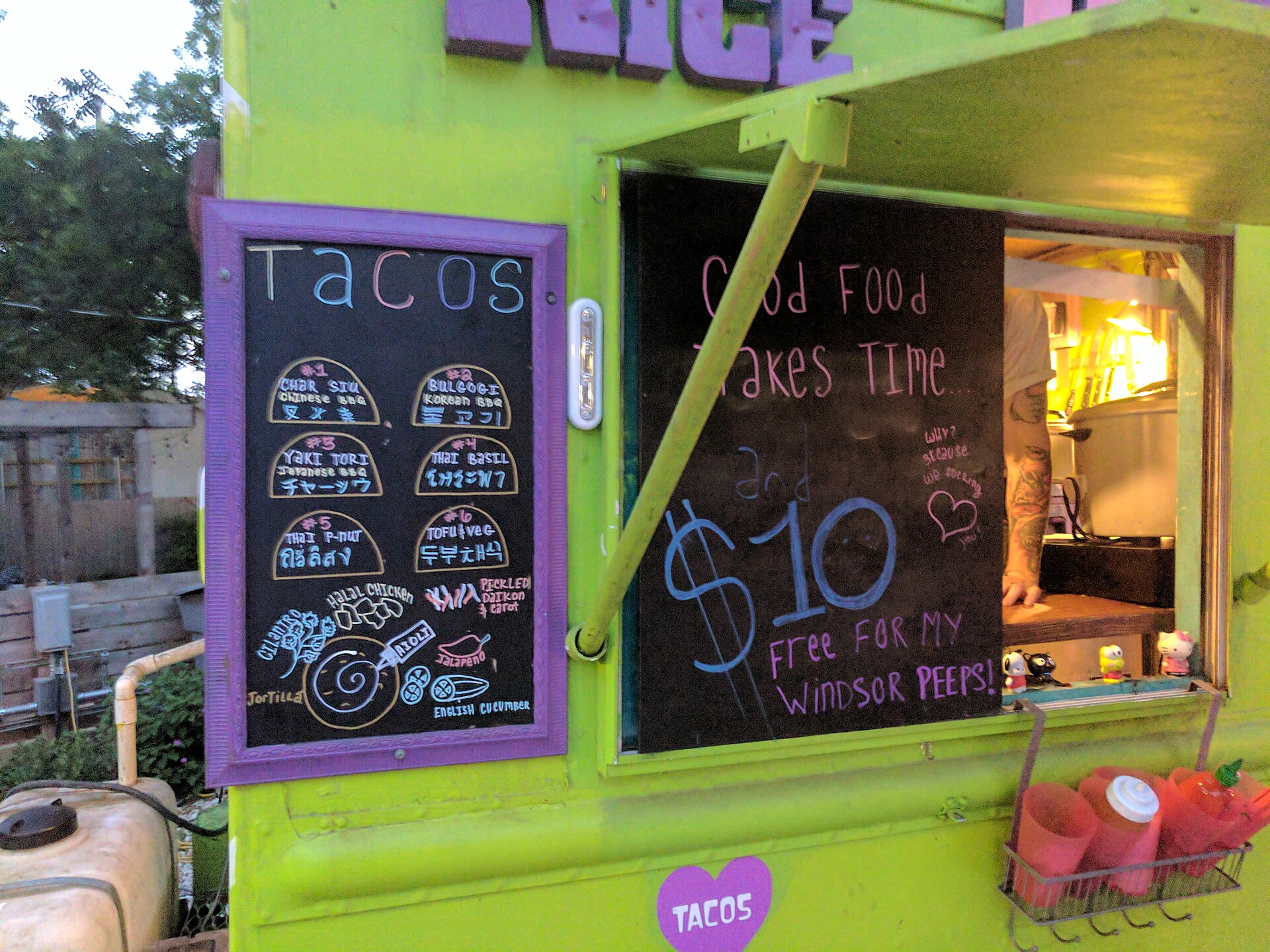
If your business moves — a food truck, mobile detailing van, mobile pet groomer, or traveling repair service — Google Business Profile still works for you, but the setup is different from a regular storefront listing. Get it wrong and Google can suspend your profile for showing a fake or misleading address.
Table of Contents
This guide walks through the exact setup mobile businesses need: choosing the service-area option instead of a storefront address, defining where you actually operate, picking the right category, and getting verified without a permanent location.
Quick Answer
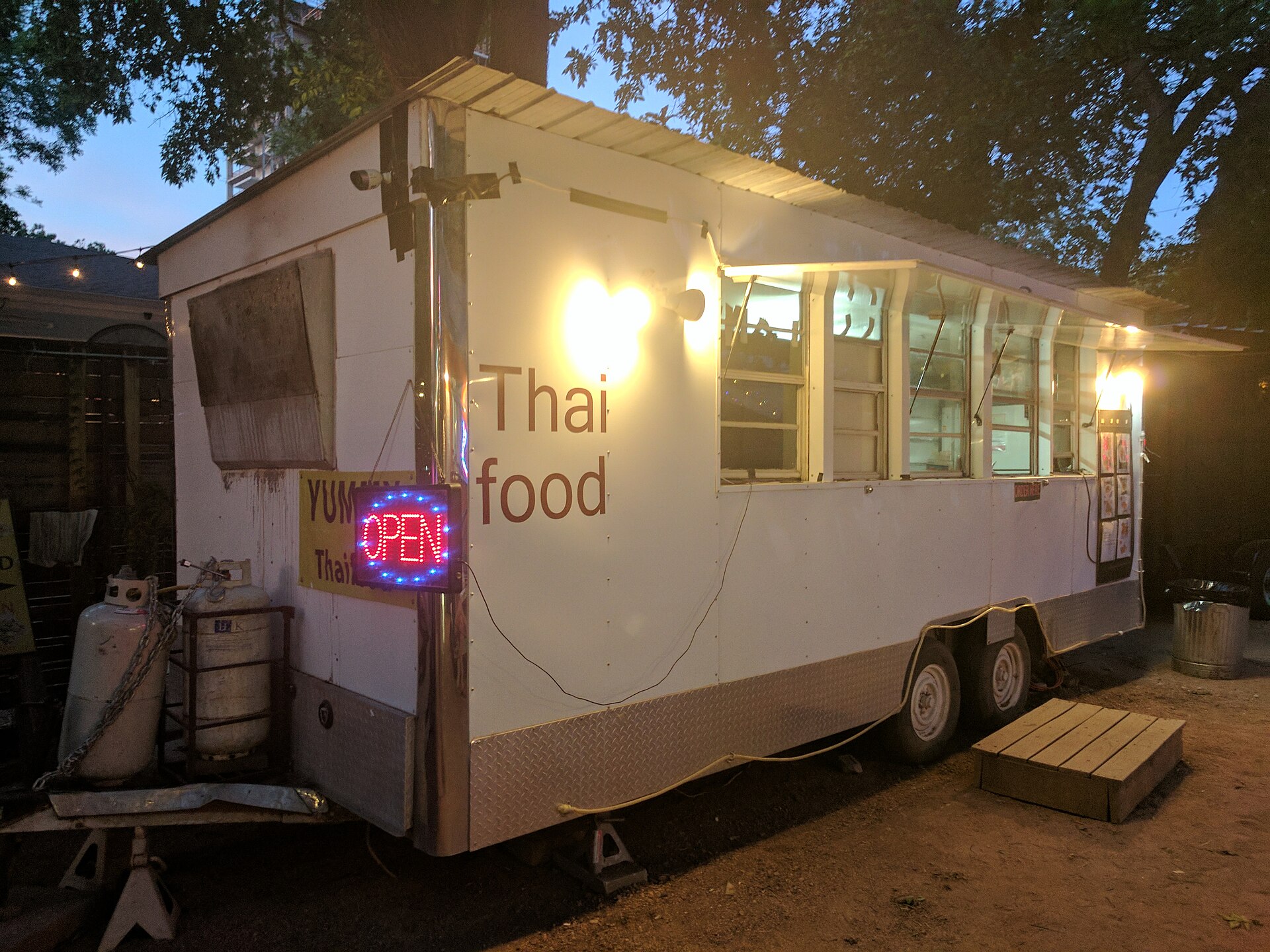
Set up your Google Business Profile as a service-area business: enter your home or commissary address during signup, then hide it from public view and define the cities or zip codes you serve instead of a fixed pin. This lets a food truck or mobile business show up in local search without displaying a storefront address it doesn’t have.
Setting Up a Service-Area Business Profile
Go to google.com/business and start creating a profile with your business name. When Google asks for a location, choose the option for delivering goods and services to customers rather than entering a storefront address — this tells Google you’re a service-area business (SAB) instead of a brick-and-mortar location.
You’ll still be asked to enter a business address behind the scenes. This is normal and required — Google uses it for verification and to calculate your service area, but it’s never shown publicly. Use your home base, garage, or commissary kitchen address, not a P.O. box (Google doesn’t accept those).
After the profile is created, go to Edit Profile > Location, find ‘Business location,’ and turn off ‘Show business address to customers.’ Then edit your service area and add the specific cities, neighborhoods, or zip codes where you actually operate — you can list up to 20 areas. Google no longer allows a simple radius around a point; you have to name real places. Keep the whole service area within roughly a 2-hour drive of your base, and only list areas you regularly serve — claiming a huge territory you rarely visit can hurt your ranking rather than help it.
If you also have a commissary storefront that customers can visit (in addition to the truck’s mobile service), you’d set up as a hybrid business instead, keeping the address visible while also defining a service area.
Category, Verification, and Profile Details
Google has a dedicated ‘Food truck’ primary category — use it. Add relevant secondary categories like Caterer, Mexican Restaurant, Coffee Shop, or whatever matches your actual offerings, since secondary categories help you surface in more specific searches.
For non-food mobile businesses, pick the closest match to what you do (Mobile car wash, Pet groomer, Appliance repair service, etc.) as the primary category, then add secondary categories for other services you offer.
Verification for service-area businesses is handled automatically by Google based on your business type and existing online footprint — it may offer video verification (a live or recorded walkthrough showing your truck, equipment, and proof of ownership), a phone/text code, or occasionally a postcard mailed to your background address. You can’t choose the method; just follow whatever option Google presents in your dashboard.
Fill out hours carefully — many food trucks run irregular schedules, so use ‘special hours’ for one-off events and keep regular hours realistic for where you park most often. Add real photos of the truck, menu items, and your setup, and keep your phone number and website consistent with what’s listed everywhere else (social media, your website, directories) since mismatched info is a common reason listings get flagged.
Tips and Common Mistakes
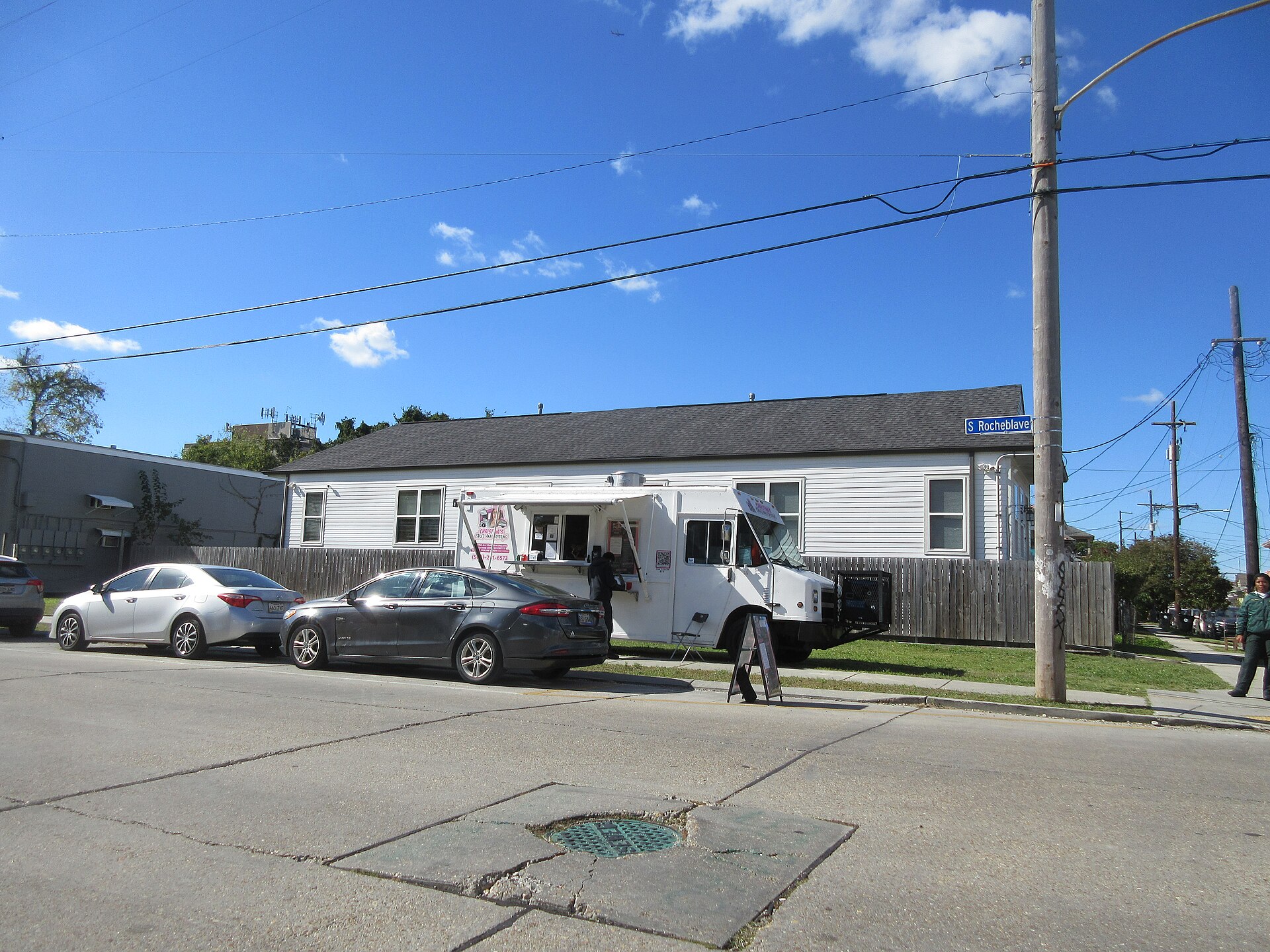
Don’t enter a fake storefront address just to get a map pin — using an address you don’t operate from is against Google’s guidelines and is one of the most common reasons mobile business listings get suspended.
Don’t list a service area far bigger than where you realistically go. A profile claiming a whole metro area when the truck only shows up in three neighborhoods dilutes relevance and can suppress ranking in the areas that matter.
Use Google Posts to announce daily or weekly locations — service-area businesses can’t rely on a fixed map pin to tell customers where to find them, so frequent posts about today’s parking spot or this week’s events fill that gap.
Encourage reviews after every event or service call. Reviews matter even more for mobile businesses since customers can’t just walk by and see you’re legitimate — social proof does that job instead.
If you operate multiple trucks or vans under one brand, don’t create duplicate profiles for the same business at the same base address; that violates Google’s one-listing-per-business-per-area policy and can get both suspended.
Explore more: more small-business web and marketing guides.
Google Business Profile for food trucks FAQs
Can a food truck get a Google Business Profile without a fixed address?
Yes. Set it up as a service-area business — you still enter a background address for verification, but you hide it and list the cities or areas you serve instead.
What category should a food truck use on Google Business Profile?
Use the ‘Food truck’ primary category, then add secondary categories that match your cuisine or services, such as Caterer or a specific restaurant type.
How many service areas can I add to my profile?
Up to 20 areas (cities, zip codes, or neighborhoods), and Google recommends keeping the overall territory within about a 2-hour drive of your base location.
Will customers see my home address if I set up as a service-area business?
No. Once you turn off ‘Show business address to customers,’ only your defined service area is shown publicly — Google keeps the background address private and uses it only for verification.
Build It With GTStudios
Need help with your website, app, or small-business tech? GTStudios builds web, apps, and software for small businesses. See how GTStudios can help.
Want dev news in your inbox? Subscribe to the free newsletter.
Photo: Kurtkaiser / CC0, via Wikimedia Commons.