

If your business only runs at full tilt for a few months a year — a holiday pop-up, a summer tour operator, a ski rental shop, a tax-season firm — a mobile app can look like the obvious next step once a website and social presence are in place. But apps are expensive to build, slow to get approved, and easy to let rot during the off-season.
Table of Contents
This guide walks through what a real app costs, when it actually pays off for a seasonal operation, and what cheaper alternatives can deliver almost the same benefit without the year-round maintenance burden.

Quick Answer
Most seasonal businesses don’t need a native app. A mobile-friendly website, a progressive web app (PWA), or a listing inside an existing platform (booking, delivery, or loyalty app) usually delivers the same customer convenience for a fraction of the cost and none of the off-season upkeep. A dedicated app only makes sense once you have a large repeat customer base, need offline functionality or push notifications, and can commit to updating it every year even during the months you’re closed.
What a Mobile App Actually Costs
Custom app pricing swings enormously based on scope. A bare-bones MVP built to test an idea on one platform can run from the low five figures, while a full-featured native app covering both iOS and Android typically starts well into five figures and can climb much higher for anything with booking systems, payments, or real-time inventory. Building separately for iOS and Android roughly doubles the codebase to maintain, which is why most teams use a cross-platform framework like React Native or Flutter to share code between both.
The number that trips up seasonal businesses isn’t the build cost — it’s the ongoing cost. Plan on setting aside somewhere around 15-20% of the original build price every year for maintenance: OS updates, new phone screen sizes, security patches, and app store policy changes. That bill arrives whether or not your business is open, which is the core tension for anything seasonal.
There’s also a review-and-approval step you don’t have with a website. Apple typically reviews submissions within a day or two, though new developer accounts and first-time app submissions can take longer. On Google Play, the extra hurdle is narrower than many first-time publishers expect: it only applies to personal (not organization) developer accounts created after November 13, 2023, which must run a closed test with at least 12 testers opted in continuously for 14 days before they can apply for production access. If your business sets up an organization account, or already had a personal account before that date, this step doesn’t apply — but if you’re starting fresh with a personal account, build that two-week window into your launch timeline.
Cheaper Alternatives That Cover Most of the Same Ground
A progressive web app (PWA) is the middle ground most seasonal businesses should look at first. It’s a website built to behave like an app — customers can add it to their home screen, it can work with limited connectivity, and some PWA frameworks support push notifications. Because there’s no separate iOS and Android codebase and no app store review, PWAs are meaningfully cheaper and faster to ship than native apps, and there are no app store fees since you control distribution directly from your site.
No-code and low-code app builders are the next tier down in cost and effort. Tools in this category let a non-technical owner assemble a simple app — think a menu, a booking form, a loyalty punch card — for a subscription fee rather than a custom-development invoice, often landing in the low thousands of dollars for the first year including the platform fee. The tradeoff is flexibility: you’re working inside someone else’s templates and limits.
Finally, consider whether you need an app at all versus a presence inside apps your customers already have. A seasonal restaurant or shop can often get most of the mobile convenience it wants by being well-optimized on Google Business Profile, listed on relevant booking or delivery platforms, and easy to text or message — without building or maintaining any software of its own.
A responsive, fast-loading mobile website is the baseline every seasonal business should have regardless of which of these paths it takes. If your site is slow or hard to use on a phone, an app won’t fix the underlying problem — most seasonal traffic will hit you through a search result or a shared link, not an app store.
When a Real App Is Worth It — and Common Mistakes
A dedicated app tends to earn its cost when a business has a large base of repeat customers who visit multiple times per season (a ski resort, a seasonal gym, a farm with a subscription CSA box), when the business needs offline functionality (spotty cell service at a campground or festival), or when push notifications genuinely change behavior — alerting customers the moment fresh inventory, a weather-dependent opening, or a limited-time slot becomes available.
The most common mistake is building an app to look credible rather than to solve a specific customer problem — that’s an expensive way to buy a logo on a home screen. The second most common mistake is launching an app and then going quiet on updates during the off-season; users delete apps they haven’t opened in months, and both app stores can flag or delist apps that go too long without updates, so ‘we’ll deal with it next season’ often means starting over.
Before committing, write down the one or two things an app would let a customer do that your website can’t. If you can’t fill in that blank with something concrete, a PWA or a better mobile site is very likely the right call for this season, with the option to revisit a native app once you have data on demand.
Explore more: more app development guides.
mobile apps for seasonal businesses FAQs
Is a progressive web app (PWA) good enough to replace a native app?
For most seasonal businesses, yes. A well-built PWA can be added to a phone’s home screen, work with limited connectivity, and in many cases send push notifications — covering the core reasons small businesses want an app, without a separate app store submission or two codebases to maintain.
How much does a simple business app cost to build?
A basic no-code app can cost a few thousand dollars for the first year including platform fees. A custom-built native app is a much bigger investment, often into five or six figures once design, development, and both iOS and Android versions are included.
Will an app hurt my business if I stop updating it during the off-season?
It can. Both the Apple App Store and Google Play can flag or remove apps that go too long without updates, and customers tend to delete apps they haven’t opened in a while. If you go this route, budget time each season to test the app on current phones and OS versions before you reopen.
How long does it take to get an app approved and live in the app stores?
Apple typically reviews submissions within a day or two, though first-time submissions can take longer. On Google Play, personal developer accounts created after November 13, 2023 must first run a closed test with at least 12 testers opted in continuously for 14 days before applying for production access — organization accounts and older personal accounts aren’t subject to this step. Build that extra lead time into your launch plan if you’re setting up a new personal account for your first app.
Build It With GTStudios
Need help with your website, app, or small-business tech? GTStudios builds web, apps, and software for small businesses. See how GTStudios can help.
Want dev news in your inbox? Subscribe to the free newsletter.
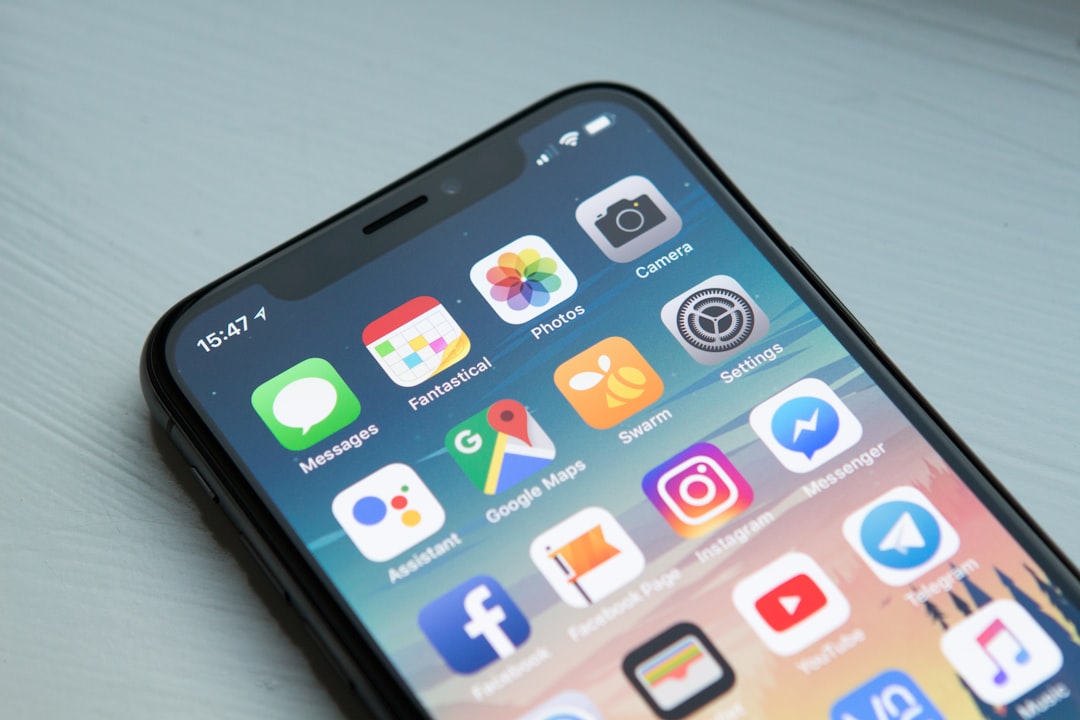
Photo: Thamizhpparithi Maari / CC BY-SA 4.0, via Wikimedia Commons.