
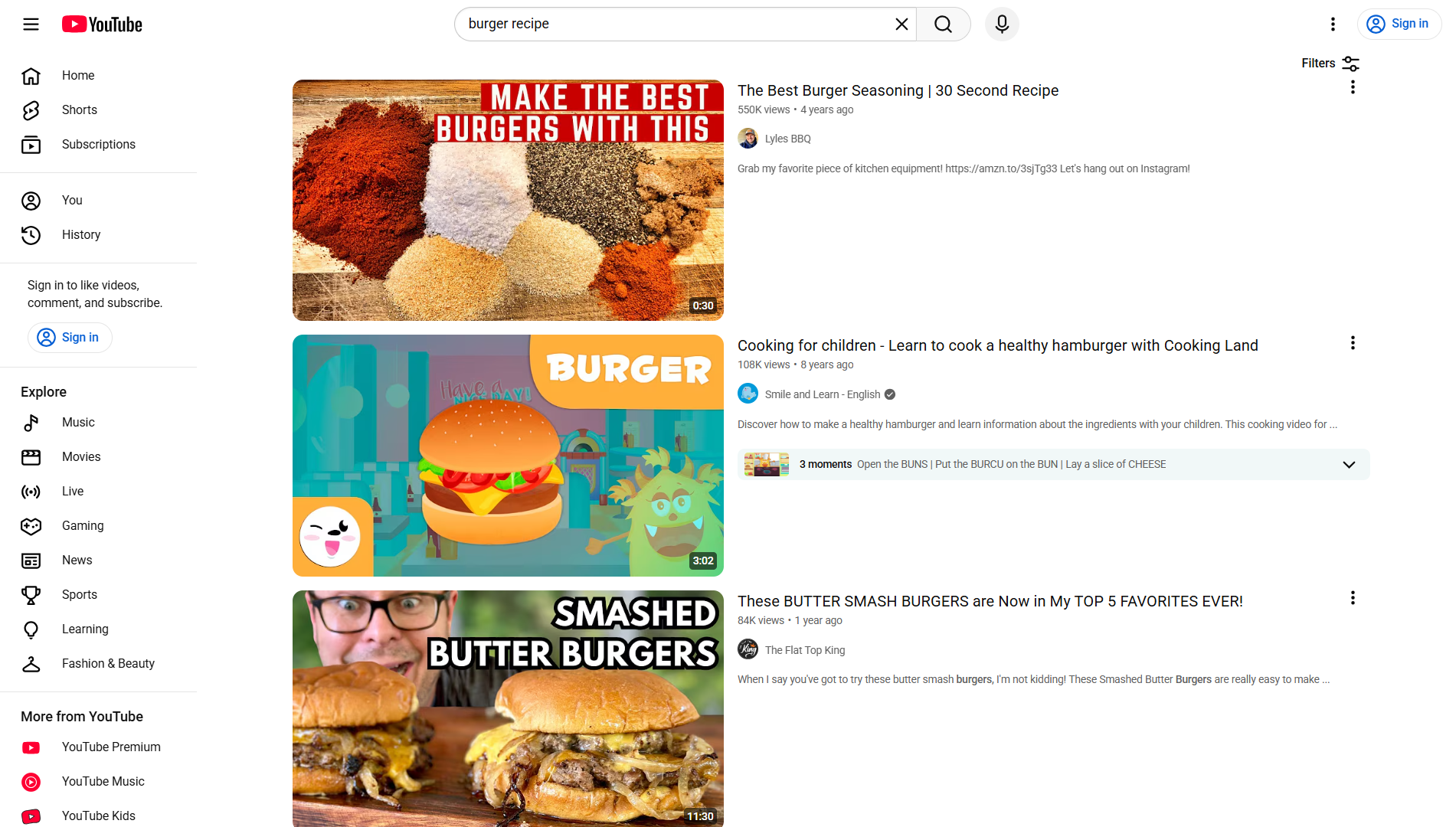
When someone nearby searches for a plumber, dentist, boutique, or contractor, there’s a good chance they watch a video before they ever pick up the phone. YouTube is the second-most-used search engine in the world in terms of query volume, and for local businesses it’s an underused way to show up in front of people who are already close enough to become customers.
Table of Contents
This guide walks through the practical steps: how to optimize your channel and videos so nearby searchers can find you, what to publish and how often, how to add the details that turn a viewer into a caller, and how to use YouTube’s ad tools to target people within your actual service area.

Quick Answer
To get local customers from YouTube: make videos that answer real questions people in your area search for, add your city or neighborhood to the title, description, and video location tag, publish on a steady weekly rhythm, put your booking link and contact info in every description, and, if you want faster results, run a geo-targeted YouTube (Demand Gen) ad campaign around your service radius. Then track calls, bookings, and direction requests — not just views.
6 Steps to Turn YouTube Views Into Local Customers
1. Pick topics your local customers actually search for. Think in terms of the questions people ask before they buy: ‘how much does [service] cost in [city],’ ‘what to look for when choosing a [type of business],’ or ‘before and after’ project videos. These match real local demand better than generic brand videos.
2. Set your channel’s country and keywords, then geotag each video’s location. In YouTube Studio, go to Settings > Channel > Basic info to set your channel’s country/region and add relevant channel keywords — this is a broad signal, not a street address, but it tells YouTube where your channel is generally based. For finer local targeting, tag each video individually: open Content, click the video, click Show more on the video details page, and use the Video location field to search for and select a place — your city, neighborhood, or business location. Viewers can then click that tag to browse other videos tagged in the same area. Also work your city or neighborhood name naturally into the title and the first line of the description.
3. Add your booking link and contact details to every video description. Link your website, your Google Business Profile, and a click-to-call phone number so a viewer can act immediately without hunting for it.
4. Publish on a rhythm you can actually keep. One 4-8 minute video a week is enough for most small businesses — you can cut two or three YouTube Shorts from that same video to extend reach without extra filming.
5. Use captions, simple chapters for longer videos, and a spoken call-to-action near the end — ‘call us,’ ‘book a free estimate,’ or ‘stop by this week’ — rather than only asking for a subscribe.
6. Extend videos beyond YouTube search. Embed your best videos on your website and share them as Google Business Profile posts, and ask happy customers if you can film a short testimonial — real local proof performs better than polished ads.
Use YouTube Ads to Reach People Near Your Business
Paid YouTube ads run through Google Ads, and the main format for most small businesses today is Demand Gen (which replaced the older Video Action Campaigns). Demand Gen ads can show as video, image, or carousel creative across YouTube, YouTube Shorts, Discover, and Gmail from a single campaign.
For local targeting, go to your campaign’s Locations settings. You can target as broadly as a city or postal code, or draw a radius around a specific address — your shop, office, or service hub. Note that Google Ads doesn’t allow a radius smaller than about 1 kilometer (roughly 0.6 miles), so extremely tight targeting isn’t possible, but combining a radius with a city or postal code selection gets you close.
Keep the setup simple when you’re starting out: one clear offer (a free estimate, consultation, or a specific service deal), one audience (your radius or service-area cities), one landing page, and one next step (call now or book online). Start with a modest daily budget, watch which ads actually generate calls or bookings, and refine from there rather than trying to optimize everything at once.
Tips and Common Mistakes
Don’t treat your channel like a portfolio reel with no ask — every video should end with a clear, spoken next step for the viewer.
Don’t skip the video location tag and city keywords. Without them, YouTube and Google Search have less signal that your content is relevant to a specific area.
Don’t post once and disappear. Consistency matters more than perfection — a steady weekly upload builds the watch history that YouTube’s recommendation system rewards over time.
Don’t measure success by views or subscribers alone. Track calls, bookings, and direction requests using a dedicated phone number or link in your description, and check your Google Business Profile insights for views coming from video content.
Do reuse what you already have — job-site footage, before-and-afters, and customer testimonials usually outperform scripted brand videos for local audiences.
Explore more: more digital strategy guides.
YouTube for local business FAQs
Do I need expensive equipment to start a YouTube channel for my business?
No. A smartphone, a bit of natural light, and a quiet spot for clear audio are enough to get started. Upgrade your gear later once you know the format is working for you.
How long does it take to get local customers from YouTube?
Organic growth typically takes a few months of consistent weekly uploads before YouTube reliably recommends your videos to local viewers. Running a geo-targeted ad campaign alongside your organic videos can generate calls and bookings much faster while your channel builds up.
What’s the smallest area I can target with YouTube ads?
Google Ads location targeting doesn’t allow a radius under about 1 kilometer (roughly 0.6 miles) around a point, so true hyper-local targeting has a floor. For a tighter area, pair radius targeting with a specific city or postal code selection instead.
Build It With GTStudios
Need help with your website, app, or small-business tech? GTStudios builds web, apps, and software for small businesses. See how GTStudios can help.
Photo: Lyles BBQ, Smile and Learn – English, The Flat Top King (previous screenshot: yumyotta) / Public domain, via Wikimedia Commons.