
Budget is the silent co-developer on every indie project. Unity’s Asset Store has over 8,000 free assets, but sifting through them to find the gems that actually ship with polished games takes time most solo devs don’t have. The good news: a core set of free tools covers nearly everything — level design, camera work, animation, UI, networking, audio, and VFX.
Table of Contents
This guide cuts straight to the assets worth installing today, whether you’re blocking out your first prototype or adding polish to a nearly finished game. Every asset here is confirmed free (or free for indie-scale projects) and actively maintained as of 2025.
Quick Answer
The essential free Unity assets for indie developers are ProBuilder (in-editor level design), Cinemachine (smart cameras), TextMeshPro (crisp text rendering), Unity Starter Assets — Character Controllers | URP (ready-made first/third-person controllers), DOTween (animation and tweening), FishNet: Networking Evolved (multiplayer), FMOD for Unity (professional audio), and the Particle Pack (VFX). Install them through the Package Manager or the Unity Asset Store — all are free and commercially usable.
Essential Built-in Unity Packages (Install via Package Manager)
ProBuilder lets you build and texture 3D geometry directly inside the Unity editor — no external 3D app needed. It’s the fastest way to grey-box a level, create collision meshes, or prototype modular environments. Install it from Window → Package Manager → Unity Registry → search ‘ProBuilder.’ Advanced features include UV editing, vertex colors, and parametric shapes, and you can export to any external 3D suite when you need finer control.
Cinemachine is Unity’s official smart-camera package. It handles follow cameras, free-look rigs, dolly tracks, collision avoidance, and cinematic cutscenes — all without writing camera code from scratch. It pairs directly with the Timeline editor for in-engine cinematics and is required by Unity’s Starter Assets, so install it early.
TextMeshPro (TMP) ships with Unity and replaces the legacy UI Text component entirely. It uses Signed Distance Field (SDF) rendering, which means text stays crisp at any resolution and scale. You get rich text tags, per-character animations, custom shaders, and kerning control. For any UI work, TMP is non-negotiable.
Starter Assets — Character Controllers | URP is Unity’s official free package providing both a first-person and third-person character controller built on the modern Input System and Cinemachine. It works with Unity 6 LTS and is the fastest legitimate way to drop a playable character into a scene. Find it on the Asset Store by searching ‘Starter Assets: Character Controllers URP.’
Must-Have Third-Party Free Assets (Unity Asset Store)
DOTween (HOTween v2) by Demigiant is the most-used animation library in Unity. With a single line of code you can tween positions, rotations, scales, colors, UI elements, and custom float values with full easing control. It’s free for commercial use, extremely lightweight, and supports Unity 5.6 through Unity 6. DOTween Pro adds visual scripting support for a small one-time fee, but the free version handles nearly every common use case. Search ‘DOTween’ on the Asset Store (package ID 27676).
FishNet: Networking Evolved by FirstGearGames is the best free multiplayer networking solution available for Unity right now. It’s server-authoritative, open-source, has no concurrent-user (CCU) caps or paywalls, and supports dedicated servers and host-client setups. Unlike Photon PUN 2 (which is also free but rate-limited and cloud-dependent), FishNet lets you self-host or give players the server binary. Find it on the Asset Store (package ID 207815).
FMOD for Unity is free for indie projects with annual gross revenue under $200,000 USD and a total development budget under $600,000 USD. FMOD Studio gives you adaptive audio — music that transitions dynamically, sounds that respond to game state — far beyond what Unity’s built-in Audio Source handles. The Unity integration plugin is available on the Asset Store. Install the version matching your FMOD Studio download.
The Particle Pack (Legacy Particle Pack) is Unity’s own free VFX asset containing dozens of ready-made particle effects — fire, smoke, sparks, splashes, and magic blasts. It’s a solid starting point for any game needing real-time effects before you build a custom Visual Effect Graph setup. Also worth grabbing: Human Basic Motions FREE, which provides a set of humanoid animations (idle, walk, run, jump) that pair with any humanoid rig and cut mocap costs to zero for prototyping.
PrimeTween by Kyrylo Kuzyk is a newer, allocation-free tweening library that competes directly with DOTween. It generates zero garbage each frame (important for mobile targets) and has a clean API. It’s free on the Asset Store and listed in Unity’s official top free assets. If you’re starting a mobile project from scratch, PrimeTween is worth considering over DOTween for the GC-free advantage.
Tips and Common Mistakes
Don’t import everything at once. Large asset packs bloat your project and slow the editor. Import only what you need from each package and remove unused assets before shipping — Unity’s build report will show what’s making it into the final build. ProBuilder geometry especially should be cleaned up or replaced with optimized meshes for release builds if poly count matters.
Check the license on every asset before shipping, even free ones. Most Unity Asset Store assets use the standard Asset Store EULA, which permits commercial use. FMOD requires you to confirm you’re within the indie thresholds: annual revenue under $200k and total development budget under $600k. Open-source assets (MIT, CC0) on itch.io or GitHub can be more permissive but sometimes carry attribution requirements — read the license file.
Keep package versions pinned in your manifest.json once your project is stable. Unity’s Package Manager sometimes updates packages automatically and introduces breaking API changes — Cinemachine in particular has changed its component naming between major versions. Use Window → Package Manager → check for package version and lock it before entering content production.
Use Unity Recorder (install via Package Manager) early in development to capture gameplay footage for trailers and social media. It supports MP4, GIF, and image sequence output directly from within the editor, with motion blur, eliminating the need for external screen capture tools when your game is still in an unshippable state but looks good enough to show.
Explore more: Game Development guides and tutorials.
Free Unity Assets for Indie Developers FAQs
Are these free Unity assets allowed in commercial games?
Yes — all assets listed here allow commercial use. Unity Asset Store assets fall under the standard Asset Store EULA, which permits use in commercial products. FMOD requires your annual gross revenue to be under $200,000 USD and your total development budget to be under $600,000 USD to qualify for the free indie license. Always verify the specific license file included with any asset before shipping.
Where do I install these assets — the Package Manager or the Asset Store?
ProBuilder, Cinemachine, TextMeshPro, and Unity Recorder install through Window → Package Manager → Unity Registry inside the Unity editor. DOTween, FishNet, FMOD, the Particle Pack, Starter Assets, and PrimeTween are found by searching the Unity Asset Store (assetstore.unity.com), adding them to your account, and importing them via the Package Manager’s ‘My Assets’ tab.
Should I use DOTween or PrimeTween for a new project?
For most projects, DOTween is the safer choice — it has a larger community, more tutorials, and broad plugin support. PrimeTween is the better pick if you’re targeting mobile and need zero garbage-collection allocations per frame, as it’s built allocation-free from the ground up. Both are free and actively maintained.
Build It With GTStudios
Need help shipping your app, game, or small-business tech? GTStudios builds web, apps, and games. See how GTStudios can help.
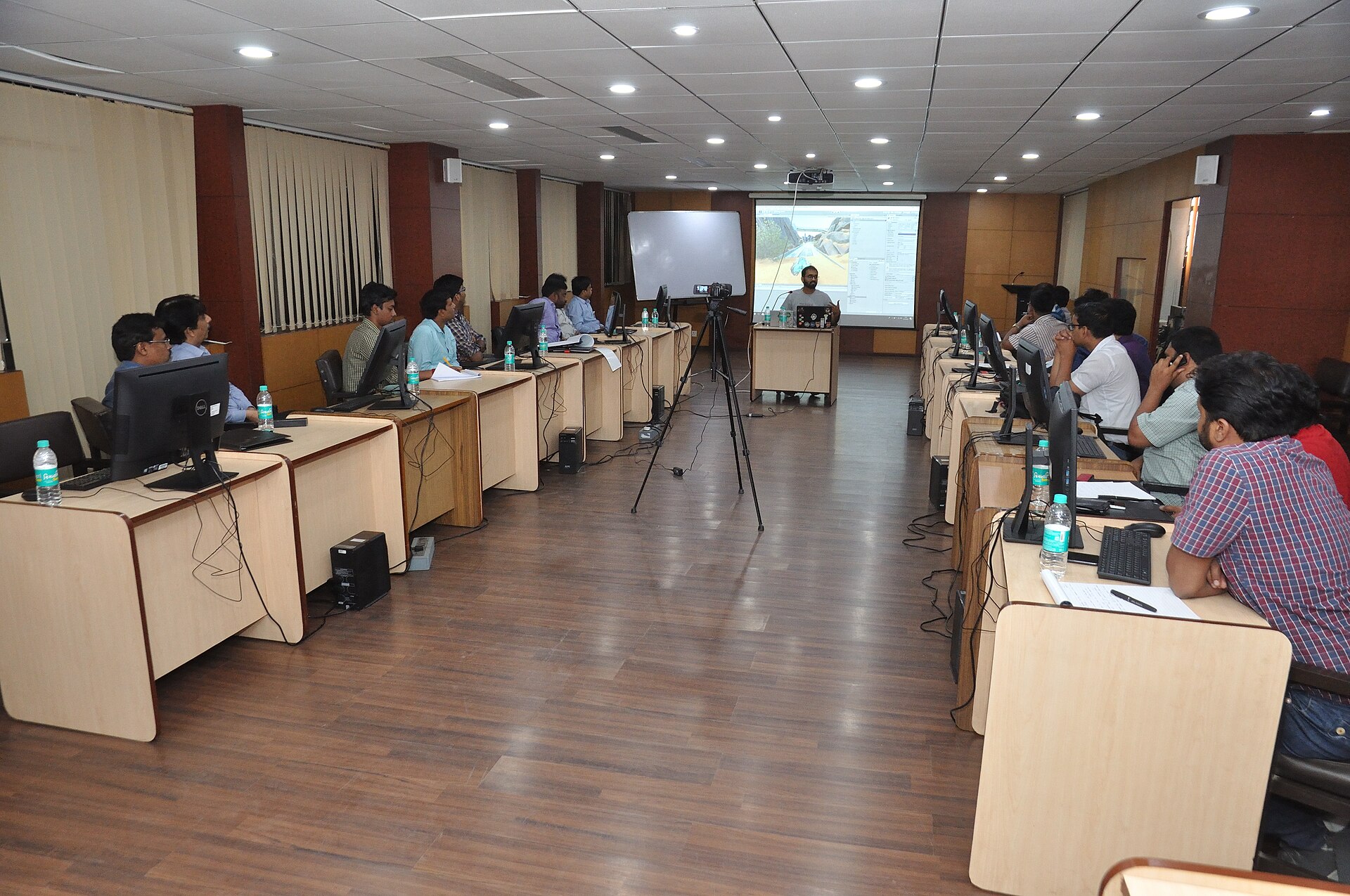
Photo: Biswarup Ganguly / CC BY-SA 4.0, via Wikimedia Commons.