
You’ve got a Squarespace site, and a customer just asked, “do you have an app?” Now you’re stuck deciding between two very different paths: wrap your existing site in something app-like, or pay a developer to build a native app from zero.
Table of Contents
This guide breaks down how Squarespace-to-app conversion actually works, when it’s the smarter move versus when a custom build earns its cost, and what realistic budgets look like for each path.
Quick Answer
For most small businesses on Squarespace, converting the existing site into an app with a dedicated website-to-app service is the cheaper, faster option. Save a from-scratch native build for cases where you need robust offline functionality, deep device/hardware integration, or app-only features that a wrapped website can’t replicate well.
How Squarespace-to-App Conversion Actually Works
Squarespace itself doesn’t build mobile apps — it’s a website builder, not an app platform. To get a real app in the App Store or Google Play, you use a third-party conversion service such as MobiLoud, AppMySite, Choicely, or Median. These tools wrap your live Squarespace site in a native app shell, so the app displays your existing pages, content, and store, and updates automatically whenever you update the site.
Because the app pulls from your live site rather than a separate codebase, you’re not maintaining two versions of anything. Most of these services also layer on app-specific features your website alone can’t offer, like push notifications and a home-screen icon, while keeping your Squarespace site as the single source of truth for content and products.
Converting vs. Building From Scratch: Which Fits Your Business?
Converting your existing site usually makes sense if you run a content site, service business, or online store and mainly want a branded app icon, push notifications, and an app-store presence without a redesign. It’s also the right call if your site already works well on mobile browsers — the conversion just repackages that experience. Note that basic camera and location access aren’t the dividing line here — modern browsers can already request camera and GPS permissions through standard web APIs, so even a wrapped site or a PWA can support simple photo-upload or location-based features.
Building a native app from scratch earns its cost when you need things a wrapped website genuinely struggles with: reliable offline-first functionality with background sync, deeper hardware integration like Bluetooth or NFC, continuous background location tracking, biometric authentication tied into the OS, or performance-heavy use cases like games and complex animation. If your business model depends on that kind of app-exclusive functionality rather than just an app-shaped version of your website, a custom build is the better long-term investment.
A middle path worth considering before either: a progressive web app (PWA). A PWA lets visitors install your existing site to their home screen straight from the browser, with an app-like icon, offline caching, and access to common device features like the camera or GPS through the browser — no app-store listing or developer fees required. It still falls short of full App Store/Google Play distribution and the deepest hardware integrations, but it’s close to free if your Squarespace site is already solid.
What Each Path Actually Costs
Squarespace itself runs on tiered monthly plans, with the cheapest tiers aimed at simple sites and higher tiers adding e-commerce and business features; paying annually knocks a meaningful chunk off the monthly rate. You’ll keep paying that regardless of which app path you choose, and it’s worth checking Squarespace’s current pricing page directly, since the tiers and rates have shifted more than once this year.
Website-to-app conversion services add a separate subscription on top, and the spread here is wide: some self-serve, lower-traffic plans run in the double digits per month, while full-service providers that handle design, ongoing development, and higher user volumes can run into the hundreds or even over a thousand dollars a month, sometimes with a separate setup fee. Compare a few providers’ current pricing pages directly before committing, since tiers and usage limits shift often and vary a lot by provider.
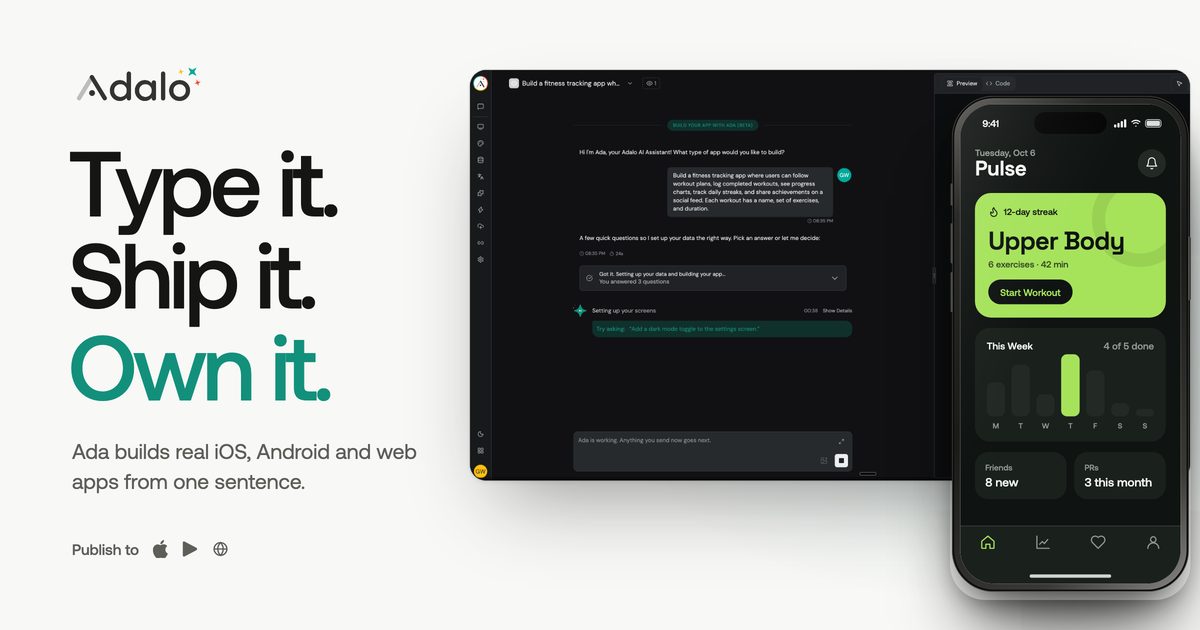
A no-code app builder used to design an app from scratch — tools like Adalo — runs on flat monthly pricing with multiple tiers, generally well below what a full-service conversion provider charges, and typically includes publishing to the App Store and Google Play. You’re building the app’s screens and logic yourself rather than syncing an existing site. Check the builder’s current pricing page before budgeting, since tier names and rates change periodically.
A fully custom native app built by a developer is the most expensive route, generally starting in the tens of thousands of dollars and taking a few months or more, since someone is designing, coding, and testing the app from the ground up.
Regardless of path, budget for two fixed costs almost every option shares: the Apple Developer Program at $99 per year to publish on the App Store, and a one-time $25 fee for a Google Play Console account to publish on Android.
Tips and Common Mistakes
Don’t skip push notifications — they’re usually the main reason customers bother installing a business’s app in the first place, so make sure whichever service you choose supports them well.
Don’t assume launching an app automatically brings more traffic or sales; it works best as a retention tool for customers who already know and like your business.
Test the wrapped app on a real phone, not just a preview, before submitting it to the app stores — layout quirks that look fine on a desktop preview sometimes don’t on mobile.
If you go the conversion route, keep your Squarespace site itself in good shape: the app mirrors it, so a cluttered or slow site becomes a cluttered or slow app.
Build in time for app store review, which can take anywhere from a day to a couple of weeks, and occasionally requires a resubmission if a reviewer flags something.
Don’t default to a custom native build out of habit — if a wrapper or PWA covers what your customers actually need, the extra cost of a from-scratch app rarely pays for itself.
Explore more: more app development guides.
Squarespace site to app FAQs
Can Squarespace build the app for me directly?
No. Squarespace is a website builder, not an app-building platform. To get a real app in the App Store or Google Play from your Squarespace site, you need a third-party conversion service.
Is a progressive web app (PWA) good enough instead of a real app?
For many small businesses, yes. A PWA lets customers install your site to their home screen from the browser with no app-store listing or developer fees, and it can still use common device features like the camera or GPS through the browser. It just won’t give you full app-store distribution or the deepest hardware integrations.
Do I need a developer to convert my Squarespace site into an app?
Usually not. Most website-to-app conversion services are designed to be self-serve — you connect your site, customize the app’s look, and publish, without writing code.
How long does conversion take compared to a custom build?
A conversion through a wrapper service can often be ready for app-store submission within days to a couple of weeks. A fully custom native app typically takes a few months or more from design through development and testing.
Build It With GTStudios
Need help with your website, app, or small-business tech? GTStudios builds web, apps, and software for small businesses. See how GTStudios can help.
Want dev news in your inbox? Subscribe to the free newsletter.
Images: Squarespace.