
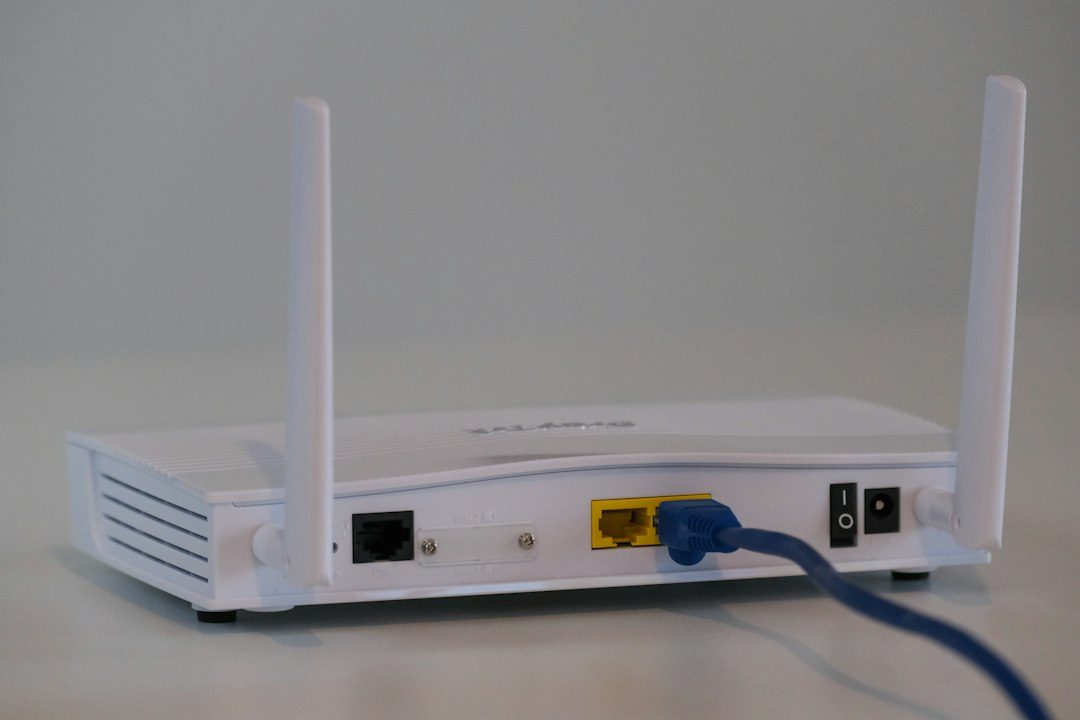
A weak Wi-Fi network is one of the easiest ways for an outsider to slip into your business data without ever touching a keyboard inside your building. A hacker parked outside with the right software can try to crack a weak password, hop onto an unsecured guest network, or exploit a router that still has its factory-default login.
Table of Contents
The good news is that securing your business Wi-Fi doesn’t require an IT department. This guide walks through the practical steps — encryption settings, router hardening, network separation, and ongoing habits — that close the most common gaps, in the order you should tackle them.
Quick Answer
Secure your small business Wi-Fi by enabling WPA3 (or WPA2 if WPA3 isn’t available), setting a long unique passphrase, changing the router’s default admin login, putting guests and IoT devices on a separate network from your business systems, disabling WPS and remote management, and keeping your router’s firmware updated.
Lock Down the Router Itself
Start with the router’s admin settings, since this is the control panel an attacker wants most. Log into the router’s admin page and change the default username and password immediately — these defaults are published online for nearly every router model. Use a long, unique passphrase for the Wi-Fi network itself too; a random phrase of several unrelated words is harder to crack than a short complex-looking one and easier for staff to type correctly.
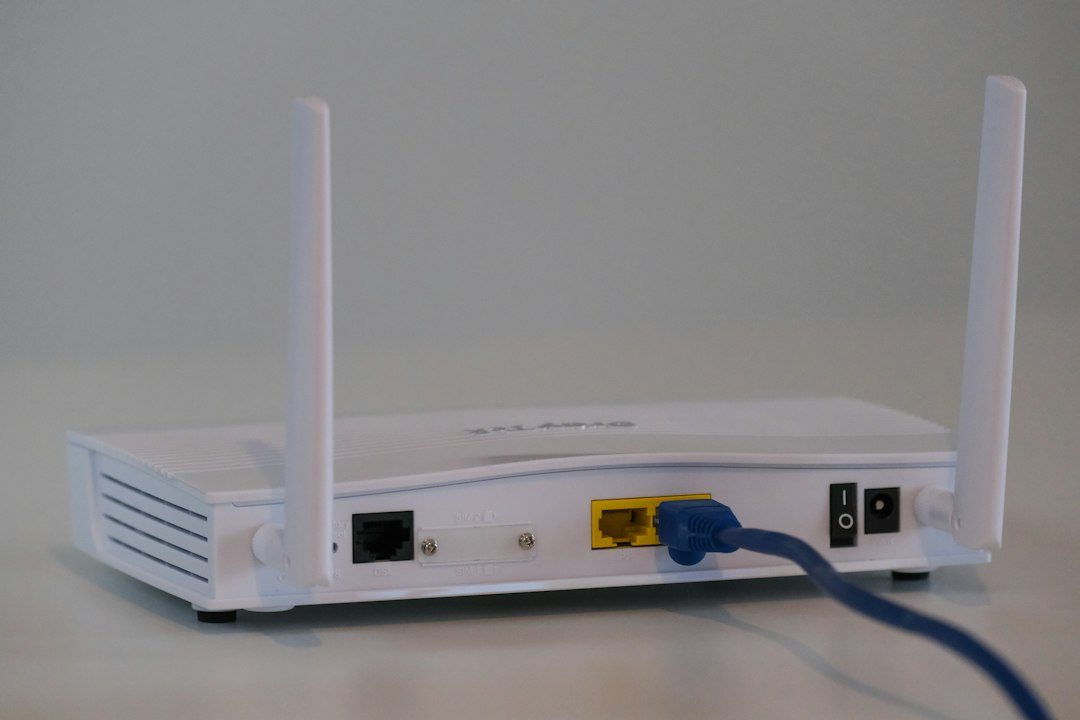
Turn off WPS (Wi-Fi Protected Setup), the one-button or PIN pairing feature, since its PIN method has known weaknesses that let attackers brute-force their way in. Also disable remote management of the router from outside your network — there’s rarely a good reason a small business needs to administer its router from off-site, and leaving it on gives attackers another door.
Check for firmware updates and turn on automatic updates if the router supports them. Router makers regularly patch security flaws, and an unpatched router is one of the quieter ways businesses get compromised.
Use WPA3 Encryption and Separate Your Networks
Set your wireless security mode to WPA3-Personal if your router and devices support it — it uses a stronger handshake (SAE) than older WPA2 and is harder to crack offline. If any of your equipment is too old to support WPA3, use WPA2 as the fallback and never drop down to WEP or open (unsecured) Wi-Fi, both of which can be broken almost instantly.
Create a separate guest Wi-Fi network for customers, contractors, and visitors, and make sure it’s isolated from the network your point-of-sale system, business computers, and file servers sit on. Most modern business and even consumer routers have a built-in guest network toggle that handles this isolation for you.
Consider putting smart devices — cameras, smart thermostats, printers — on that same guest or IoT network rather than your main business network. These devices are frequently targeted because they’re rarely updated, and keeping them isolated limits what an attacker can reach if one gets compromised.
Tips / Common Mistakes
Don’t rely on hiding your SSID (network name) as a security measure — it’s trivial to detect with free tools and gives a false sense of safety. Do rely on a real firewall, either built into the router or a dedicated appliance, to filter traffic between your network and the internet.
A common mistake is sharing the main Wi-Fi password with everyone who asks, including vendors and delivery drivers — that’s exactly what the guest network is for. Another is never checking who’s connected; most router admin pages show a list of connected devices, which is worth a quick glance periodically for anything unfamiliar.
If employees connect to the business network remotely or work from public Wi-Fi, require a VPN for that connection so traffic stays encrypted end-to-end. And review Wi-Fi access periodically — when an employee leaves or a device is retired, update shared passwords and remove old devices from the router’s device list.
Explore more: more small business tech guides.
Small business Wi-Fi security FAQs
Is WPA3 necessary, or is WPA2 good enough?
WPA2 is still acceptable if your hardware doesn’t support WPA3, but WPA3 is meaningfully stronger against offline password-cracking attempts. If you’re buying new routers or access points, make sure they support WPA3 and switch to it.
Do I really need a separate guest network?
Yes. Keeping guests, contractors, and personal devices off the network that touches your business data, payment systems, or files is one of the single most effective steps you can take, and most routers make it a simple toggle.
Should I hide my SSID or use MAC address filtering?
Both add minor friction but aren’t real security — SSIDs are easy to detect even when hidden, and MAC addresses can be spoofed. Use them only as a minor extra layer, never as your main defense.
How often should I update my router’s password or firmware?
Check for firmware updates regularly (or enable auto-updates if available), and change Wi-Fi and admin passwords whenever an employee with access leaves or you suspect a device has been compromised.
Build It With GTStudios
Need help with your website, app, or small-business tech? GTStudios builds web, apps, and software for small businesses. See how GTStudios can help.
Want dev news in your inbox? Subscribe to the free newsletter.
Photo by Compare Fibre on Unsplash.