
Getting to your first 1,000 downloads is less about luck and more about sequencing: preparing your store listing before launch, activating people who already know you, and giving new users a reason to stick around long enough to tell others. Most apps that stall at zero didn’t fail because the product was bad — they skipped the setup work that makes early traffic convert.
Table of Contents
This guide walks through the concrete steps to hit 1,000 downloads: what to do before launch day, which channels actually move the needle for a new app with no budget or history, and the mistakes that quietly kill momentum in the first two weeks.
Quick Answer
Reach your first 1,000 downloads by combining three things: an App Store/Google Play listing optimized around a few specific keywords, a coordinated launch to your existing warm audience (email list, social followers, community, past customers), and a fast follow-up loop that turns early users into reviews and referrals. Paid ads can accelerate this but aren’t required to hit the first 1,000.
Prepare Before You Launch
Set up your Apple Developer and Google Play Console accounts early — app review and account verification can take a few days, and you don’t want that on your launch-day critical path. Use the lead time to finalize your store listing: pick 2-3 specific, low-competition keyword phrases your target users actually search, and work them naturally into your app title, subtitle (iOS) or short description (Android), and the app description itself. A keyword in the title generally helps discoverability more than one buried in the long description.
Screenshots and the icon do most of the conversion work once someone lands on your listing — put your strongest, clearest value proposition in the first one or two screenshots, since many visitors never scroll further. On iOS, consider setting up a Custom Product Page (Apple now allows dozens of these per app) so you can tailor messaging for different traffic sources, such as a Product Hunt visitor versus someone clicking a link from a blog post. On Android, Google Play’s custom store listings work similarly.
Line up a short beta with TestFlight (iOS) or a closed testing track (Google Play) before public launch. This surfaces bugs early and gives you a small group of engaged users who can leave reviews the moment the app goes public — early reviews matter disproportionately because a listing with zero reviews reads as untested.
Launch to Warm Audiences First
Your fastest, cheapest downloads come from people who already trust you — email subscribers, social followers, past clients, a Slack or Discord community, or coworkers and friends who fit your target user. Email and a direct social post on launch day should be your first move, not paid ads. Warm traffic also tends to convert and engage better, which helps your app’s early retention and rating signals with the app stores.
Beyond your own audience, submit the app to relevant communities where your target users already gather: subreddits for your app’s category (read the rules first — many ban raw self-promotion), niche Slack/Discord communities, and Product Hunt if your app fits its audience. A Product Hunt launch works best when you’ve built some following beforehand and can rally upvotes and comments in the first few hours, since that’s what determines whether it gets extra visibility that day.
If you have any budget, Apple Search Ads (search results ads on the App Store) and Google Play’s app campaigns are the most direct paid options, since they target people already searching in the app stores with clear purchase intent. Start with a small daily budget on a handful of exact-match keywords tied to your core use case rather than broad, expensive terms.
Tips and Common Mistakes
Don’t wait until you have thousands of downloads to ask for reviews — prompt for a rating right after a user completes a meaningful action in the app (not on first open), using the platform’s native review prompt so it doesn’t send them out to the store and risk losing them. Respond quickly to negative reviews; a fast, genuine reply sometimes gets a user to update their rating.
A common mistake is spreading thin across every channel at once. Pick two or three that fit where your actual target users spend time, and go deep rather than posting once everywhere. Another mistake is neglecting retention: if new users churn within the first session, your download-to-active ratio tanks and later ASO gains won’t stick — fix onboarding before scaling traffic.
Track where downloads are actually coming from (App Store Connect and Google Play Console both show acquisition and keyword data) so you can double down on whatever channel is working instead of guessing. And don’t finalize your store listing the day of launch — lock in keywords, screenshots, and your beta reviews at least a week or two ahead so you’re not optimizing blind during your most important traffic window.
Explore more: more app development guides.
first 1,000 app downloads FAQs
How long does it typically take to reach 1,000 downloads?
It varies widely by niche and audience size, but many indie apps with a modest existing following and a focused launch plan reach it within the first few weeks. Apps launched with no pre-built audience and no paid promotion usually take longer.
Do I need paid ads to hit 1,000 downloads?
No. A well-executed launch to a warm audience plus relevant communities can get you there organically. Paid channels like Apple Search Ads or Google Play app campaigns are useful accelerants once you know which keywords convert, not a requirement.
Should I focus on iOS or Android first?
It depends on where your target users are. If you can only launch on one platform initially, check which one your warm audience (email list, social followers) actually uses, and prioritize that store’s setup and keyword research first.
Build It With GTStudios
Need help with your website, app, or small-business tech? GTStudios builds web, apps, and software for small businesses. See how GTStudios can help.
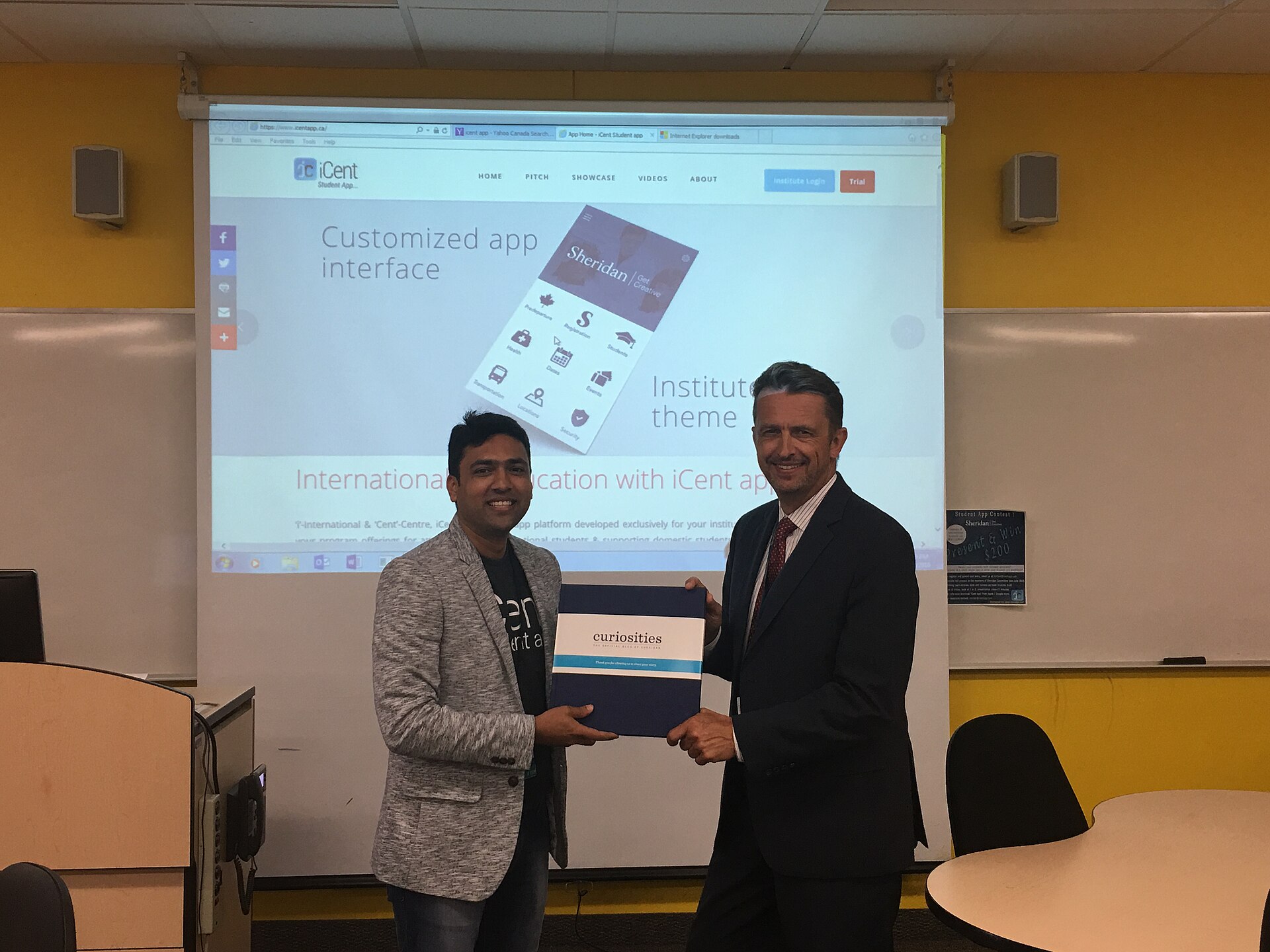
Photo: ICent Powered by Neel-Tech / CC BY-SA 4.0, via Wikimedia Commons.