

You’ve claimed your Google Business Profile, added your hours and address, and now you’re staring at the photos tab wondering if you’re supposed to upload five images or fifty. It’s a fair question — Google doesn’t publish a hard cap, and most advice online just says “add more photos” without saying how many is actually enough.
Table of Contents
This guide breaks down what Google’s own help documentation recommends by photo category, what a realistic starting count looks like for different business types, and how to keep your profile’s photo library from going stale after the first upload.

Quick Answer
There’s no official maximum, but Google’s guidance points to a practical minimum: at least three photos in each relevant category (exterior, interior, team, and products or menu items, depending on your business type). For most small businesses, that works out to roughly 12-20 photos to start, followed by adding a handful of new ones every month or so rather than uploading once and stopping.
What Google Actually Recommends, by Category
Google’s Business Profile help documentation breaks photos into categories and suggests a minimum of three per category where it applies to your business: at least three exterior photos so customers can recognize your building or storefront when they arrive, at least three interior photos that show ambiance and layout, at least three photos of your products or, for restaurants, three or more food and drink shots, and a few team photos showing staff or management to add a human element. Hotels and similar businesses are also encouraged to add photos of guest rooms and at least one photo per common area.
On top of those categories, your profile has a logo (used for identification across Search and Maps) and a cover photo, which Google displays at the top of your profile — though Google may swap in a customer-submitted photo instead if yours doesn’t meet its quality bar. Add both early, since they’re separate from your general photo gallery.
Building a Realistic Photo Set for Your Business
A simple way to plan your upload: list the categories that apply to your business (exterior, interior, products/menu, team, at-work shots), and aim for three to five solid images in each. A retail shop or restaurant might land around 15-20 photos to start; a service business with no storefront (a plumber, consultant, or mobile business) can lean more heavily on at-work and team photos since exterior and interior shots matter less.
After that initial batch, treat photos as an ongoing task rather than a one-time setup step. Adding a few new images each month — a seasonal display, a new menu item, a team update, a finished project — keeps your profile looking active. Businesses that only upload once at setup and never return tend to have a stale-looking gallery that’s dominated by older customer photos over time, since anyone can add photos to your profile, not just you.
Tips and Common Mistakes
Follow Google’s technical specs so uploads don’t get rejected: JPG or PNG format, 10 KB to 5 MB in file size, with a recommended resolution around 720×720 pixels (250×250 pixels is the bare minimum Google will accept). Photos should be in focus, well lit, and not heavily filtered or AI-generated — Google’s guidelines ask that images accurately represent your real business.
Common mistakes: uploading only exterior shots and skipping interior or product photos, using stock imagery instead of real photos of your actual location, letting your logo or cover photo sit at low resolution, and never returning to add new photos after the initial setup. It’s also worth checking your photo tab periodically for customer-submitted photos that are unflattering or outdated — while you can’t delete other users’ photos outright, you can flag ones that violate Google’s content policies, and adding a steady stream of your own high-quality photos helps push weaker ones further down the gallery.
Explore more: More Digital Strategy guides for small businesses.
Google Business Profile photos FAQs
Is there a maximum number of photos I can upload to Google Business Profile?
Google doesn’t publish a hard maximum for most businesses. The practical limit is more about quality and relevance than quantity — a smaller set of clear, accurate photos across all your categories is more useful than dozens of near-duplicate shots.
How often should I add new photos?
Rather than a one-time upload, add a handful of new photos every month or so — new products, seasonal changes, team updates, or completed work. Consistent, periodic uploads keep your profile looking active rather than abandoned.
Do more photos help my profile rank higher in local search?
Google hasn’t published a specific photo-count ranking factor, but a complete, well-photographed profile gives customers more information and can improve engagement (calls, direction requests, website clicks), which supports your overall local search performance.
What photo size and format does Google Business Profile require?
Use JPG or PNG files between 10 KB and 5 MB, with a recommended resolution of about 720×720 pixels and a minimum of 250×250 pixels. Photos should be in focus, well lit, and free of heavy filters or alterations.
Can customers upload photos to my Google Business Profile too?
Yes. Anyone with a Google account can add photos to your listing, which is part of why regularly uploading your own high-quality images matters — it keeps your gallery representative of your business rather than dominated by random customer shots.
Build It With GTStudios
Need help with your website, app, or small-business tech? GTStudios builds web, apps, and software for small businesses. See how GTStudios can help.
Want dev news in your inbox? Subscribe to the free newsletter.
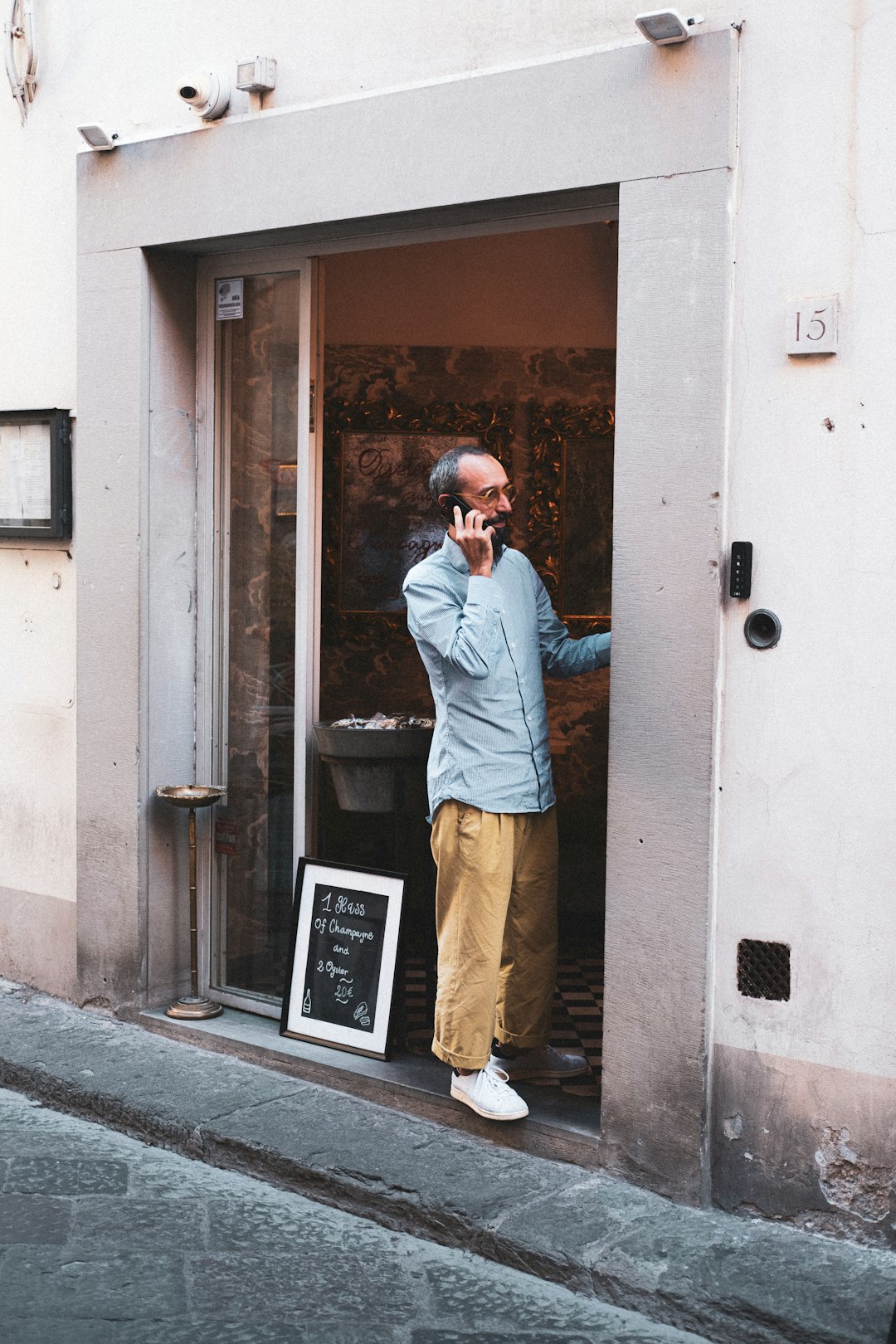
Photo by CardMapr.nl on Unsplash.