
You open your site on your laptop and it loads instantly. Pull it up on your phone over LTE and it crawls. If that gap sounds familiar, you’re not imagining it, and you’re not alone — it’s one of the most common performance complaints site owners run into once they actually test on a real phone instead of just a desktop browser.
Table of Contents
The good news: the causes are well understood and mostly fixable without a rebuild. This guide walks through why mobile and desktop perform so differently, how to confirm what’s actually slowing your site down, and what to fix first for the biggest gain.
Quick Answer
Mobile devices typically have slower processors, less memory, and less reliable network connections than desktops, so any inefficiency in your site’s code or images gets magnified. The usual culprits are desktop-sized images being sent to phones, too much JavaScript for a weaker mobile CPU to process, and render-blocking scripts or third-party embeds (ads, chat widgets, trackers) that add up fast on a slower connection.
Why Mobile and Desktop Perform So Differently
Desktops and laptops generally run on fast, stable connections (home Wi-Fi, office ethernet) with multi-core processors and plenty of RAM. Phones are working with a smaller battery-constrained chip, less memory, and a cellular or public Wi-Fi connection that has higher latency and more variability than a wired connection — even on 5G, real-world conditions (tunnels, crowded networks, weak signal) slow things down in ways a desktop never experiences.
That means anything your page asks the browser to do — download an image, parse a script, run an animation — takes longer on a phone simply because the hardware and network are working with less headroom. A site that feels snappy on desktop because the browser has power to spare can feel sluggish on mobile purely because the margin for error disappears.
Google also evaluates performance separately for mobile and desktop traffic (it uses the same Core Web Vitals thresholds for Largest Contentful Paint, Interaction to Next Paint, and Cumulative Layout Shift on both, but scores each device type independently), which is why a site can pass on desktop and fail on mobile in tools like PageSpeed Insights.
The Most Common Causes — and How to Fix Each
Oversized images are the single biggest offender. If your images are sized and compressed for a 1920px desktop screen, a phone still has to download the full file even though it displays at a fraction of the size. Fix it by resizing images to the dimensions they’re actually displayed at, compressing them, and using responsive images (the srcset and sizes attributes) so the browser picks an appropriately sized file. Modern formats like WebP or AVIF typically produce smaller files than JPEG or PNG at the same quality.
Too much JavaScript is the second big one. Desktop CPUs chew through JavaScript parsing and execution quickly; mobile CPUs don’t. Audit your scripts and remove or defer anything not needed for the initial view — this includes analytics snippets, chat widgets, carousels, and tracking pixels that fire on every page load. Load non-critical scripts after the page renders instead of blocking it.
Render-blocking CSS and fonts delay the point where the page becomes visible. Inline critical CSS for above-the-fold content, load the rest asynchronously, and use font-display: swap so text shows up in a fallback font instead of staying invisible while a custom font downloads.
Third-party embeds (ads, social widgets, video players, live chat) are often the hidden weight. Each one adds its own network requests and scripts that your site doesn’t control. Audit what’s actually earning its place on the page and remove or lazy-load the rest so they only load when a visitor scrolls to them.
A content delivery network (CDN) and proper caching headers help close the latency gap, since they serve files from a server physically closer to the visitor and let repeat visits skip re-downloading assets entirely.
Tips / Common Mistakes
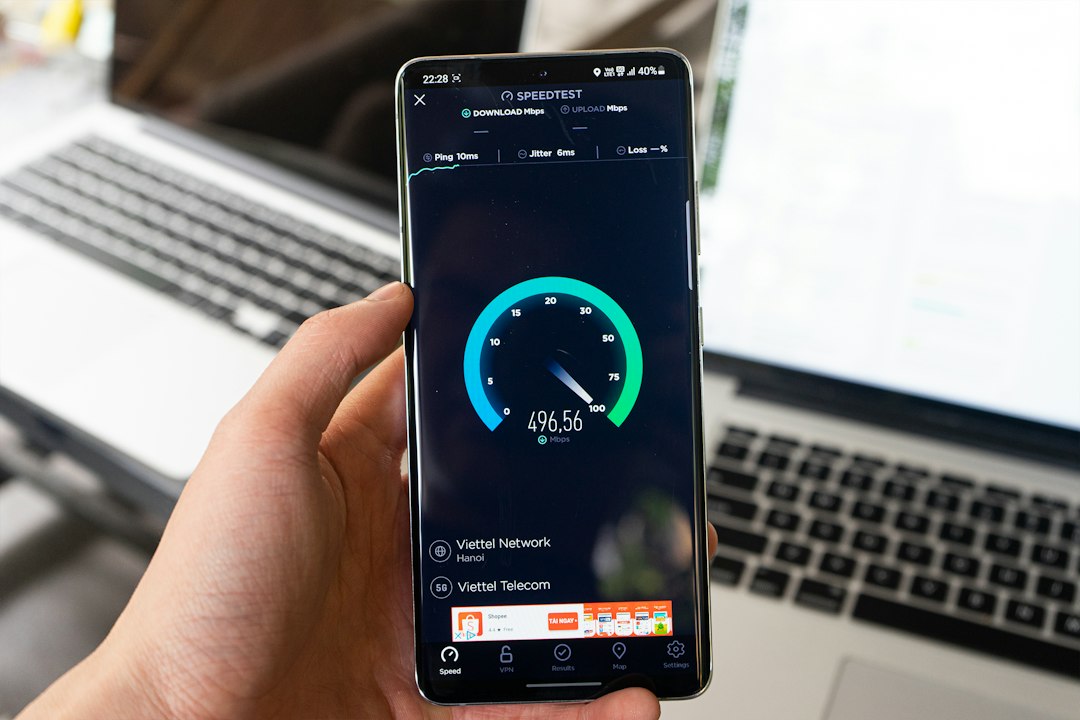
Don’t test on just your desktop browser and assume mobile behaves the same — use Chrome DevTools’ device toolbar with network throttling, or run Google’s PageSpeed Insights, and check the mobile score specifically; it’s graded separately from desktop and is usually the lower of the two.
Don’t confuse a responsive design (one that resizes to fit a phone screen) with a mobile-optimized one. A site can look perfectly adapted to a small screen while still shipping the exact same oversized images and scripts as the desktop version underneath.
Fix images first. It’s usually the fastest win and often the biggest one — a page full of unoptimized photos will out-slow almost any other issue on this list.
Re-test after each change rather than fixing everything at once. That way you know which change actually moved the needle, instead of guessing.
Explore more: More web development guides.
mobile vs desktop website speed FAQs
Is it normal for a website to be slower on mobile than desktop?
Some gap is normal because mobile hardware and networks are generally less powerful than desktop setups. But a large gap — say, a site that loads in 1-2 seconds on desktop and takes 8-10+ seconds on mobile — usually points to fixable issues like oversized images or excess JavaScript rather than just the device itself.
What’s the fastest way to check why my site is slow on mobile?
Run your URL through Google’s PageSpeed Insights, which tests mobile and desktop separately and lists specific opportunities (like unoptimized images or unused JavaScript) ranked by how much time they’re costing you. Chrome DevTools’ device mode with network throttling is also useful for seeing the page load as a phone on a slower connection would.
Will switching to WebP or AVIF images actually make a noticeable difference?
Often, yes — these formats typically produce meaningfully smaller files than JPEG or PNG at similar visual quality, and since images are usually the heaviest assets on a page, shrinking them has an outsized effect on mobile load times in particular.
Does a responsive design automatically fix mobile speed?
No. Responsive design controls layout, not file size. A responsively designed page can still send the same large images and scripts to a phone as it does to a desktop unless you specifically optimize assets for mobile delivery.
Build It With GTStudios
Need help with your website, app, or small-business tech? GTStudios builds web, apps, and software for small businesses. See how GTStudios can help.
Want dev news in your inbox? Subscribe to the free newsletter.
Photo by Tran Mau Tri Tam ✪ on Unsplash.