
Every app builder hits this decision early: make people create an account before they can do anything, or let them poke around first and sign up later. Get it wrong in either direction and you pay for it — either in abandoned onboarding flows or in users who vanish with no way to bring them back.
Table of Contents
This guide breaks down when a hard login wall makes sense, when guest mode wins, and the hybrid pattern most successful apps actually use instead of picking one extreme.
Quick Answer
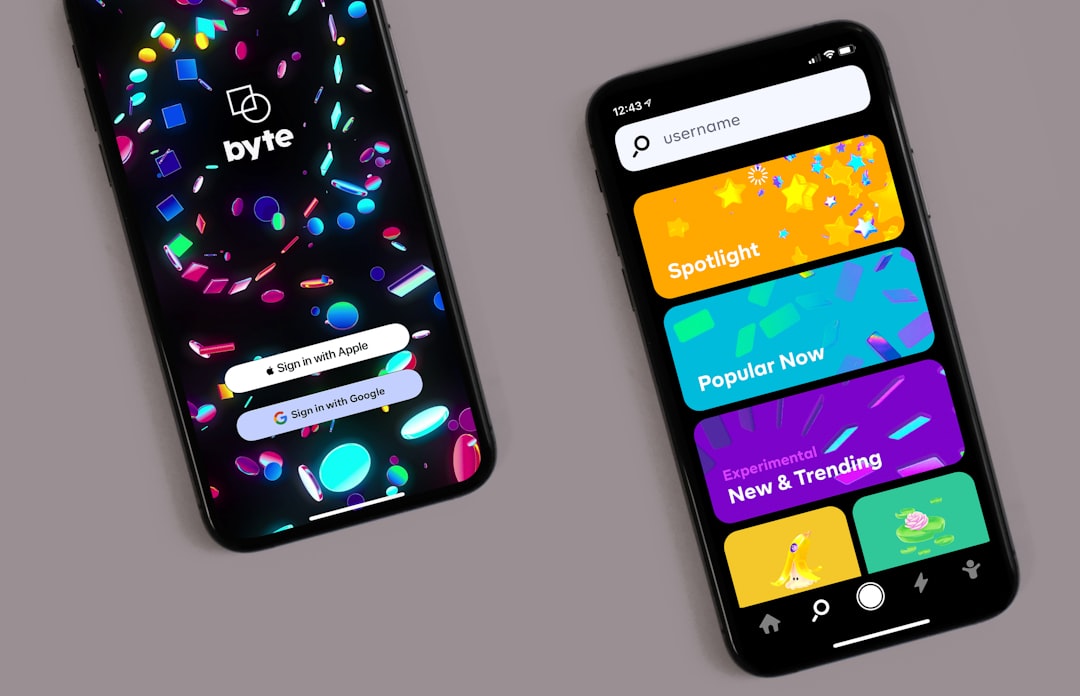
Default to guest mode for anything the user should be able to try before committing, and require login only when the app can’t function without personal data, saved state tied to an account, or a purchase. Most apps do best with a hybrid: let people use the core feature first, then prompt for an account at the moment it actually pays off (saving progress, checking out, syncing across devices).
When a Login Wall Actually Makes Sense
A mandatory account makes sense when the app is fundamentally about personal or shared data — messaging apps, banking and finance apps, health trackers, or anything storing information tied to a specific person across sessions and devices. If the core value literally cannot exist without an identity attached to it, asking for login upfront isn’t friction, it’s a prerequisite.
It also makes sense when legal or compliance requirements demand identity verification, when you’re billing the user directly inside the app, or when the product is B2B software where accounts map to a company’s existing user management and licensing.
The mistake isn’t requiring login in these cases — it’s requiring it for apps that don’t actually need it, like a calculator, a recipe browser, or a habit tracker that could easily run on local storage first.
When Guest Mode Wins
If your app’s value can be demonstrated in the first few taps — browsing content, running a calculation, testing a feature, playing a level — put that experience in front of the user immediately. A forced sign-up screen in front of unproven value is one of the most common reasons new users abandon an app during onboarding; they haven’t seen anything worth trading an email address and password for yet.
Guest mode is also the right call for utility apps and tools where most sessions are short and transactional. Think unit converters, QR scanners, or simple productivity tools. Requiring an account for a five-second task is a mismatch between the ask and the value delivered.
The tradeoff: guest sessions are harder to bring back. Without an account there’s no reliable way to notify a guest user, restore their data on a new device, or re-engage them if they uninstall. Guest mode wins first impressions but can lose long-term retention if you never convert those users to an account.
The Hybrid Pattern (What Most Apps Should Build)
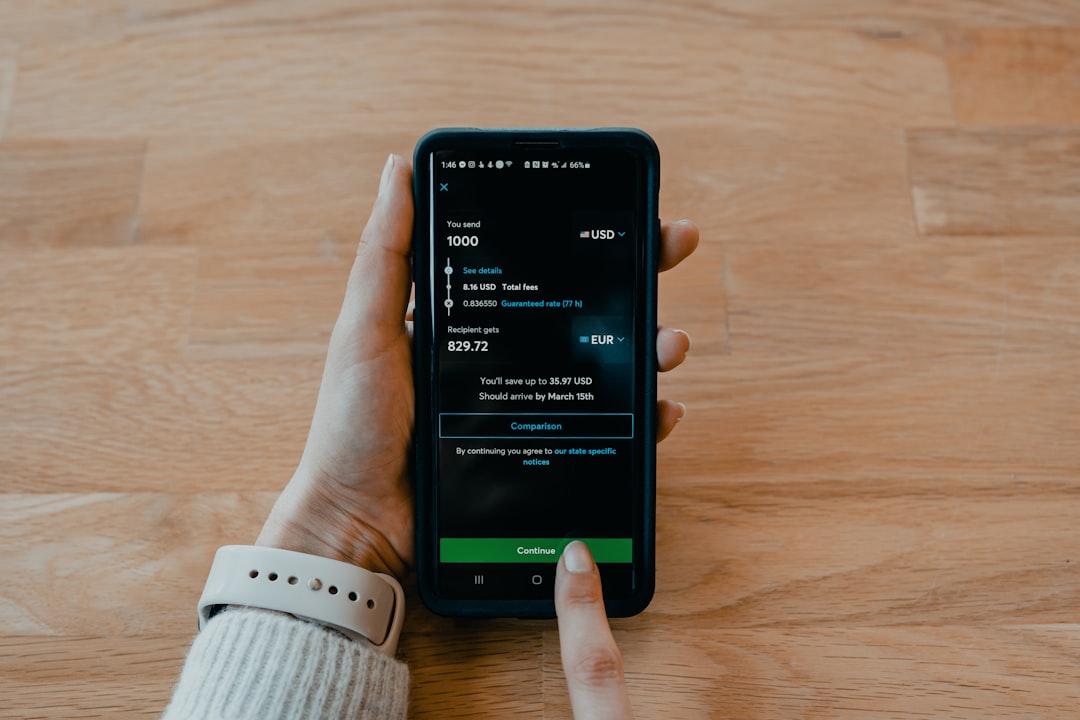
The strongest pattern in practice isn’t guest-only or login-only — it’s letting users start as a guest and prompting for an account at a natural, value-driven moment rather than at the door. Common triggers: the user tries to save or sync something, hits a feature that requires personal data (like payment or location-based history), or is about to lose progress by closing the app.
When you do ask, keep the ask small. Social sign-in or passkey/one-tap options remove almost all the friction of a traditional email-and-password form, and they let you convert a guest into an account holder in one tap instead of a multi-field signup screen.
If you build guest mode into an iOS app, note that Apple’s App Store Review Guidelines require any app offering account creation to also let the user delete that account from within the app (guideline 5.1.1(v)) — plan for that from the start rather than bolting it on before submission.
Also design for migration: when a guest converts to a full account, their guest-session data (saved items, preferences, progress) should carry over automatically. Losing that data at the exact moment someone commits to your app is a fast way to make them regret it.
Tips and Common Mistakes
Don’t ask for information you don’t need yet. Every extra field on a signup form is a reason to bail — collect a name or preferences later, once the user already has a reason to stay.
Don’t hide the guest option. If you offer guest mode, make it a visible, equally-sized choice next to sign up — not a tiny ‘skip’ link buried under a prominent login button, which just frustrates users into thinking they have no other option.
Don’t forget push notifications and re-engagement depend on having some way to identify the user. If retention matters to your business model, guest mode without a conversion strategy just delays the problem instead of solving it.
Do test both flows with real users before committing. A/B testing a guest-first flow against a login-first flow on your actual app, with your actual audience, will tell you more than any general rule — including this one.
Explore more: more app development guides.
Login vs. guest mode FAQs
Does guest mode hurt app store approval?
No — if anything, requiring an account for features that don’t need one can draw extra scrutiny. Apple and Google both favor apps that let users experience core functionality before requiring sign-up. The main rule to follow is that if you do offer account creation, you must also let users delete that account in-app.
Can guest users’ data be saved at all?
Yes, typically with local device storage (like a device ID or local database) that persists the session on that device. The limitation is that it won’t sync across devices or survive an uninstall/reinstall unless the user later creates an account and that data is migrated to it.
What’s the best moment to ask a guest user to sign up?
Right after they’ve gotten value from the app and are about to do something that benefits from an account — saving progress, checking out, or using the app on a second device. Asking at that moment, rather than before they’ve seen anything, converts far better than an upfront wall.
Should I offer both guest mode and social login?
Yes. Guest mode lowers the barrier to trying the app, and one-tap social or passkey sign-in lowers the barrier to converting a guest into a full account later. Together they cover both ends of the funnel without forcing a tradeoff.
Build It With GTStudios
Need help with your website, app, or small-business tech? GTStudios builds web, apps, and software for small businesses. See how GTStudios can help.
Want dev news in your inbox? Subscribe to the free newsletter.
Photo by Tech Daily on Unsplash.