
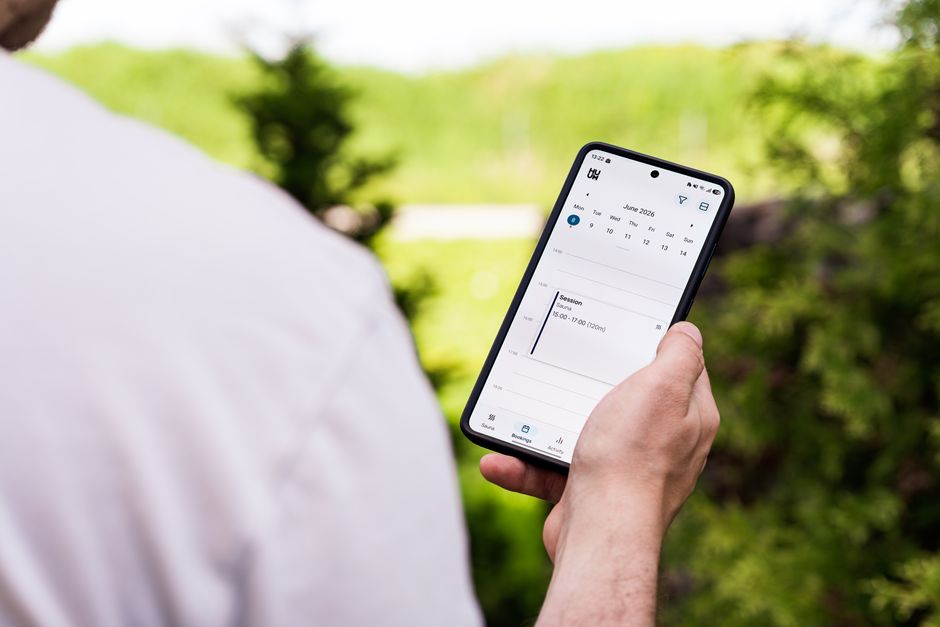
Almost every service-based app ends up with a “Book Now” button somewhere on the home screen, but few teams think hard about what happens after someone taps it. Should the entire scheduling flow — picking a time, entering details, paying a deposit, getting a reminder — live inside your app’s own code, or should it hand off to a dedicated booking tool or website built for exactly that job?
Table of Contents
This decision affects your dev budget, how much ongoing maintenance you’re signing up for, and whether customers actually finish booking. Here’s how to weigh the options and which approach fits different kinds of apps.
Quick Answer
For most small businesses, the better move is to use an established booking platform — such as Acuity Scheduling, Square Appointments, Calendly, or Setmore — embedded inside your app or linked out from it, rather than building calendar logic, reminders, and payment handling from scratch. Build fully custom, native in-app booking only when scheduling is the core function of your app and you have the ongoing engineering resources to maintain calendar sync, no-show handling, and payments yourself.
What to Weigh Before Choosing
Start with volume and complexity. A single-location business taking a handful of appointments a day doesn’t need a custom-built scheduler — an existing tool already handles double-booking prevention, time zone conversion, and reminder emails or texts. If your business runs group classes, multiple staff calendars, resource booking, or complex pricing rules, check whether an off-the-shelf tool actually supports that workflow before assuming you need to build your own.
Maintenance is the hidden cost people underestimate. Calendar sync with Google and Outlook, handling reschedules and cancellations, sending reminders at the right time, and keeping payment processing PCI-compliant are all ongoing engineering work, not one-time builds. A third-party scheduling tool absorbs that maintenance for a monthly fee; building it yourself means your team owns it indefinitely.
Branding and continuity matter for conversion. Sending someone to a completely separate website with different fonts, colors, and no way back into your app can feel like an abrupt handoff and cost you bookings. Most scheduling tools let you customize colors, logos, and embed the booking widget directly inside a screen in your app (via a webview or embedded API view), so customers never feel like they left.
Also check your app store obligations. Apple’s App Review Guidelines (Guideline 3.1.3) generally exempt real-world, person-to-person services — things like haircuts, tutoring, fitness sessions, or consultations — from the requirement to use Apple’s in-app purchase system, so you can typically send customers to an external page to pay a deposit or full price without adding IAP. The exemption has specific conditions, so if payment is involved, review the current guideline language before launch.
Three Ways to Actually Implement It
Fully custom, native booking: your team builds the calendar UI, availability logic, and reminders directly into the app’s own code. This gives you complete control over the experience and no per-booking or monthly software fees, but it’s the most expensive option up front and the one that requires the most long-term upkeep as edge cases (holidays, staff time off, overlapping appointments) pile up.
Third-party API or SDK integration: you keep your app’s native look and feel but pull availability and write bookings through a scheduling platform’s API (for example, Acuity’s or Square Appointments’ REST APIs). This is a middle ground — more dev work than embedding a widget, but it feels fully native and the scheduling logic itself is someone else’s problem to maintain.
Embedded booking page or deep link: you drop the scheduling tool’s hosted booking widget into an in-app webview, or deep-link out to it, and let the tool handle everything — calendar, reminders, and often payment. This is the fastest and cheapest path to launch, and for most small business apps it’s genuinely the right long-term choice, not just a stopgap.
Tips / Common Mistakes
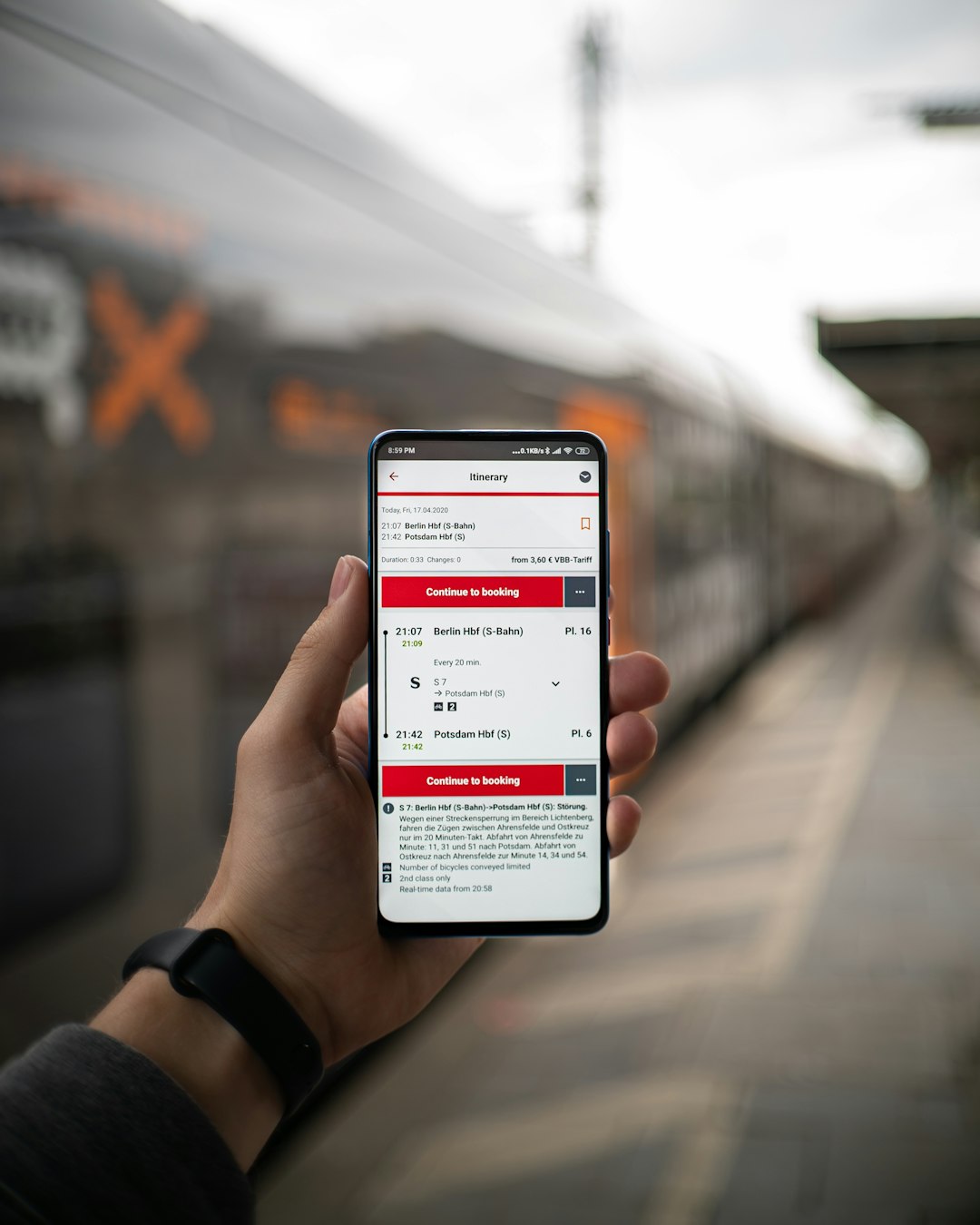
Test the actual handoff, not just the booking form. If you’re linking or deep-linking to an external booking page, confirm there’s a clear way back into your app afterward — a dead end after booking is a common source of confused support tickets.
Don’t skip confirmation and reminder notifications just because the booking tool sends its own emails. Push notifications through your own app tend to get seen faster and reduce no-shows, so pair the tool’s reminders with your app’s notification system when possible.
Match the tool to your actual business model before committing. A tool built around solo-provider appointments may not cleanly support group classes, multiple locations, or resource-based bookings (like rooms or equipment) — check this during a trial, not after rollout.
Plan for weak connectivity. Embedded webviews depend on a live internet connection; if your app is used in areas with spotty signal (job sites, gyms, outdoor venues), a slow-loading booking screen will cost you conversions, so keep the loading state simple and add a fallback like a call or text button.
Explore more: more app development guides.
In-app booking vs. separate booking site FAQs
Does Apple require in-app purchase for appointment bookings?
Generally no. Real-world, one-to-one services like haircuts, tutoring, or fitness sessions typically qualify for an exemption under Apple’s App Review Guidelines, so you can send customers to an external page to pay. The exemption has specific conditions, so review the current guideline before you rely on it for a paid booking flow.
Will sending users to a separate booking site hurt conversions?
It can if the transition feels jarring — a new browser tab, mismatched branding, or no way back into the app. Embedding the booking tool inside your app’s own screen (via a webview or its API) usually keeps the experience smooth while still letting the tool handle the scheduling logic.
What’s the cheapest way to add booking to an app?
Embed an established scheduling tool’s widget or connect to its API rather than building your own calendar, reminder, and payment logic from scratch. It costs a monthly subscription instead of ongoing developer time.
Build It With GTStudios
Need help with your website, app, or small-business tech? GTStudios builds web, apps, and software for small businesses. See how GTStudios can help.
Want dev news in your inbox? Subscribe to the free newsletter.
Photo by HUUM │sauna heaters on Pexels.
1 thought on “In-App Booking vs. a Separate Booking Site: How to Decide”
Comments are closed.