
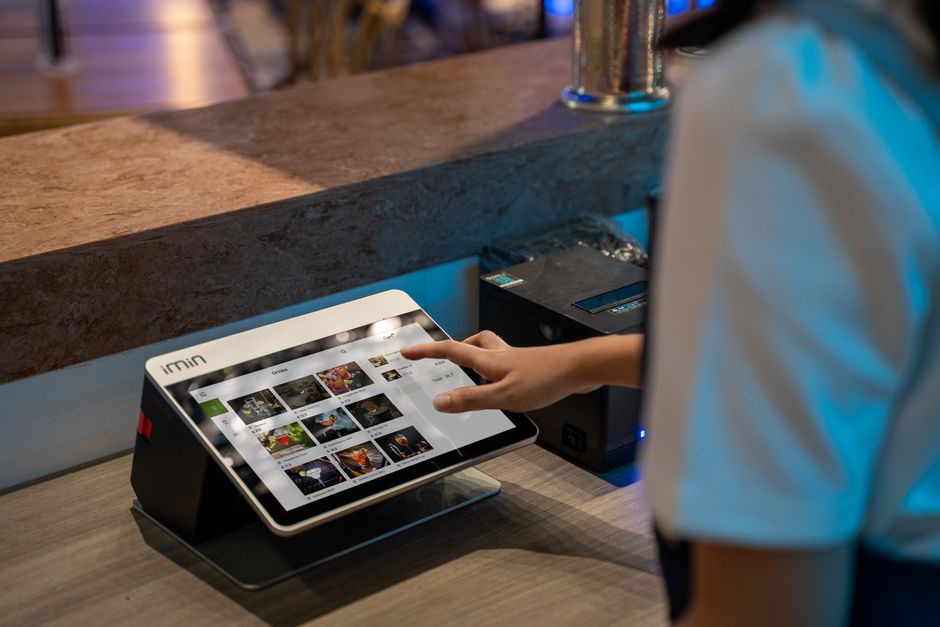
A lot of small restaurants skip a traditional phone line entirely and still manage a full book of reservations every night. Between online booking widgets, Google’s built-in reservation button, and text-message tools, guests can reserve a table without you ever picking up a receiver.
Table of Contents
This guide walks through the practical options for taking reservations without a landline, what they cost, and how to pick the right combination for a small or independent restaurant.
Quick Answer
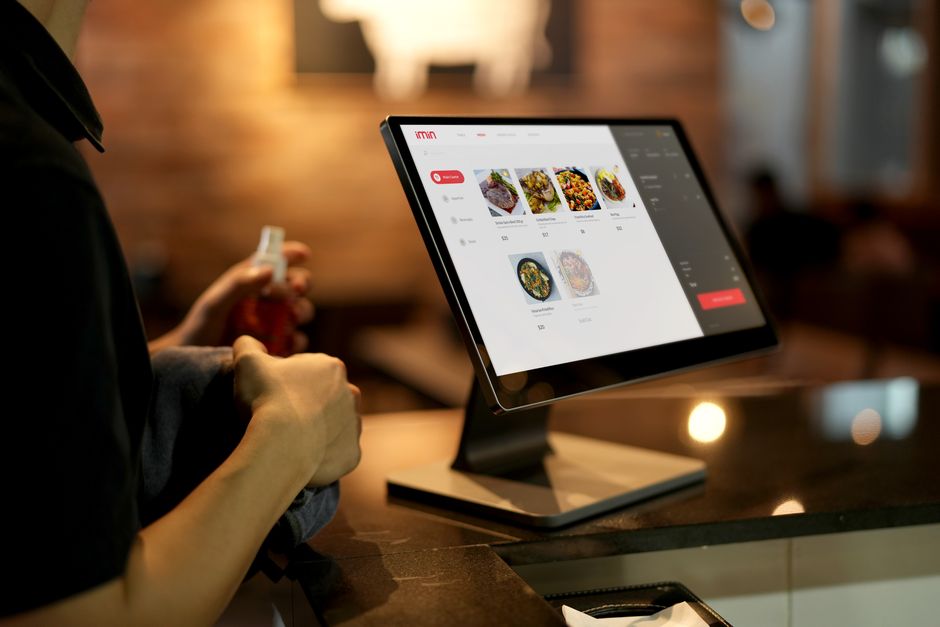
Use an online reservation platform (many offer free or low-cost plans for small restaurants) paired with a ‘Reserve a Table’ button on your Google Business Profile, and add a business texting number for guests who prefer messaging. Together these cover discovery, booking, and confirmations without a phone line.
Set Up an Online Reservation System
An online reservation platform is the core piece: it gives guests a booking widget for your website and social pages, manages your floor plan and table availability, and sends automatic confirmations and reminders by email or text. Several platforms built for smaller operations offer genuinely free tiers, which matters if you’re not ready to pay a monthly software fee. Eat App, for example, has a free plan for very low reservation volume, with paid tiers starting around $79/month as covers and features scale up. Resos offers a free tier for a limited number of monthly bookings before you need to upgrade.
Larger, discovery-focused platforms like OpenTable, Resy, Tock, and Yelp Guest Manager are built more for restaurants that want built-in exposure to diners already browsing those networks. They’re generally priced higher for small operations — OpenTable and Resy typically run in the $99 to a few hundred dollars a month range depending on the plan, and OpenTable also charges a small per-cover fee on network-sourced bookings. For a small independent restaurant just replacing a phone line, a lighter-weight, lower-cost platform is usually the better starting point, and you can always add a bigger network later if you need more discovery.
Whichever platform you choose, embed the booking widget directly on your website’s homepage and ‘Reservations’ page, not just buried in a menu link — that’s where most guests will look first.
Add Reserve with Google and Social Booking Links
Google lets restaurants add a ‘Reserve a Table’ button directly on their Google Business Profile listing and in Google Maps, so a guest searching for your restaurant — or for ‘[cuisine] near me’ — can book without leaving Google. This feature is free to use, but it only works through an approved reservation partner rather than as a standalone Google tool, so it typically comes bundled once you sign up with a reservation platform that supports it (several of the platforms above do). Ask your reservation software provider whether Reserve with Google is included before you commit to a plan.
Most reservation platforms also generate a shareable booking link you can drop into your Instagram bio, Facebook page ‘Book Now’ button, and any QR code you print on a table tent or window sign — useful for walk-by traffic and social media followers who want to book on the spot.
Offer Text-Based Booking for Guests Who Don’t Want an App
Not every guest wants to fill out a web form, and some restaurants still get plenty of guests who’d normally just call. Business texting services let you ‘text-enable’ a landline-style number (even if you don’t have an actual landline) so guests can text a request and staff can text back a confirmation from a computer or phone, without tying up anyone at the host stand. Some reservation platforms also send automated confirmation and reminder texts as part of the booking flow itself, which cuts down on no-shows without any extra staff effort.
If you expect a meaningful volume of texted requests, look for a platform where texting is included in the plan rather than a paid add-on — some free or entry-level tiers cap or exclude SMS confirmations, so check that before you rely on it as your main channel.
Tips and Common Mistakes
Don’t rely on a single channel. Combine a website booking widget, Reserve with Google, and a social media ‘Book Now’ link so guests can reserve wherever they happen to find you.
Keep your table and time-slot availability accurate in real time — a booking system that shows open tables you don’t actually have will generate no-shows and frustrated walk-ins just as fast as a busy phone line would.
Set clear cancellation and no-show rules in the platform itself (a cutoff time, a card-on-file hold, or a simple reminder text) since you won’t have a host verbally confirming details over the phone.
Watch the total cost, not just the monthly fee — per-cover charges and SMS limits on cheaper plans can add up quickly once your reservation volume grows.
Make sure your staff has a simple way to see the day’s reservations without needing a dedicated terminal — most platforms have a basic mobile app or web dashboard that works fine on a tablet at the host stand.
Explore more: more small business tech guides.
restaurant reservations without a phone line FAQs
Can I really take restaurant reservations with no phone line at all?
Yes. An online reservation platform with a website widget, a Reserve with Google button, and a social media booking link can fully replace a phone line for most small restaurants. Some owners also add a business texting number for guests who prefer messaging.
Is Reserve with Google free?
Yes, Reserve with Google itself doesn’t charge restaurants per booking, but it’s only available through approved reservation software partners, so you’ll need a reservation platform that supports it.
What’s the cheapest way to start taking online reservations?
Several reservation platforms, including Eat App and Resos, offer free plans for restaurants with lower reservation volume, which is a low-risk way to start before paying for a bigger plan.
Do guests still expect to be able to call a restaurant?
Some do, especially for large parties or special requests. A text-enabled number lets those guests message you the way they would call, without requiring an actual phone line or tying up staff.
Build It With GTStudios
Need help with your website, app, or small-business tech? GTStudios builds web, apps, and software for small businesses. See how GTStudios can help.
Want dev news in your inbox? Subscribe to the free newsletter.
Photo by iMin Technology on Pexels.