
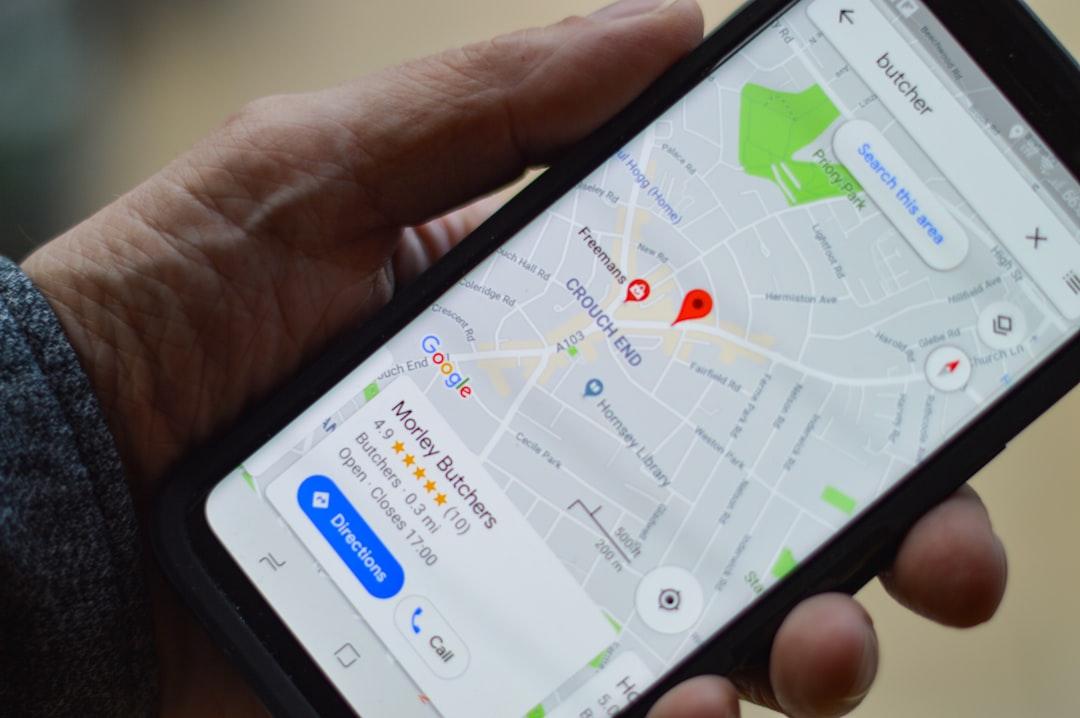
If a search for your business turns up two (or more) listings on Google Maps, you’ve got a duplicate Google Business Profile — and it’s doing real damage. Duplicates split your reviews, confuse customers about which listing is real, and can quietly drag down your local search visibility because Google isn’t sure which profile to trust.
Table of Contents
The fix isn’t complicated, but it’s easy to get wrong in a way that puts your real, verified listing at risk. This guide walks through how to identify the duplicate, decide which profile to keep, and get Google to remove or merge the extra one — without triggering a suspension or losing the reviews you’ve earned.
Quick Answer
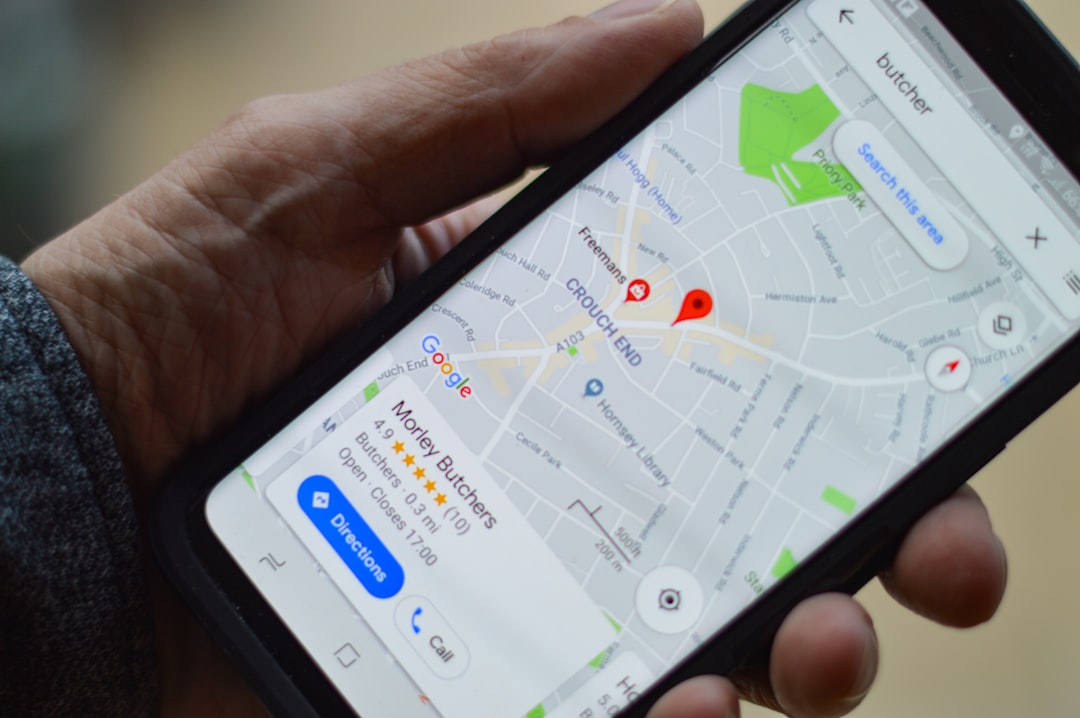
Google now handles duplicate reports and merge requests through the same channel: Google Maps, not the Help Center. Open the duplicate listing in Google Maps, tap “Suggest an edit,” choose “Place closed or not here” (sometimes shown as “Close or remove”), then select “Duplicate of another place” and pick the listing it duplicates. Google reviews the suggestion and merges or closes the extra profile if it agrees. Never delete your real listing first — identify which profile is stronger, then report the other one as the duplicate.
Step-by-Step: How to Find and Fix the Duplicate
Start by confirming the duplicate is real. Search your business name on Google and in Google Maps, and also search your exact phone number and street address — duplicates often hide under a slightly different name or an old address and won’t always show up under a plain name search.
Next, decide which listing is your “real” one. Keep the profile that’s verified, has your current NAP details (name, address, phone), the most reviews, and active ownership access in your Google Business Profile account. This is the one you’ll keep; the other is the one you’ll report.
Whether or not you own the duplicate, report it the same way: open it in the Google Maps app or on Google Maps in a browser, click “Suggest an edit” at the bottom of the listing, choose “Place closed or not here” (this option is sometimes labeled “Close or remove”), and select “Duplicate of another place.” Google will typically prompt you to pick the correct listing it’s a duplicate of from a suggestions list — choose your real, surviving profile.
Submit the suggestion and let Google’s review team investigate. This single Maps-based report is what triggers both duplicate closures and full merges — Google states that requesting a merge for profiles representing the same business is done by reporting a suggestion on Google Maps, not by contacting support separately.
Wait for Google to process it. Reviews on the Google Business Profile Help Community suggest merges commonly take anywhere from a few days to a couple of weeks depending on complexity, so avoid making major edits to your real listing in the meantime — heavy activity on a profile under review can slow things down or draw extra scrutiny. If the request stalls or gets ignored, you can escalate through the Google Business Profile Help Center by describing the issue and referencing the listings involved.
Merging vs. Reporting: What Actually Happens to Your Reviews
Google will only merge two listings if they represent the same real-world business: matching business name, matching address, and broadly consistent details like category and phone number. Listings for genuinely separate businesses at the same address (say, two different practitioners sharing a building) are supposed to stay separate as long as each has distinct signage and contact details.
When a merge goes through, Google’s own guidance confirms reviews from the removed listing are combined into the surviving profile — though replies you’d posted to those reviews may not carry over. Photos aren’t guaranteed to survive the process either, so it’s worth saving copies of anything important beforehand.
If your real listing gets incorrectly flagged or merged as a duplicate of someone else’s business, you can appeal directly through Google Business Profile support and request that the two be separated again.
There’s no self-serve “merge” button inside Business Profile Manager — the Google Maps suggestion is the actual mechanism Google uses to detect and act on duplicates, whether you’re the owner of both listings or just a customer noticing the problem.
Tips and Common Mistakes
Don’t delete a listing yourself before confirming which one Google considers the primary record — deleting the wrong one can wipe out reviews and history you actually wanted to keep.
Don’t create a brand-new profile after moving locations or adding a service; update your existing verified listing’s address or services instead. New profiles for the same business are exactly how duplicates get created in the first place.
Keep your business name, address, and phone number identical across your website, other directories, and your Google listing — inconsistent NAP data is one of the most common triggers for Google auto-generating a second listing for your business.
If a Maps-based duplicate report goes unanswered for several weeks, follow up in the Google Business Profile Help Community forum with your listing details; it’s often faster than waiting on the original suggestion.
Check periodically (every few months) for new duplicates, especially if you’ve rebranded, changed address, or been listed by a data aggregator — duplicates can reappear even after a successful merge.
Explore more: our web development & local SEO services.
Duplicate Google Business Profile FAQs
Can I merge two Google Business Profiles myself without contacting support?
There’s no self-serve merge button in the dashboard. Instead, open the duplicate in Google Maps, tap “Suggest an edit,” choose “Place closed or not here,” and select “Duplicate of another place” — Google’s own guidance says this Maps suggestion is how you request a merge, for owned and non-owned duplicates alike.
Will I lose my reviews if my duplicate listing gets merged or removed?
Google states that reviews are combined into the surviving listing when profiles are merged, since the businesses are treated as the same location. Replies to those reviews may be lost, and photos aren’t guaranteed to carry over, so back up anything important beforehand.
How long does it take Google to fix a duplicate listing?
Google doesn’t publish a fixed timeline, but business owners commonly report anywhere from a few days up to a couple of weeks for a Maps suggestion to be reviewed and processed. Avoid major profile edits while it’s pending.
What if Google marks my real, legitimate listing as a duplicate?
You can appeal directly through Google Business Profile support if two distinct, eligible businesses were incorrectly merged or one was wrongly flagged as a duplicate of the other.
Build It With GTStudios
Need help with your website, app, or small-business tech? GTStudios builds web, apps, and software for small businesses. See how GTStudios can help.
Want dev news in your inbox? Subscribe to the free newsletter.
Photo by henry perks on Unsplash.