
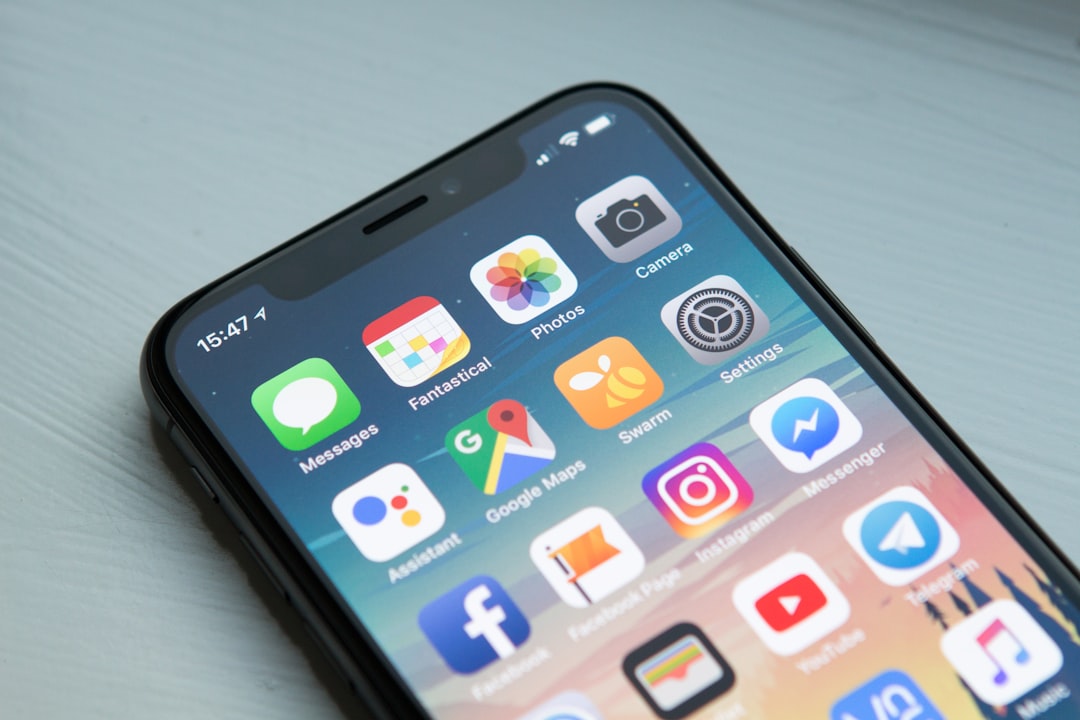
Launching an app without a beta test is like opening a store without ever walking through the door yourself. You need a small group of real people to click every button, hit every edge case, and tell you what’s confusing before your customers do.
Table of Contents
This guide covers where to actually find beta testers when you don’t have a big following yet, how many you need to satisfy Apple and Google’s requirements, and how to onboard them so you get feedback you can act on instead of silence.
Quick Answer
Recruit 10-30 beta testers from your existing customer list, local business network, and niche communities (like Reddit’s app-testing subreddits or a paid platform such as BetaTesting), then distribute the app through TestFlight for iOS or a Google Play closed testing track for Android. Give testers a short welcome guide, a specific list of tasks to try, and one easy way to report bugs — a shared form or a tool like Instabug — so feedback doesn’t get lost in scattered texts and emails.
Where to Find Beta Testers
Start with people who already have a reason to care: existing customers, email subscribers, and anyone who’s asked about your app. They give more honest, relevant feedback than strangers because they understand your business and actually want the product to work.
If that list is too small, expand to your local network — a Chamber of Commerce group, a local business Facebook group, or even other small business owners you know. They’re a good proxy for your real users and often happy to help in exchange for early access or a discount.
For a wider or more specific pool, try community-driven options: subreddits like r/TestMyApp and r/AndroidAppTesters, indie-maker communities (Indie Hackers, relevant Slack or Discord groups), and startup-discovery sites like Betalist. These work well when you need testers who aren’t personally connected to you and can give more objective, first-impression feedback.
If you’d rather not recruit manually, dedicated platforms like BetaTesting.com let you specify the demographics, devices, and interests you need and connect you with vetted testers for a fee — useful when you need testers fast or need coverage across specific device types you don’t have access to yourself.
Whichever route you choose, aim for roughly 10-30 active testers for a small business app. That’s enough to surface most usability issues and bugs without creating more feedback than you can realistically review and act on.
Setting Up Distribution: TestFlight and Google Play
For iOS, Apple’s TestFlight is the standard way to distribute a beta. You can add up to 100 internal testers (people on your App Store Connect team) instantly with no review, or invite up to 10,000 external testers via email or a public link — external builds go through a quick Beta App Review the first time you submit a new version. Keep in mind TestFlight builds expire after a set window, so plan to push a refreshed build periodically if your beta runs long.
For Android, Google Play testing happens through tracks in Play Console: internal testing (fastest, for your immediate team), closed testing (invite-only, good for your beta group), and open testing (public). One wrinkle: if you register your Play Console account as a Personal account (rather than an Organization account) and created it after November 13, 2023, Google requires you to run a closed test with at least 12 testers opted in continuously for 14 days before it will grant full production access. Organization accounts (registered to a real business) are exempt from this rule, so if you’re setting up your developer account from scratch and want to skip the wait, registering as an organization is worth considering — though it requires a D-U-N-S number for your business, which can take a few weeks to obtain.
Set up your testing track, generate the opt-in link, and share it directly with your recruited testers along with clear instructions on how to join (accept the TestFlight or Play Store invite, then install like a normal app).

Tips and Common Mistakes
Give testers a task list, not just the app. “Try creating an invoice and sending it to a client” gets far better feedback than “try the app and let me know what you think,” which usually gets you silence.
Centralize bug reports in one place — a Google Form, Notion page, or a lightweight tool like Instabug that lets testers shake their phone to report an issue with a screenshot attached. Scattered feedback across texts, emails, and DMs will get lost.
Set a clear beta window (two to three weeks is typical) and send a couple of reminder check-ins. Most drop-off happens because testers install the app once and forget about it, not because they lost interest.
Don’t recruit only friends and family — they tend to be too polite to flag real problems. Mix in a few testers who have no personal stake in your success.
Follow up individually with testers who reported the most useful bugs. A quick thank-you (and maybe early access to future features) keeps your best testers engaged for your next release, too.
Explore more: More app development guides.
Beta testing for small business apps FAQs
How many beta testers do I need for a small business app?
Somewhere between 10 and 30 active testers is typically enough to catch most usability issues and bugs for a small business app, as long as they represent a mix of device types and use cases similar to your real customers.
Do I need to pay beta testers?
It’s not required. Many small businesses recruit unpaid testers from their existing customers or local network by offering early access, a discount, or simple appreciation. Paid platforms like BetaTesting.com are an option if you need a larger or more specific pool of testers quickly.
How long should a beta test run?
Two to three weeks is a common window — long enough for testers to use the app more than once, short enough to keep momentum. If you registered a Personal Google Play developer account after November 13, 2023, you’ll separately need at least 14 consecutive days with 12+ opted-in closed testers before Google grants production access; Organization accounts don’t have this requirement.
What’s the difference between TestFlight and Google Play closed testing?
TestFlight is Apple’s beta distribution tool for iOS apps, supporting up to 100 internal testers and up to 10,000 external testers. Google Play’s closed testing track serves the same purpose for Android. Newer Personal developer accounts on Google Play must also keep 12+ testers continuously opted in for 14 days before the app can move to full production; Organization accounts are exempt from that specific rule.
Build It With GTStudios
Need help with your website, app, or small-business tech? GTStudios builds web, apps, and software for small businesses. See how GTStudios can help.
Want dev news in your inbox? Subscribe to the free newsletter.
Photo by William Hook on Unsplash.