
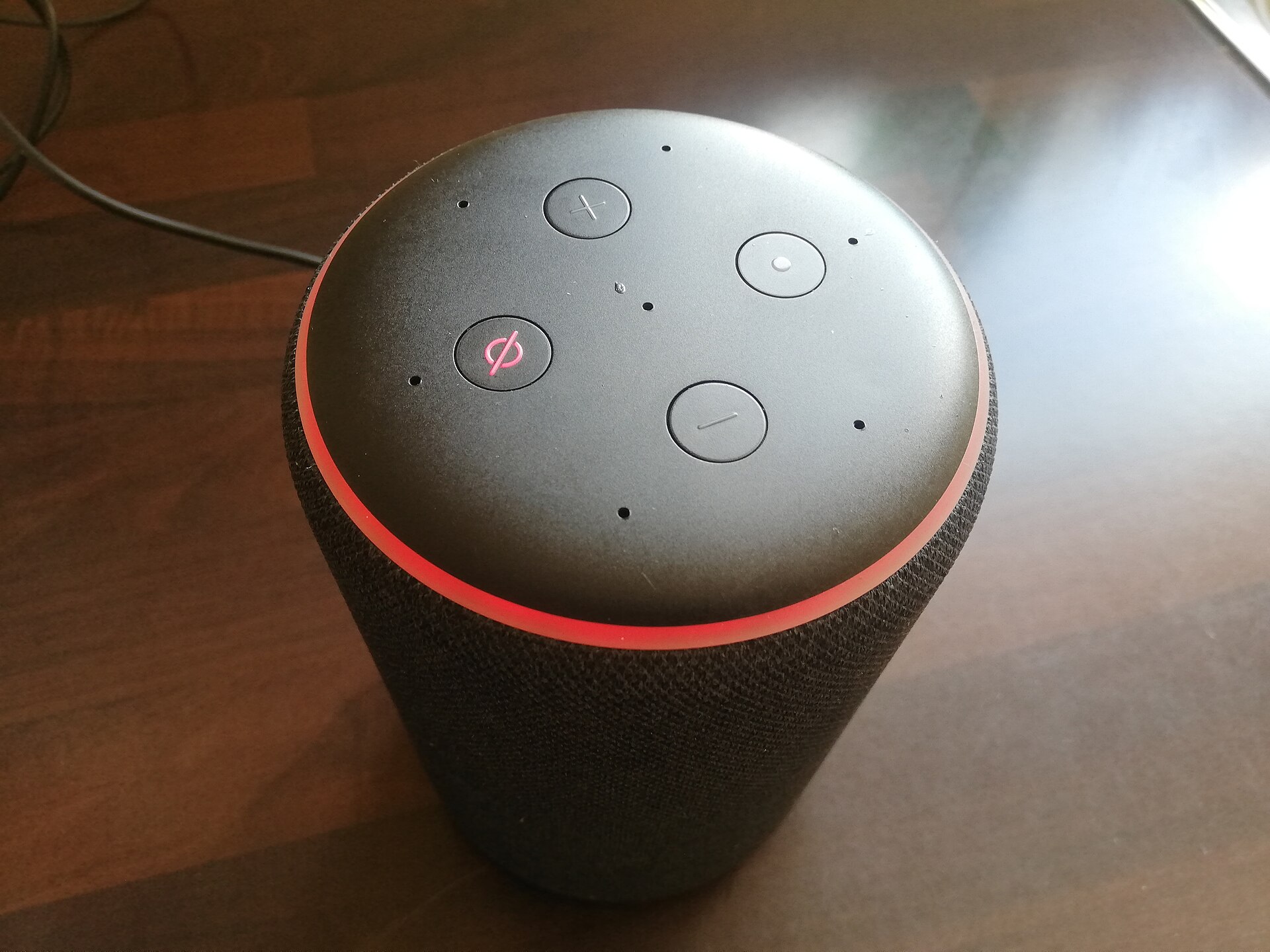
When someone asks Siri to “find a plumber open now” or tells Alexa to “read me reviews for a coffee shop nearby,” the assistant doesn’t crawl the open web the way a search engine does. It reads from a small set of structured sources: business listings, review sites, and pages built to answer questions directly. If your business isn’t in those sources, or the information in them is out of date, you simply don’t get mentioned.
Table of Contents
The good news is that voice search optimization for small businesses isn’t a separate discipline from good local SEO, it’s an extension of it. This guide walks through exactly which listings to claim, how each assistant sources its answers, and how to structure your website content so you’re more likely to be the one they read back to the customer.
Quick Answer
To show up when customers ask Siri, Alexa, or Google Assistant to find a business like yours, claim and fully complete your free listings on Google Business Profile, Apple Business (formerly Apple Business Connect), Bing Places, and Yelp; keep your name, address, phone number, and hours identical across all of them; collect and respond to reviews; and write website content, especially FAQs, that answers common customer questions in plain, conversational sentences.
Claim the Listings Each Assistant Actually Reads From
Each voice assistant pulls from a different primary source, so a single listing won’t cover all three. Google Assistant draws on your Google Business Profile (the free listing that also powers Google Search and Maps results) and on featured-snippet-style content from your website, so a complete, accurate profile with the right categories, attributes, hours, and photos matters most here.
Siri and Apple Maps draw on Apple Business, the platform Apple relaunched in spring 2026 by merging Apple Business Connect with Apple Business Manager and Apple Business Essentials into one free dashboard at business.apple.com. If you previously claimed a Business Connect listing, it should have migrated automatically, but it’s worth logging in to confirm your place card, hours, and photos are current, since this listing also feeds Spotlight search and CarPlay.
Alexa doesn’t have its own business registration tool. Instead it leans on Yelp for photos, ratings, and details, especially for restaurants and retail, and on Google Business Profile and Bing Places for professional services, with third-party distributors like Yext able to push consistent updates to Alexa and dozens of other directories at once. If you run several locations or update hours often, a distribution tool is worth the cost to avoid manually chasing every directory.
Whichever listings you claim, the name, address, and phone number (NAP) need to match exactly, character for character, everywhere they appear. Assistants cross-check listings against each other, and mismatched details are one of the most common reasons a business gets skipped in favor of a competitor.
Write Content the Way People Actually Ask Questions
Typed searches tend to be short fragments (“plumber Denver”), but voice queries are longer, more natural questions (“who’s a plumber near me that’s open right now”). Add an FAQ section to your homepage and key service pages that mirrors the real questions customers ask, and answer each one in a direct, complete sentence in the first line before adding detail. That format is also what wins Google’s featured snippets, which is the same pool many voice answers are read from.
Add structured data (schema markup) to your site so assistants and search engines can parse your content with confidence: LocalBusiness schema for your name, address, hours, and phone number, and FAQPage schema around your Q&A content. Schema doesn’t guarantee a voice answer, but it removes ambiguity for the systems deciding what to read aloud.
Local and “near me” intent drives a large share of voice queries, so make sure your site clearly states the city or neighborhood you serve, ideally with dedicated pages if you cover multiple areas. And because voice answers are frequently sourced from mobile-indexed pages, a fast-loading, mobile-friendly site isn’t optional, it’s part of the qualification bar.
Tips and Common Mistakes
Don’t optimize Google Business Profile and stop there. Siri never looks at it, and Alexa only partially does, so skipping Apple Business and Bing Places leaves two of the three assistants with nothing accurate to read from.
Don’t let hours drift out of date. An assistant checking whether you’re “open now” will simply exclude you if your listed hours are wrong, even if you’re actually open.
Don’t write FAQ answers in stiff, keyword-stuffed phrasing. Assistants often read the answer aloud verbatim, so it needs to sound like something a person would actually say.
Don’t ignore your review volume and star rating. Assistants commonly favor higher-rated, more-reviewed businesses when there are several similar options nearby, so a steady, genuine review request process pays off here too.
Don’t assume a one-time setup is enough. Revisit your listings each quarter, especially after a phone number, address, or hours change, since stale data is the single most common cause of a business dropping out of voice results.
Explore more: More digital strategy guides.
voice search optimization for small business FAQs
Does my Google Business Profile control what Google Assistant says about my business?
Yes, it’s the primary source for Google Assistant’s local answers, along with content Google pulls from your website, so keeping it complete and current is the highest-leverage single step.
Do I need a Yelp listing to show up on Alexa?
It helps significantly, especially for restaurants and retail, since Alexa leans on Yelp for photos, ratings, and details in many local queries.
What happened to Apple Business Connect?
Apple merged it with Apple Business Manager and Apple Business Essentials into a single platform called Apple Business in spring 2026. Existing Business Connect listings migrated automatically, but it’s worth confirming your details at business.apple.com.
Does adding schema markup guarantee my business gets read aloud by a voice assistant?
No, but it makes your content easier for search engines and assistants to parse and quote accurately, which improves your odds without being a guarantee.
How long does it take to see results from voice search optimization?
It varies by market and competition, but expect it to take weeks to months as your listings, reviews, and site content mature, similar to the timeline for general local SEO improvements.
Build It With GTStudios
Need help with your website, app, or small-business tech? GTStudios builds web, apps, and software for small businesses. See how GTStudios can help.
Want dev news in your inbox? Subscribe to the free newsletter.
Photo: Smart Home Perfected / CC BY 2.0, via Wikimedia Commons.