
A Microsoft 365 subscription adds up fast once you’re paying per seat for a whole team, and not every small business needs the full feature set — or the email hosting that usually comes bundled with it. The good news is that several free office suites now open and save .docx, .xlsx, and .pptx files without a hitch, and there are custom-domain business email options that cost a fraction of what Microsoft charges.
Table of Contents
This guide compares the free office tools worth using in 2026 — what each one is actually good for and where it falls short — and then breaks out the email side separately, since ‘Microsoft 365 alternative’ usually means two different purchases: the apps, and the inbox.
Quick Answer
For most small businesses, LibreOffice is the best all-around free replacement for the Office desktop apps, while Google Docs, Sheets, and Slides (Google Workspace) win if your team needs real-time collaboration; OnlyOffice is the closest visual and formatting match to actual Microsoft Office. For business email specifically, Zoho Mail is the cheapest real alternative to Microsoft 365 — free for up to 5 users on your own domain, or roughly $1 per user per month paid, versus Microsoft 365’s per-user email pricing.
The Best Free Office Suite Options and What Each One Is For
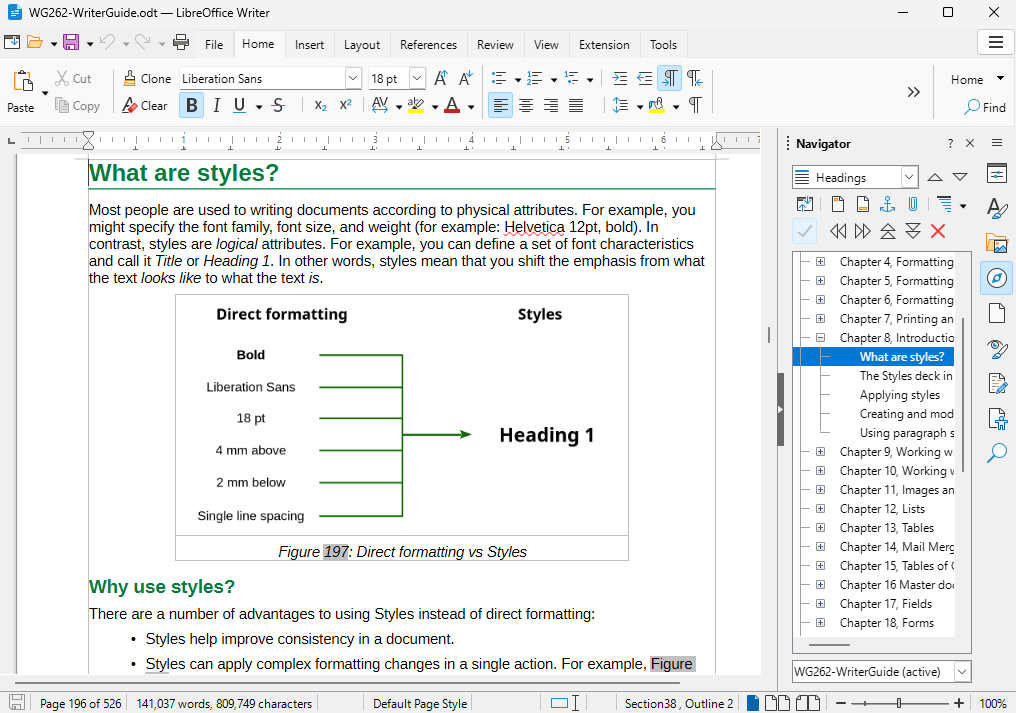
LibreOffice is a complete, open-source office suite with Writer (word processing), Calc (spreadsheets), Impress (presentations), Draw, and Base for simple databases. It installs on Windows, macOS, and Linux, works fully offline, and opens and saves Microsoft Office formats directly — useful if you need to send a .docx back to a client without them noticing you didn’t use Word. Recent releases have improved Excel clipboard compatibility and added faster loading for large spreadsheets and presentations. Download it free at libreoffice.org.
Google Docs, Sheets, and Slides (bundled as Google Workspace) are the strongest choice if your team collaborates from different locations or devices. Documents save automatically to the cloud, multiple people can edit the same file at once, and every Google account gets access to these apps for free. Keep in mind that any file you create or edit in Docs, Sheets, or Slides counts against your free 15 GB of Google account storage, shared with Gmail and Google Photos — that’s been true for files created or modified since June 2021, so don’t assume these documents are storage-free. Formatting can also shift slightly when you export to .docx or .pptx for someone using real Microsoft Office.
OnlyOffice (Community Edition) is built to look and behave the most like Microsoft Office of any free option, which shortens the learning curve for staff who’ve only used Word and Excel. It’s free and open-source, self-hostable, and known for strong .docx/.xlsx/.pptx format fidelity — a good pick if document formatting breaking during file exchange is a real concern.
Microsoft 365 for the web is Microsoft’s own free option: browser-based Word, Excel, PowerPoint, and OneNote at office.com, tied to a free Microsoft account with files stored in OneDrive. It’s the easiest transition since there’s zero compatibility risk — you’re using real Microsoft file formats — but advanced features like macros and some add-ins are limited to the paid desktop apps.
WPS Office Free and Zoho Workplace round out the list. WPS Office is a lightweight desktop suite with a Microsoft-like ribbon interface and solid mobile apps, though the free tier shows ads and caps some advanced features. Zoho Workplace bundles Writer, Sheet, and Show with email and light collaboration tools, and is worth a look if you’re already using other Zoho apps like Zoho CRM or Zoho Books.
Is There a Cheaper Alternative to Microsoft 365 for Business Email?
Yes — if what you actually need is a professional inbox on your own domain (you@yourcompany.com) rather than the full Office app bundle, several providers undercut Microsoft 365’s per-user email pricing significantly. Zoho Mail is the standout: it offers a genuinely usable free plan for up to 5 users on one custom domain with 5 GB of storage each, and its paid Mail Lite tier runs around $1 per user per month — a fraction of what Microsoft or Google charge for the same basic mailbox. The free tier’s main limitation is no native IMAP/POP or Active Sync access, so it works best through Zoho’s own webmail and mobile apps rather than being pulled into Outlook or Apple Mail.
Other low-cost options include Neo Mail (roughly $2.49 per mailbox per month on its Business Starter plan, billed annually) and Fastmail (roughly $3-5 per user per month), both of which support standard IMAP for use in any email client. Zoho Workplace, Zoho’s bundled suite of email plus Docs, Sheets, and Slides equivalents, is priced around $3 per user per month if you want office apps and email from a single cheaper vendor instead of paying Microsoft and a suite provider separately.
For comparison, Microsoft 365 Business Basic (email plus web apps) and Google Workspace Business Starter both price in the $6-7 per user per month range. That’s not unreasonable for businesses that want Outlook, Exchange-grade calendaring, and deep Microsoft 365 integration, but if your team’s actual requirement is ‘professional email on our domain’ and not the rest of the Office ecosystem, Zoho Mail or a similar low-cost inbox provider is the more direct answer — and it’s the option worth trying first before committing to a full paid suite.
Is a Web-Only Office Suite Enough for a Small Business?
For most day-to-day small business work — writing proposals, tracking simple budgets, building client-facing slide decks — a web-only suite like Google Docs/Sheets/Slides or Microsoft 365 for the web is enough. You get real-time collaboration, automatic saving, and version history without installing anything, and both are free with an existing Google or Microsoft account.
Where web-only suites start to fall short is offline reliability, advanced spreadsheet work, and power-user features. If your team works from job sites, client visits, or anywhere with spotty internet, a browser tab that can’t save without a connection becomes a real liability. Heavy spreadsheet modeling with complex macros, pivot tables built on huge datasets, or precise print layout for things like invoices and contracts also tends to perform and format better in a desktop app like LibreOffice or the full Microsoft Office than in a browser-based editor. Web apps also generally cap file size and complexity lower than their desktop counterparts before things get slow or glitchy.
The practical answer: if your business is mostly collaborative writing, light spreadsheets, and presentations, a web-only suite is genuinely enough — don’t overbuy a desktop license you don’t need. If you regularly build complex financial models, work offline, or need pixel-perfect print output, keep a desktop suite like LibreOffice installed alongside it rather than trying to force everything through a browser.
How to Choose the Right One for Your Business
Start with how your team actually works. If people edit files together throughout the day, prioritize Google Workspace — real-time co-editing is its biggest strength and something desktop-only suites like LibreOffice don’t do natively. If most work happens solo or offline, LibreOffice is the more capable choice since it’s a full desktop application, not a browser tab.
If your business regularly trades files with outside clients or vendors who use Microsoft Office, test your most complex real documents — ones with tracked changes, custom fonts, or heavy spreadsheet formulas — in whichever free tool you’re considering before committing. Formatting drift on complex files is the most common complaint switchers report, and it’s easy to check in five minutes before you standardize your whole team on a new tool.
You don’t have to pick just one. Many small businesses use Google Docs/Sheets for day-to-day collaborative work, keep LibreOffice installed for anyone who needs full offline access, run business email through a cheaper dedicated provider like Zoho Mail, and switch to OnlyOffice only for documents going out to Office-using clients.
Tips and Common Mistakes
Don’t skip a real compatibility test. Open your actual invoice templates, contracts, and spreadsheets — not a blank test file — in any free suite before rolling it out to your whole team, since that’s where formatting problems actually show up.
Don’t assume ‘free’ means unlimited. Google Docs, Sheets, and Slides files count against your shared 15 GB Google storage, and Zoho Mail’s free tier caps out at 5 users and one custom domain — know the ceiling before you build a workflow around a free tier you’ll outgrow.
Don’t bundle office apps and email into one decision by default. They solve different problems, and the cheapest path is often mixing vendors — for example, LibreOffice or Google Docs for documents plus Zoho Mail for your inbox — rather than assuming one company has to provide both.
free Microsoft Office alternatives for small business FAQs
Is there a cheaper alternative to Microsoft 365 for business email?
Yes. Zoho Mail is the cheapest real option — free for up to 5 users on your own domain, or about $1 per user per month on its paid tier, compared to roughly $6-7 per user per month for Microsoft 365 or Google Workspace business email plans.
What’s the best free Microsoft 365 alternative overall?
LibreOffice for a full desktop suite that opens and saves .docx, .xlsx, and .pptx files, or Google Docs, Sheets, and Slides if your team needs real-time collaboration. Both are free and cover the vast majority of what small businesses actually use Office for.
Is a web-only office suite enough for a small business?
For most day-to-day work — writing, light spreadsheets, presentations — yes. Web-only suites struggle with offline access, complex spreadsheet macros, and precise print formatting, so businesses with those needs should keep a desktop suite like LibreOffice installed too.
Is LibreOffice really compatible with Microsoft Word and Excel files?
Yes. LibreOffice opens and saves .docx, .xlsx, and .pptx directly, and recent versions have specifically improved Excel clipboard compatibility and file-loading speed. Complex documents with heavy custom formatting are still worth a quick compatibility check before you standardize on it.
Do Google Docs, Sheets, and Slides files count against my free storage?
Yes. Any file you create or edit in Docs, Sheets, or Slides counts against your free 15 GB of Google account storage, shared with Gmail and Google Photos — that’s been true for files created or modified since June 2021.
Which free option is closest to the actual Microsoft Office experience?
OnlyOffice. It’s built to match Microsoft Office’s interface and file format fidelity more closely than LibreOffice or Google’s apps, which makes it a good pick for staff who’ve only ever used Word and Excel, or for businesses that exchange files with Office-using clients.
Build It With GTStudios
Need help with your website, app, or small-business tech? GTStudios builds web, apps, and software for small businesses. See how GTStudios can help.
Want dev news in your inbox? Subscribe to the free newsletter.