
You don’t need to know how to code to hand a development team a document that actually gets your app built right. What you need is clarity: a written record of what your app does, who it’s for, and what “done” looks like, so nothing gets lost between your idea and the finished product.
Table of Contents
This guide walks through exactly what to include in a mobile app requirements document, in plain language, and then shows a complete worked example so you can see what a filled-in version actually looks like — not just a list of section headers.
Quick Answer
A mobile app requirements document — sometimes searched for as a mobile app documentation sample — is a plain-language write-up of what your app does, who uses it, which features ship first, and how you’ll know it worked. A complete example has five parts: a one-sentence pitch, a description of your users, a prioritized feature list written as user stories, non-functional requirements (speed, offline behavior, privacy), and a screen-by-screen list. See the full worked example below.
The Core Sections Every Requirements Document Needs
Start with a one-sentence elevator pitch that anchors everything else: “[App name] helps [target user] do [task] by [key approach].” If you can’t compress your idea into one sentence, that’s a sign the concept still needs sharpening before you brief a developer.
Next, describe your users. You don’t need formal market research — a short paragraph on who’s using the app, what device they’re likely on, and what problem brings them to it is enough. Developers use this to make dozens of small decisions, like what happens on a slow connection, that you’ll never think to specify individually.
Then list features as user stories rather than technical specs: “As a [type of user], I want to [do something], so that [benefit].” This format forces you to explain the why behind a feature, which is what developers actually need to build it correctly.
Finally, cover non-functional requirements: how fast screens should load, whether the app needs to work offline, what happens with poor signal, and any must-haves around data privacy or accessibility. These are easy to forget because they’re invisible when things go right, but they’re often the source of expensive rework when they’re missing.
A Full Example: What a Completed Requirements Document Looks Like
Reading the theory above is useful, but most people searching for a documentation example or sample want to see one filled in. Here’s a condensed example for a fictional app called ShiftSwap — a tool that lets hourly employees at a retail or restaurant business trade shifts with manager approval. Treat it as a template: swap in your own app’s details section by section.
Elevator pitch: “ShiftSwap helps hourly retail employees trade shifts without manager phone calls, by putting swap requests and approvals in one app.” Target users: hourly employees, mostly on Android, checking the app between tasks on a store floor with inconsistent Wi-Fi; store managers who need final approval and a record of who’s actually working each shift.
Feature list, written as user stories and prioritized with MoSCoW: “As an employee, I want to post a shift I can’t work, so that a coworker can claim it” (Must Have). “As an employee, I want to see only shifts I’m qualified for, so that I don’t claim something I’m not trained on” (Should Have). “As a manager, I want swaps to need my approval before they’re final, so that I keep control of labor costs” (Must Have). “As an employee, I want a push notification when my swap is approved, so that I don’t have to keep checking the app” (Should Have). “As an employee, I want to see a leaderboard of who covers the most shifts, so that I feel recognized” (Won’t Have — explicitly cut from version one, with the reason written down).
Non-functional requirements: the app must keep working when a store’s Wi-Fi drops mid-shift by caching the schedule locally; swap requests must sync once the connection returns; employee contact info is visible only to managers, not other staff. Screens: Screen 1 — Login. Screen 2 — This Week’s Schedule. Screen 3 — Post a Shift for Swap. Screen 4 — Open Swap Requests (manager view, approve or deny). Screen 5 — Notifications.
That’s a complete, if compact, requirements document. A real one for your app will run longer, but the shape — pitch, users, prioritized stories, non-functional requirements, screens — stays the same no matter what the app does.
Use MoSCoW to Prioritize Without Fighting Over Features
Every founder’s first draft has too many “must-haves.” The MoSCoW method solves this by sorting every feature into one of four buckets: Must Have (the app doesn’t work without it), Should Have (important, but launch is survivable without it), Could Have (nice extras if time and budget allow), and Won’t Have (explicitly out of scope for this release, so nobody assumes it’s coming).
Run every feature on your list through this filter before you talk to a developer or agency. It keeps your first build lean enough to ship on a reasonable budget and timeline, and it gives you a documented answer when someone later asks “why isn’t X in the app?” — you decided, on purpose, that it was a Could Have or a Won’t Have.
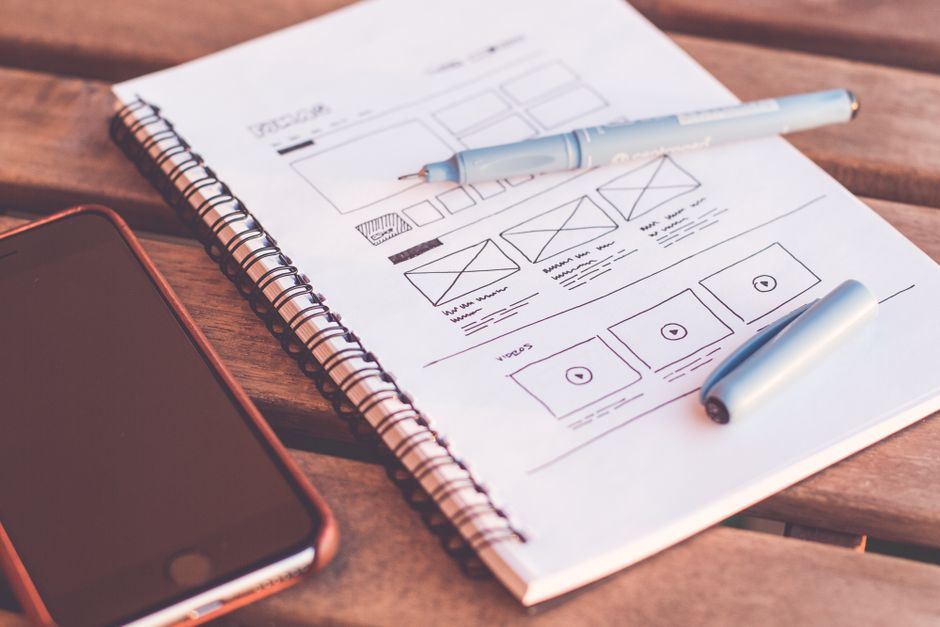
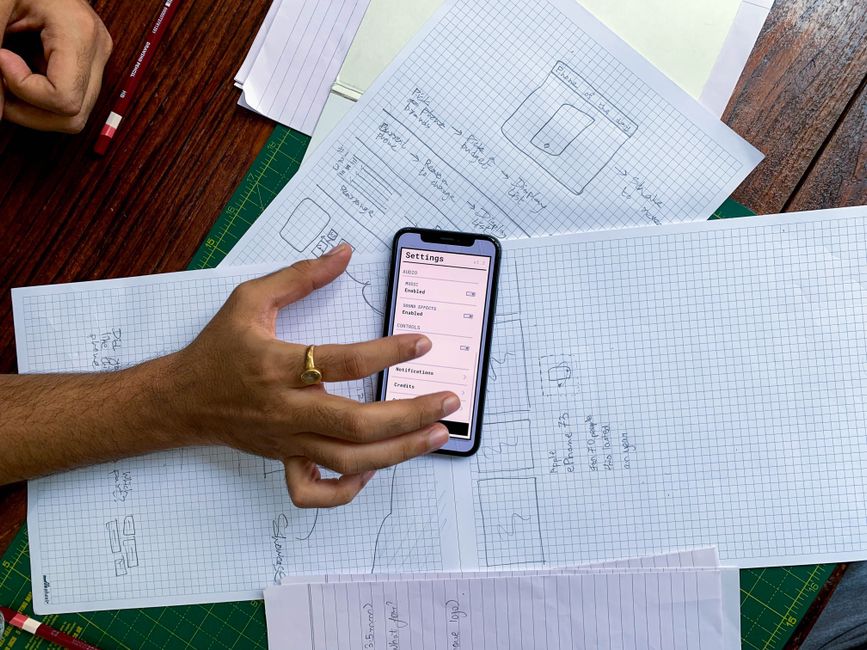
Pair this with simple, screen-by-screen descriptions where you can, the way the ShiftSwap example does above. You don’t need wireframing skills — a numbered list of screens plus rough sketches on paper or a free tool gives developers something concrete to build against instead of an abstract feature list.
Tips and Common Mistakes
Write out edge cases, not just the happy path. What happens if a user’s payment fails, their session times out, or they try to sign up with an email that’s already registered? Spelling out even a handful of these reduces the number of back-and-forth questions during the build.
Don’t skip the goals and success metrics section, even if it’s just one paragraph. Saying what you’re trying to achieve — more signups, faster checkout, higher retention — helps a development team make good judgment calls on the countless small decisions a written spec can never fully cover.
Bring developers in early, even just to review your draft, rather than finalizing everything alone first. A quick technical read-through before the document is “final” catches feasibility issues or missing details while they’re still cheap to fix.
If your developer or agency keeps asking the same clarifying questions, treat that as a signal the document itself is unclear, not that the team is asking too much. Update the requirements doc with the answer so the same question doesn’t resurface. Keep the document living, not static — six weeks into a build, it should still be the single source of truth.
Photos
mobile app requirements document example FAQs
Where can I find a real example of a mobile app requirements document?
See the full worked ShiftSwap example above — it shows a filled-in elevator pitch, user descriptions, MoSCoW-tagged user stories, non-functional requirements, and a screen list, which is the standard shape of a completed document regardless of what your app does.
What’s the difference between a requirements document and a PRD?
They overlap heavily. A product requirements document (PRD) is the more formal, product-management term and sometimes includes extra sections like business goals or go-to-market notes. A requirements document for a first app build is usually a leaner version focused on features, users, and scope.
Do I need wireframes or mockups to write this document?
No. A numbered list of screens with a one-line description of what’s on each one is enough for a developer to start from. Rough sketches help, but polished mockups aren’t required for the requirements document itself.
How long should a mobile app requirements document be?
For a first version of a simple app, two to five pages is typical. The goal is clarity, not length — a dense page with clear user stories and a MoSCoW-prioritized feature list is more useful than twenty pages of vague description.
Should I write the requirements document before or after getting development quotes?
Write a draft first, then share it when requesting quotes. A document with clear Must Have versus Could Have features lets agencies quote more accurately, and quotes that come back wildly different in scope usually mean the document needs another pass for clarity.
Build It With GTStudios
Need help with your website, app, or small-business tech? GTStudios builds web, apps, and software for small businesses. See how GTStudios can help.
Want dev news in your inbox? Subscribe to the free newsletter.